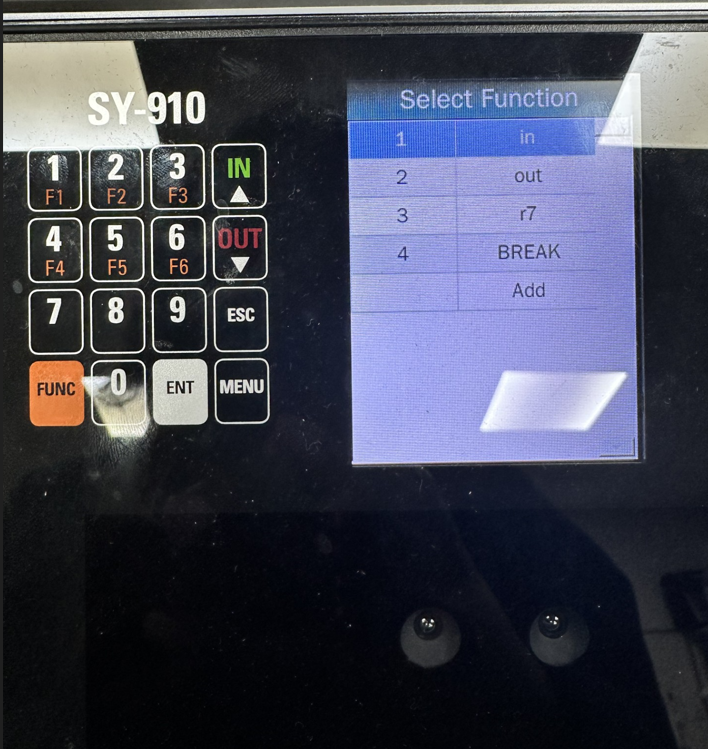
Synergy SY910 Creating the Break Function
SY910, Synergy1. Press Menu
2. Press the number 5 (System Settings)
3. Press the number 3 (Attendance)
4. Press the number 4 (Work Codes)
5. Press the number 2 (List)
6. Use the arrows(IN and OUT) to navigate to the Add option, then press ENT.
7. In the field named ID type number 4
8. In the field named NAME type Break (you can use capital letters by pressing FUNC and then MENU)
9. Once completed, press ENT