Delete Finger Template
To delete an employees Finger Templates you will need to navigate to:
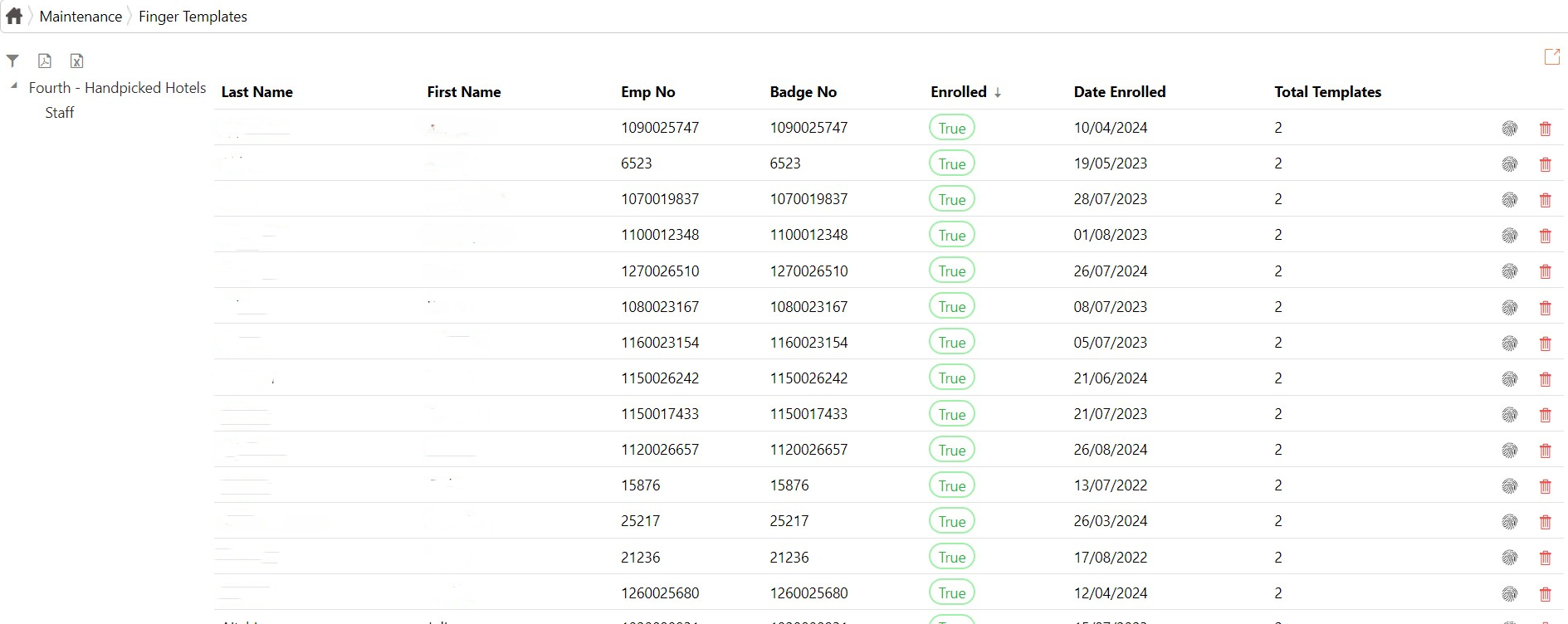
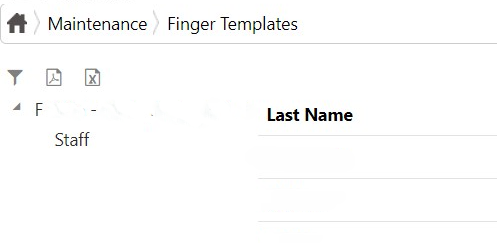
- Menu - Maintenance - Finger Templates. Which will take you to this page:
2. To search the name of the employee who's finger template you want to delete click on the filter buttonwhich is located on the left hand corner of the screen.
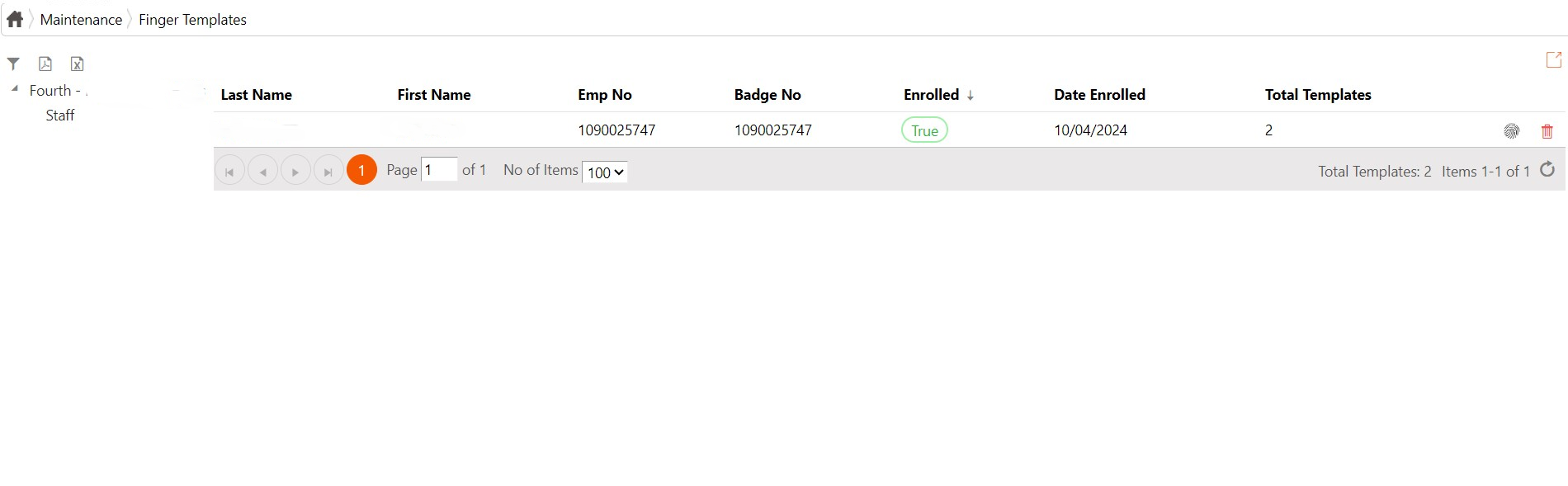
3. This will open a search bar which you can use to find a specific employee. Enter the name of the employee and press search.
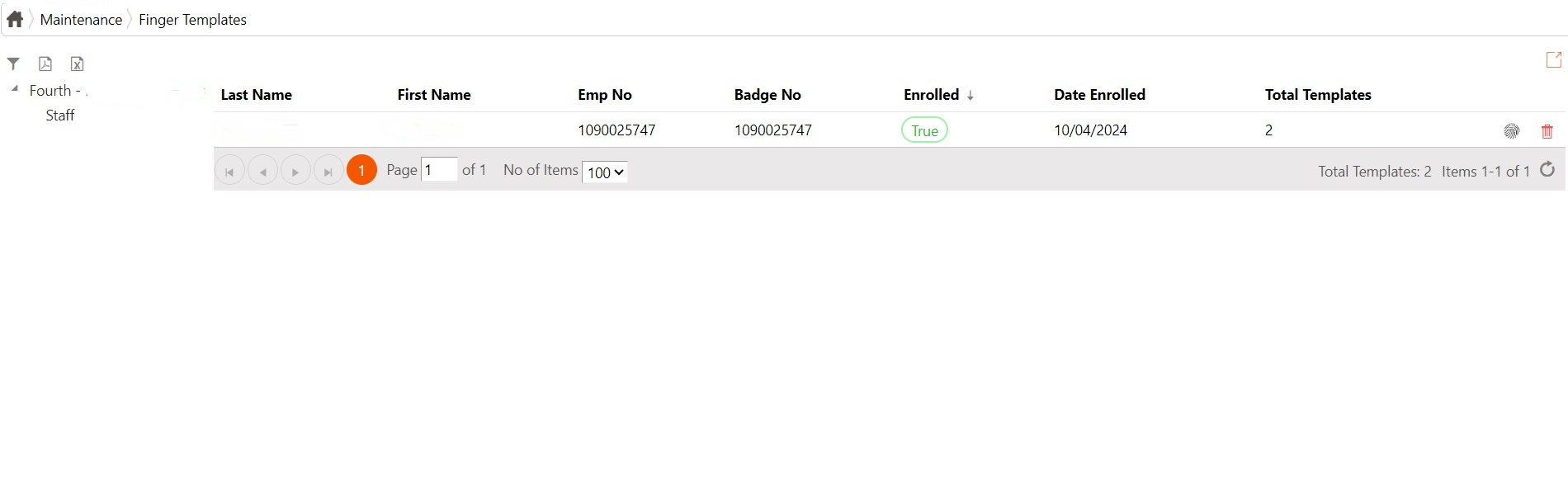
4. When the employee has come up, click the bin buttonThis will delete the employee's finger template from the middleware.next to their name to delete their template. It is located next to the 'total templates' column.