Daily Activities
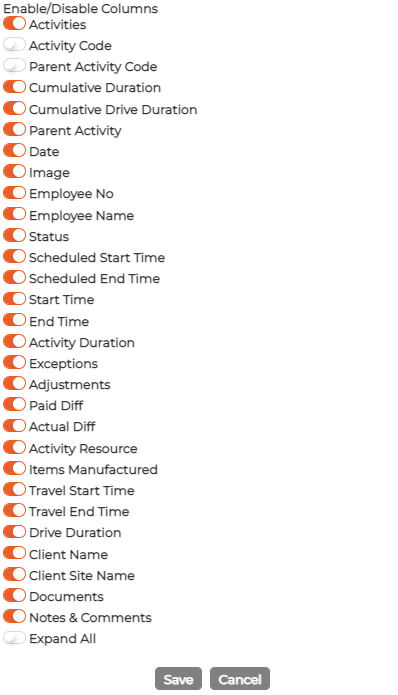
Daily Activity screen gives a quick snapshot of all the projects/tasks/jobs that you are part of. Users can see the status of the projects/tasks/jobs, the number of tasks completed, start and end date, planned and actual time, travel time and more. The fields displayed can be customized to show custom fields or even disable fields.
Single screen allowing user(s) to add/delete/modify multiple transactions on multiple days at the same time as well It provides:
- Standard Search facility by employee no, name, department
- Filter information by date range
- Filter by Activities and Status
- Displays exceptions generated based on Scheduled vs actual time of the activity
- Sort columns Ascending/descending order
- Allows inserting manual activity start/end time.
- Amend existing activity times of the employee
- Allows viewing/adding notes and documents.
User can enable/disable columns as required from settings screen as well
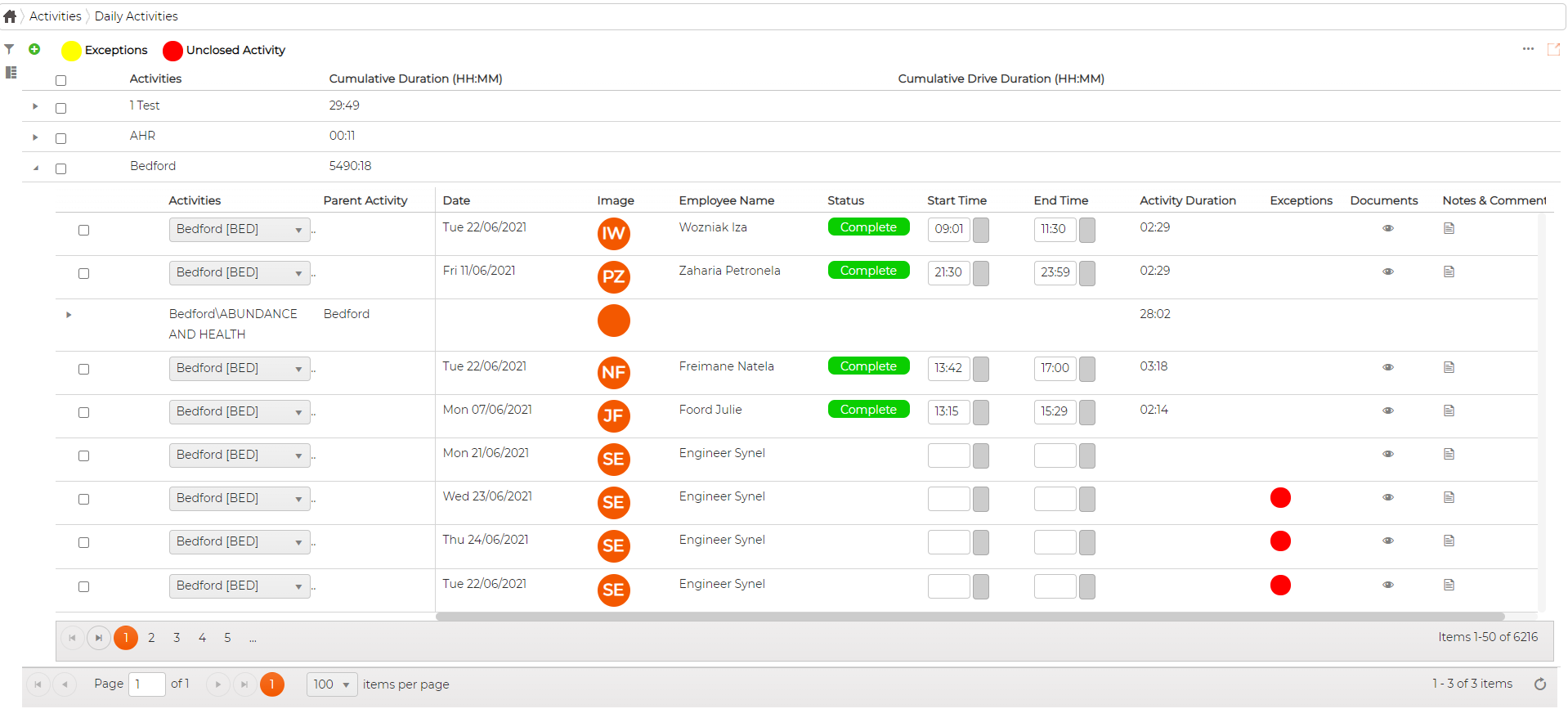
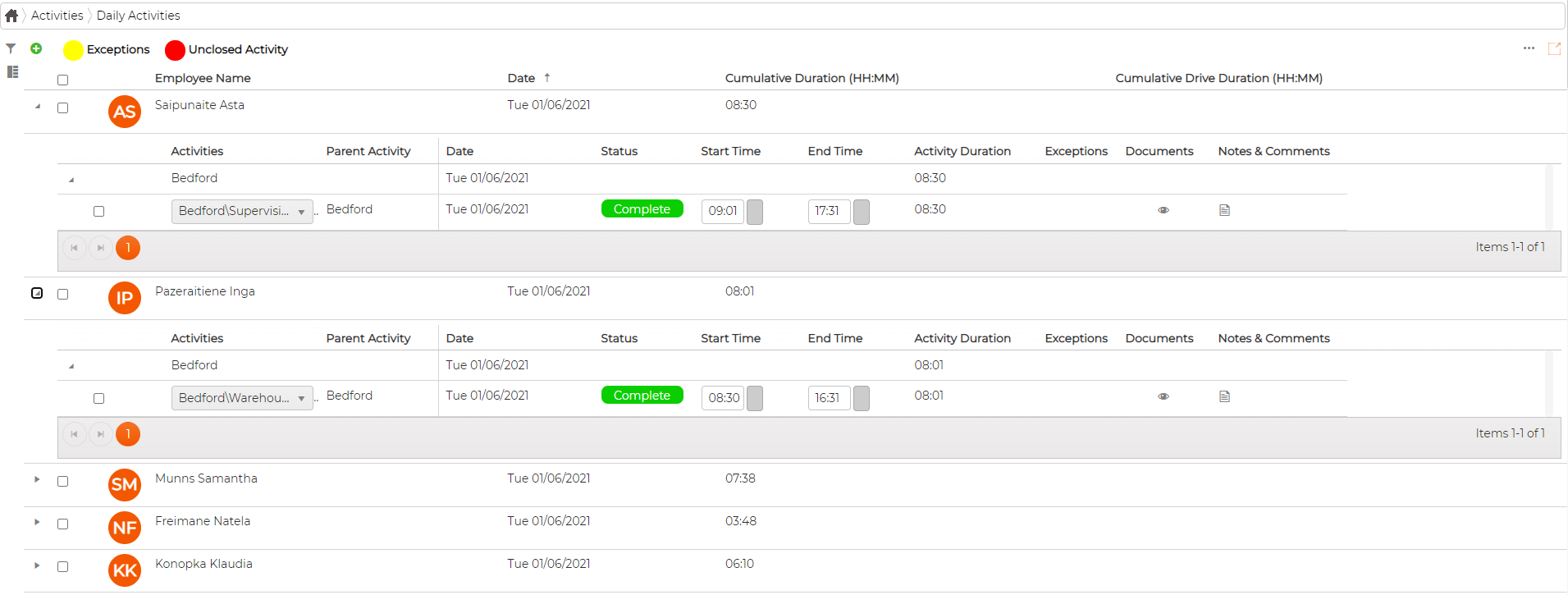
Further, the screen can be viewed By Activities or By Employees
By Activities
Provides overall project view with cumulative total time spent depending on the date range selected Further, managers can drill down to individual child level to see the detailed information
By Employees
Provides detailed information for each day for all employees