
How to sync an employee to SY910
SY910Also covers: How to sync an employee to Synergy A
If you have made any changes to an employees templates on the Synel platform (such as adding pin so they use that instead of face recognition) then the following must be done to sync the employee to the device and the Synel platform.
1. Log into the Synel platform and navigate to 'Synergy Face WS Devices' page. Then select the 'By Employees' tab.
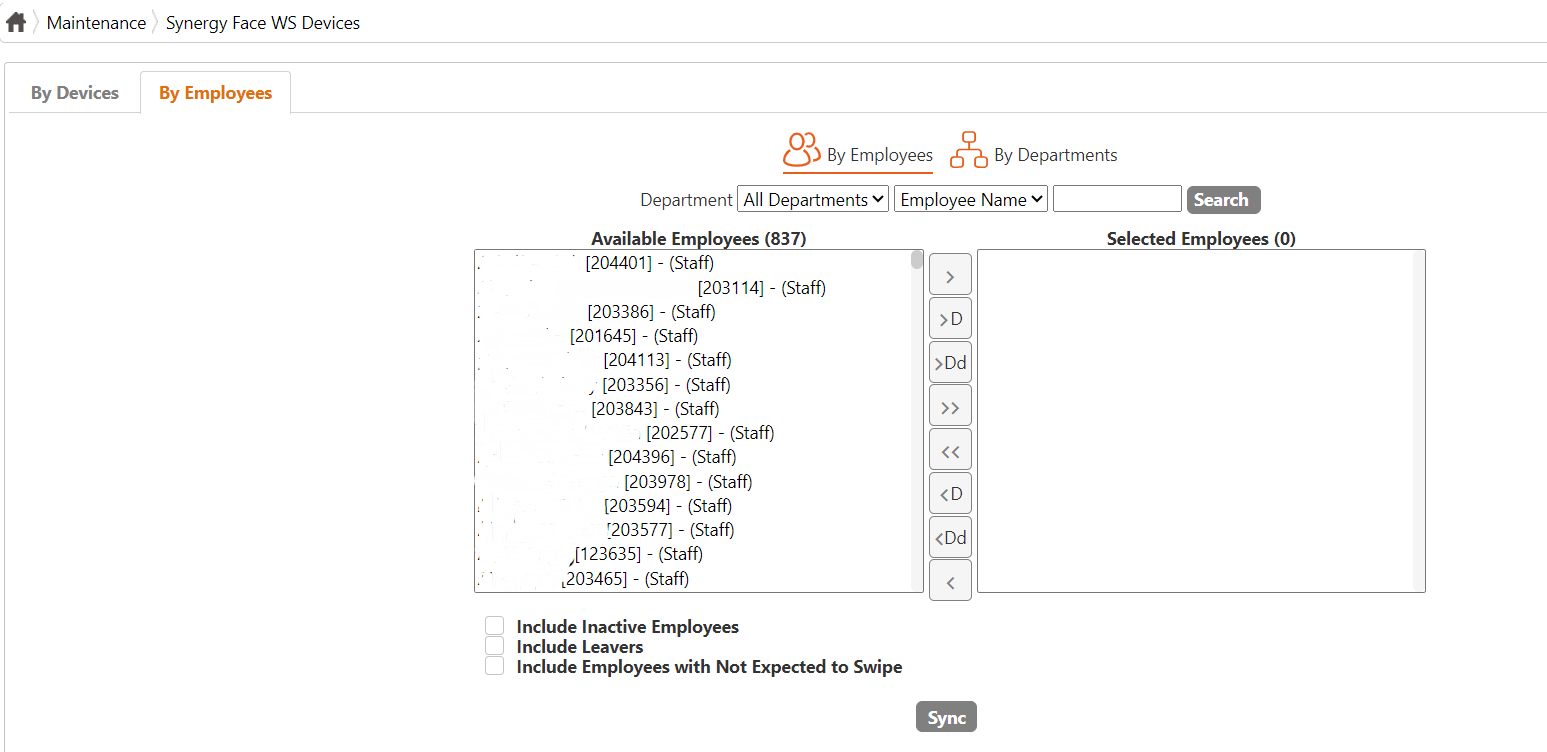
2. Here you will need to search up the employee using the search field provided. Select the employee and press sync.
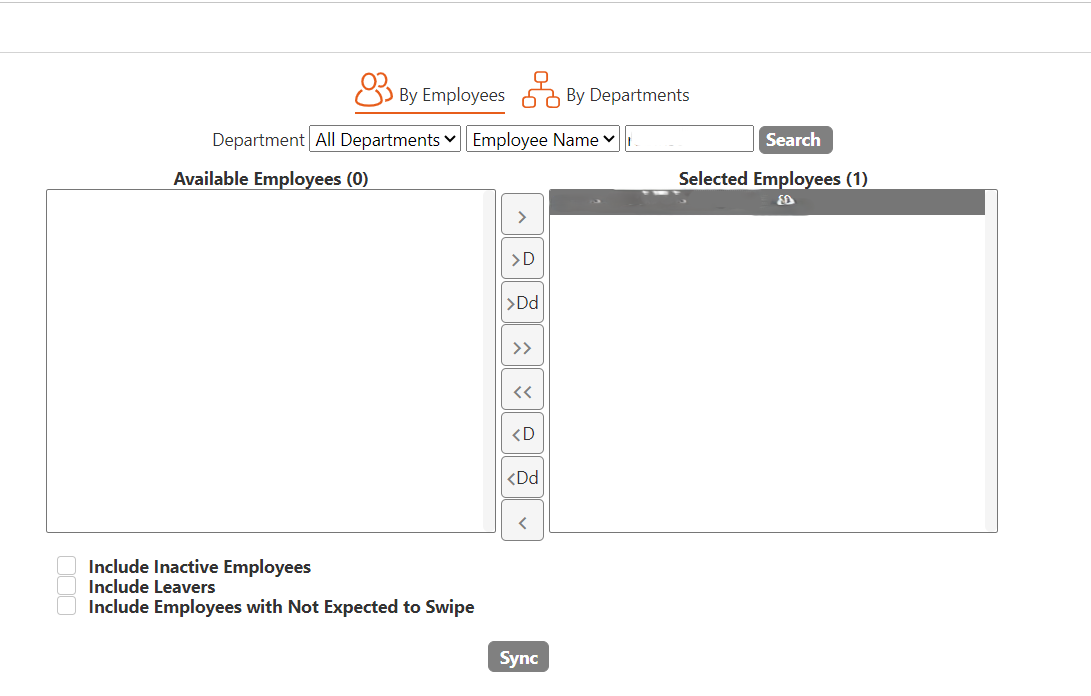
After this the sync should happen and a notification will show up on the page.
1. Log into the Synel platform and navigate to 'Synergy Face WS Devices' page. Then select the 'By Employees' tab.
2. Here you will need to search up the employee using the search field provided. Select the employee and press sync.
After this the sync should happen and a notification will show up on the page.