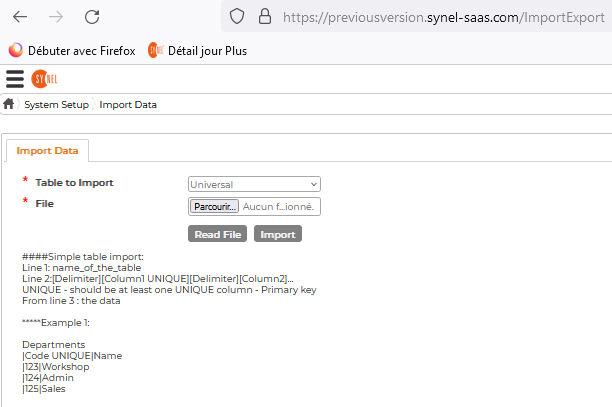
Universal Import in Synergy Workforce v5.5.0
SynergyThe full text:
Simple table import
Line 1: name_of_the_table
Line 2:[Delimiter][Column1 UNIQUE][Delimiter][Column2]...
UNIQUE - should be at least one UNIQUE column - Primary key
From line 3: the data
Example 1: Departments
|Code UNIQUE|Name |123|Workshop |124|Admin |125|Sales
Example 2: Employees
,Code UNIQUE,ContactEmail ,A4455,A4455@test.com ,1234,1234@test.com
Import with reference table
Line 1: name_of_the_table
Line 2:[Delimiter][Column1=RefTable.RefColonne UNIQUE][Delimiter][Column2]...
UNIQUE - should be at least one UNIQUE column - Primary key
RefTable - Table where the value is taken from
RefColonne - Column where the value is taken from
From line 3: the data
Example 3
The table to import into is [EmployeeCustomFieldsValues]
The fields of that table are [EmployeeCustomFieldId],[EmployeeId],[Value]
The first reference table is [EmployeeCustomFields]
[Name] is a field of [EmployeeCustomFields]
The file imported has the name of the custom field EmployeeCustomFields.Name from which is deducted the EmployeeCustomFieldId
The second reference table is [Employees]
[Code] is a field of [Employees]
The file imported contains the employee code Employees.Code from which is deducted EmployeeId
The file to import:
EmployeeCustomFieldsValues |EmployeeCustomFieldId=EmployeeCustomFields.Name UNIQUE|EmployeeId=Employees.Code UNIQUE|Value |Function|A012|Driver |Telephon|A012|022001234 |Country|A012|UK