
ISL remote support on Synergy Touch
SynergyThis sets up ISL remote support on a Synergy Touch terminal so the device can be reached remotely.
On the Synergy Touch, open the ISL app, then open Settings using the three vertical dots in the top right corner.
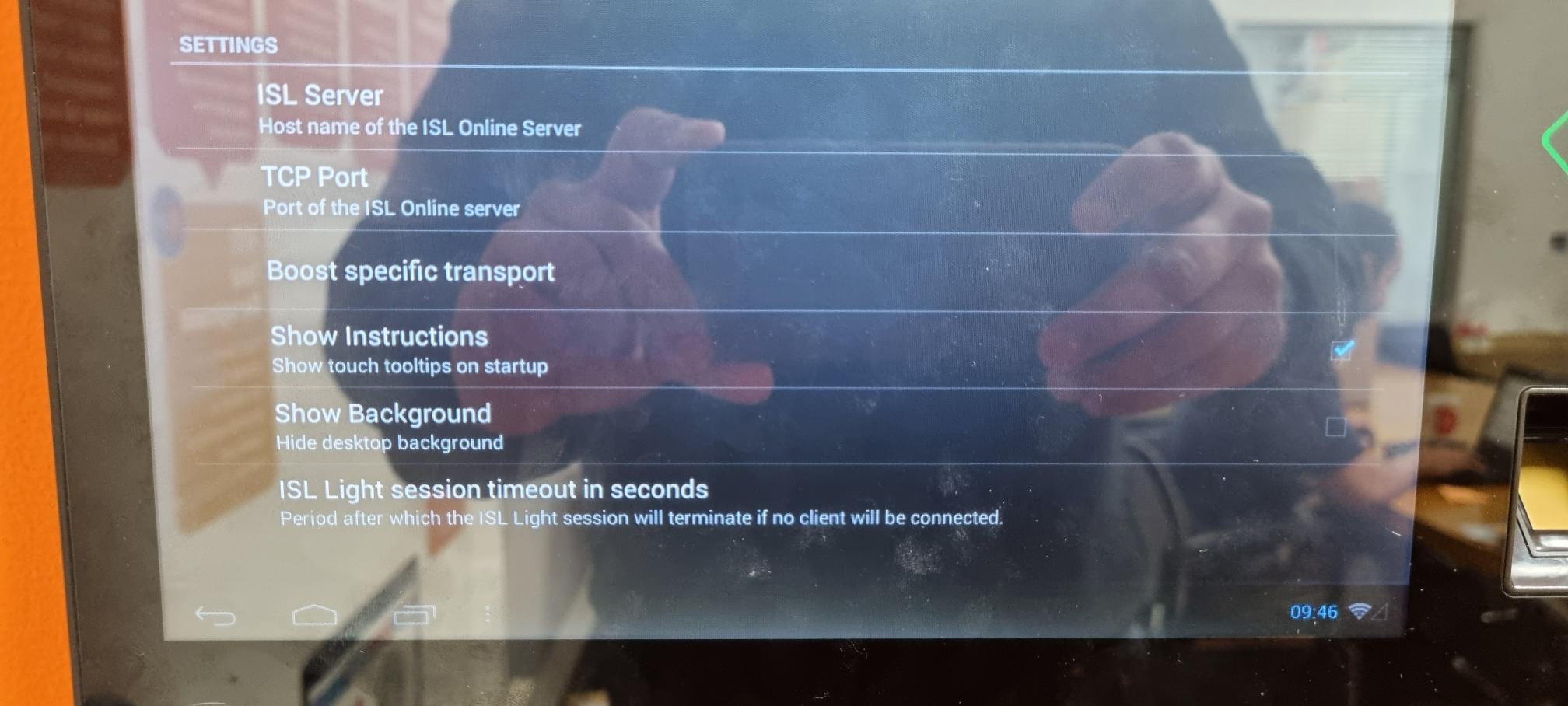
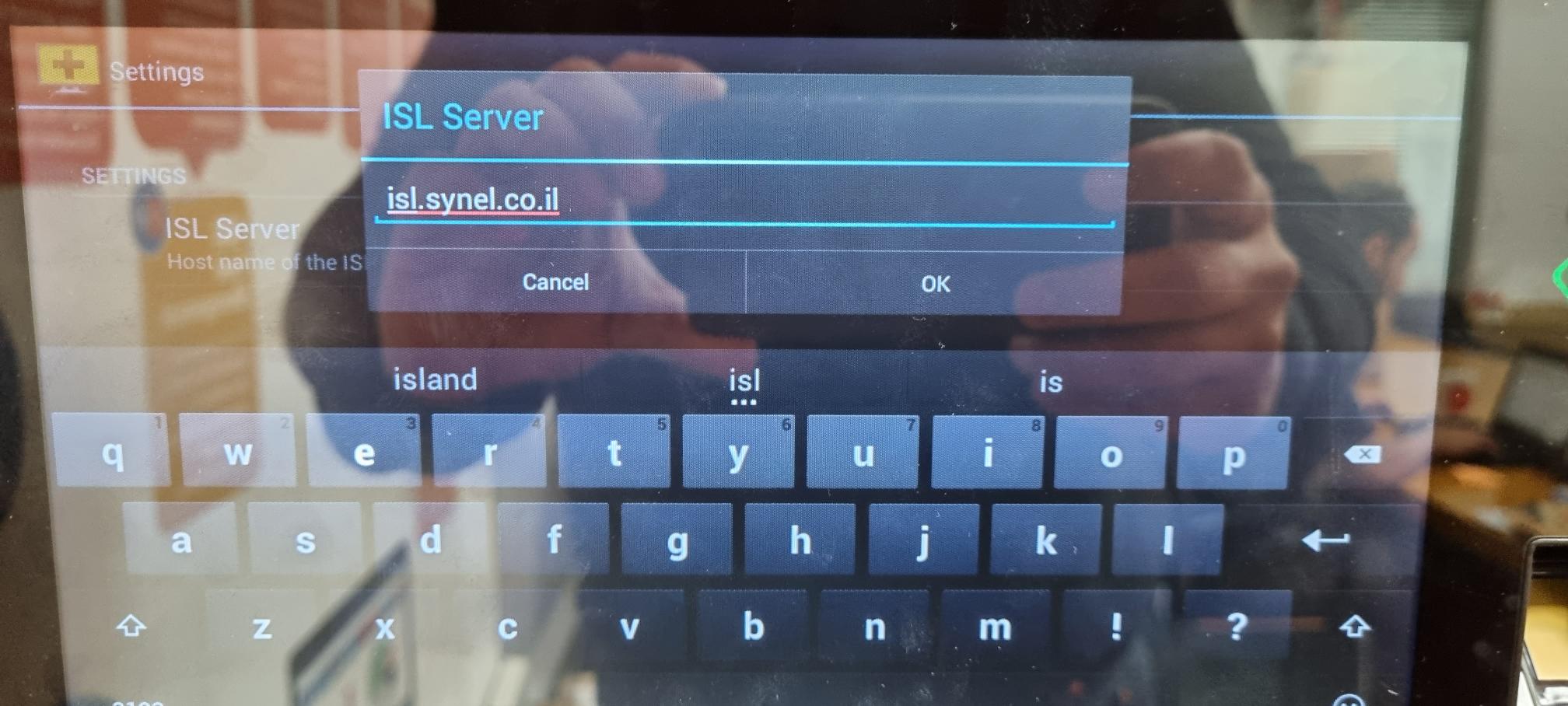
Set ISL Server to isl.synel.co.il and confirm with OK.
Generate a session code from the Synel ISL account and enter it on the device. The session then connects.