
Clearing Login Notifications
Follow these steps to successfully remove the notifications that display when logging into the Synel portal.
1. Login to the portal
2. If a notification box like the image below is displayed, you can switch it off to not show again by clicking the 'Don't show again' switch, then the 'close' button:
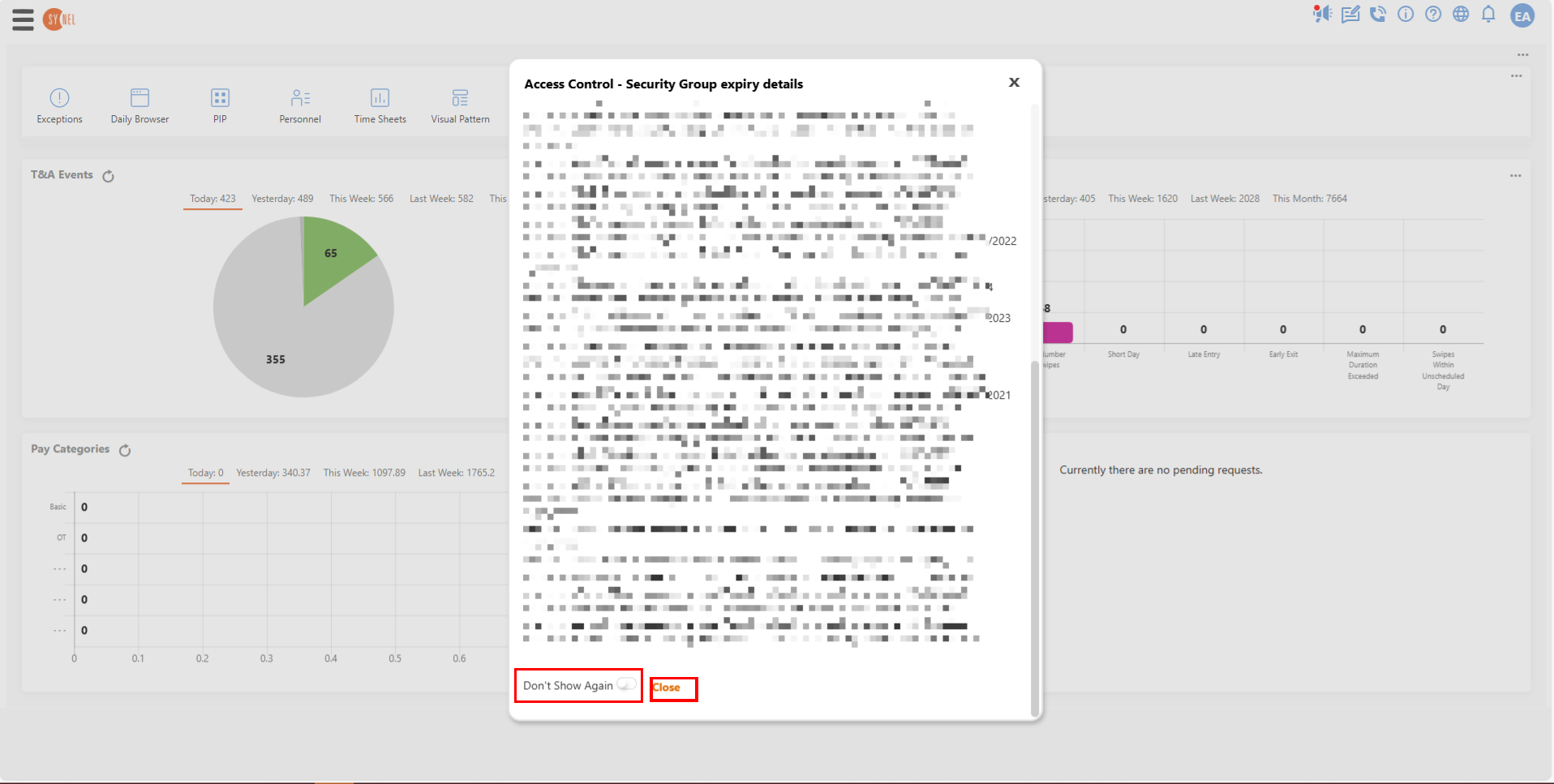
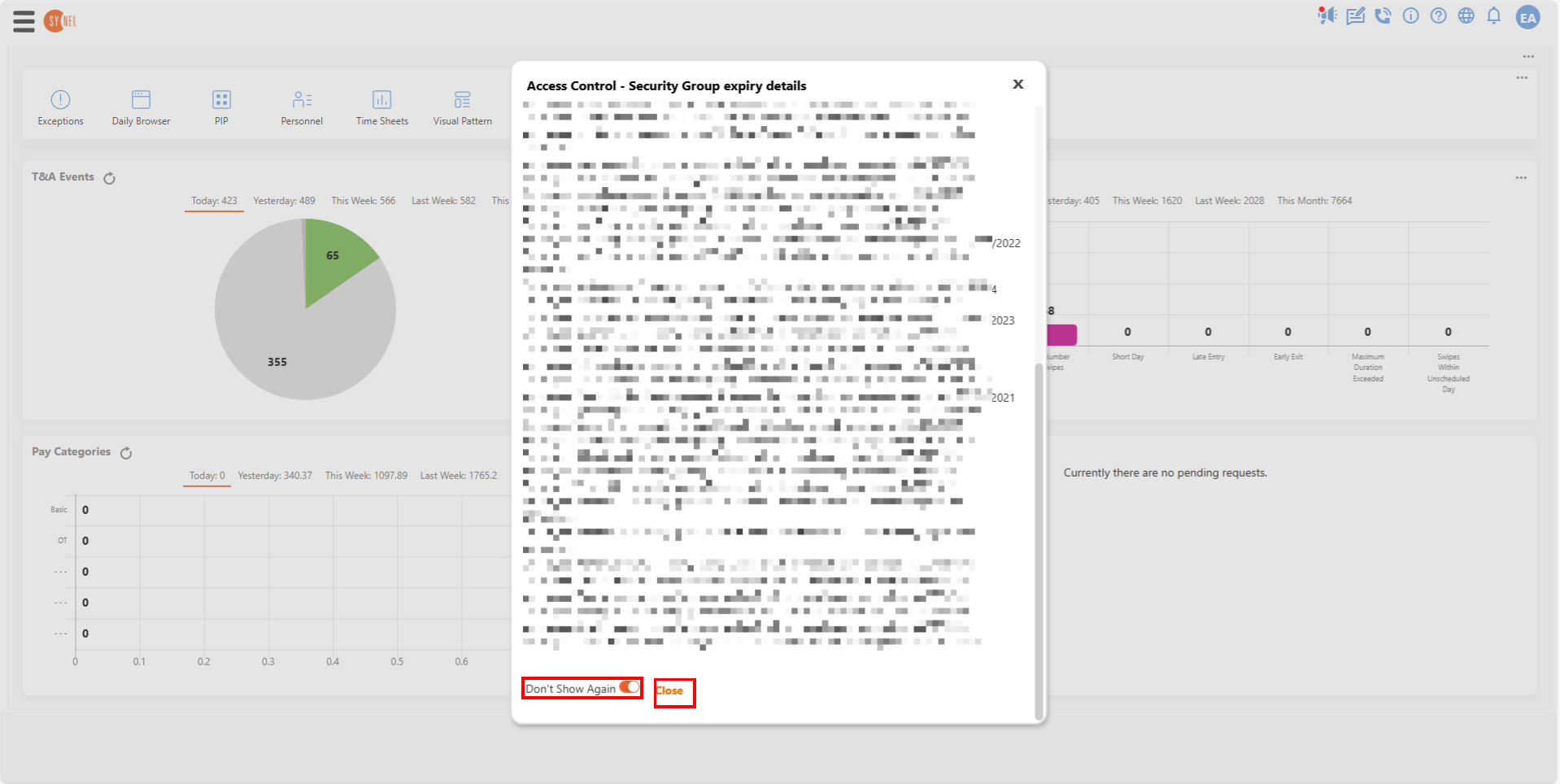
It will not show again on your next login when this is done.
1. Login to the portal
2. If a notification box like the image below is displayed, you can switch it off to not show again by clicking the 'Don't show again' switch, then the 'close' button:
It will not show again on your next login when this is done.