
Finger Templates Management
This screen lists employees' finger templates and lets you enrol or remove them. Find it under Menu > Maintenance > Finger Templates, or Menu > Maintenance > Finger Enrolment.
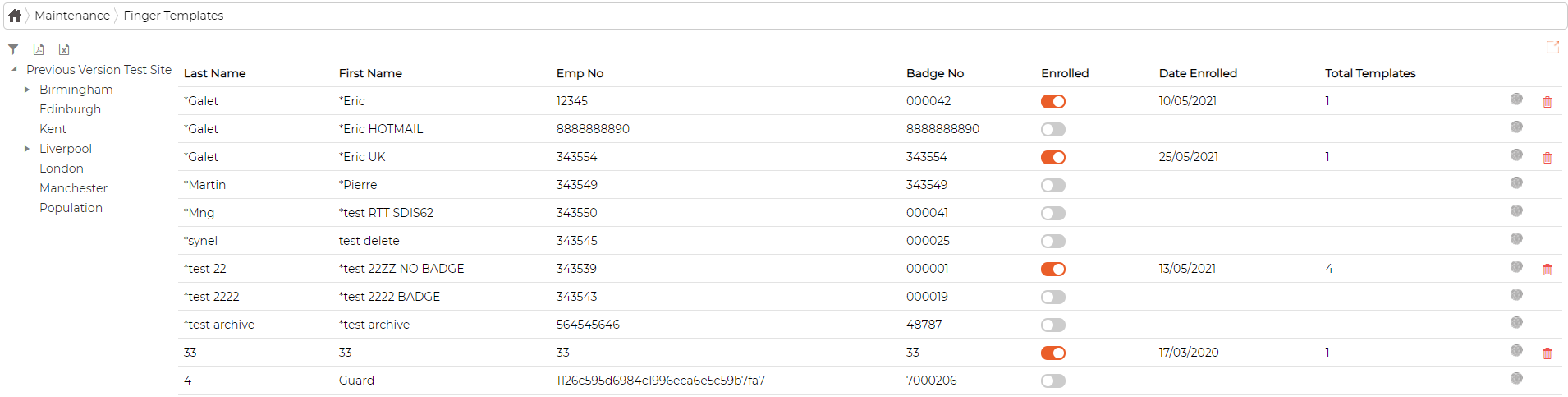
Each row shows whether the employee is enrolled, when they were enrolled, and how many templates they have. To enrol someone, click the enrol icon on their row; to remove their templates, click the delete icon, which deletes them from the database.