
EPOS Sales
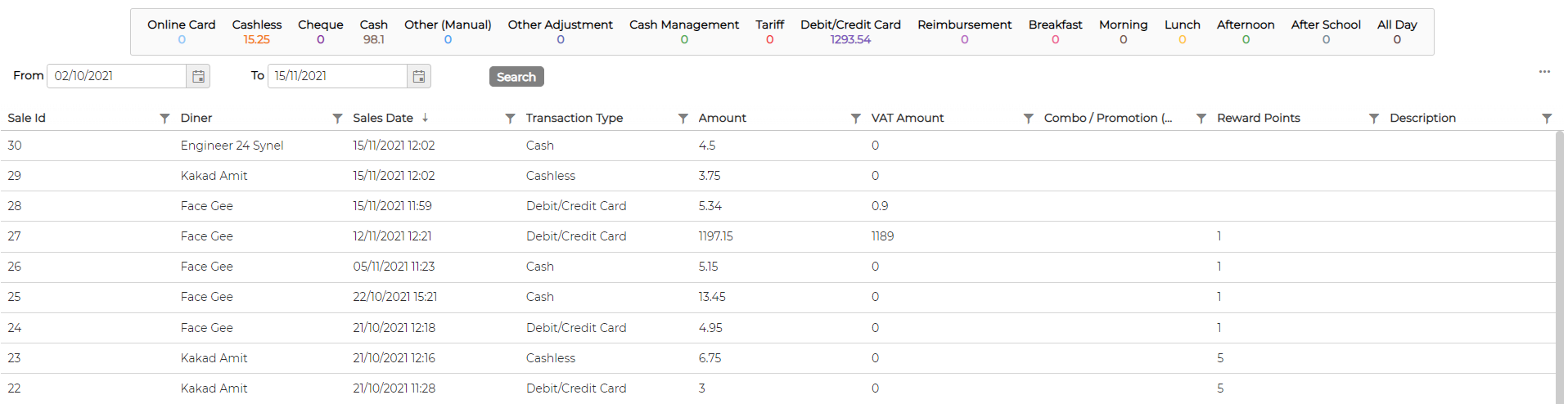
EPOSSales screen allows user to see all the transactions in detail by each individual diner
Sales items syncs automatically from all available EPOS Till in the database
Sales items syncs automatically from all available EPOS Till in the database
- User can filter data by Date Range
- Counter display the cumulative figures based on the date range selected
- User can further filter the data as required on the screen by each individual columns
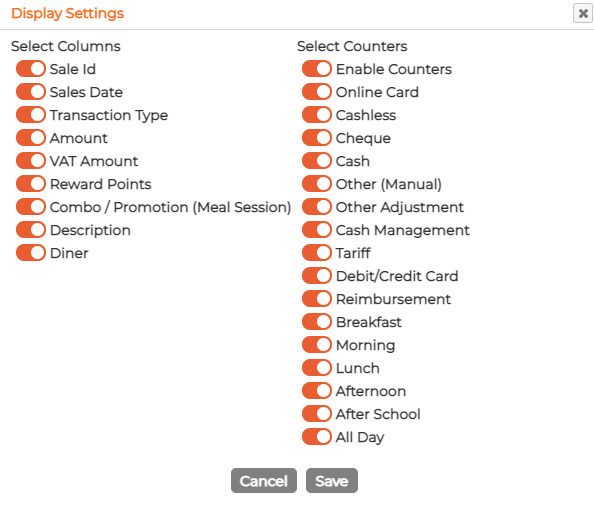
- User has option to switch ON/OFF both counters items and Columns by clicking on
 icon on top left corner