Personnel Reports
SynergySynergy Workforce includes a set of built-in personnel reports. Each report has a description of what it produces, and a preview icon that shows a sample PDF. You can mark a report as a favourite, which then appears under Menu > Reports > Favourites.

Click the generate icon on a report's row to run it.
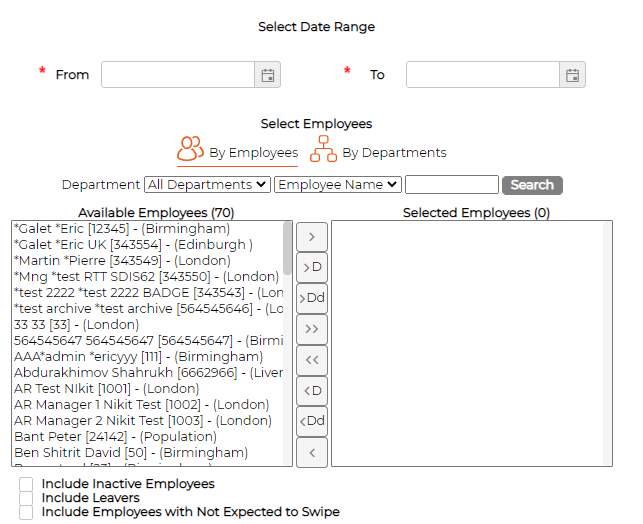
Most reports start with a date range and a choice of employees, either by employee or by department.
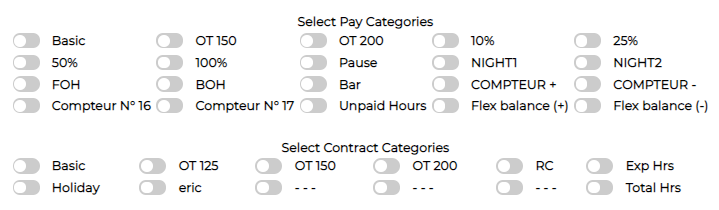
Some reports also let you choose Pay Categories and Contract Categories to include.
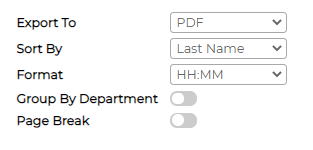
Most reports share the same output options, such as Export To, Sort By and Format.