
How to Delete an Employee's Face Template for SY910
SY910, SynergyAlso covers: How to Delete an Employee's Finger Template for Synergy A
If you want to delete an employees template on the Synel platform then follow these steps to do so successfully.
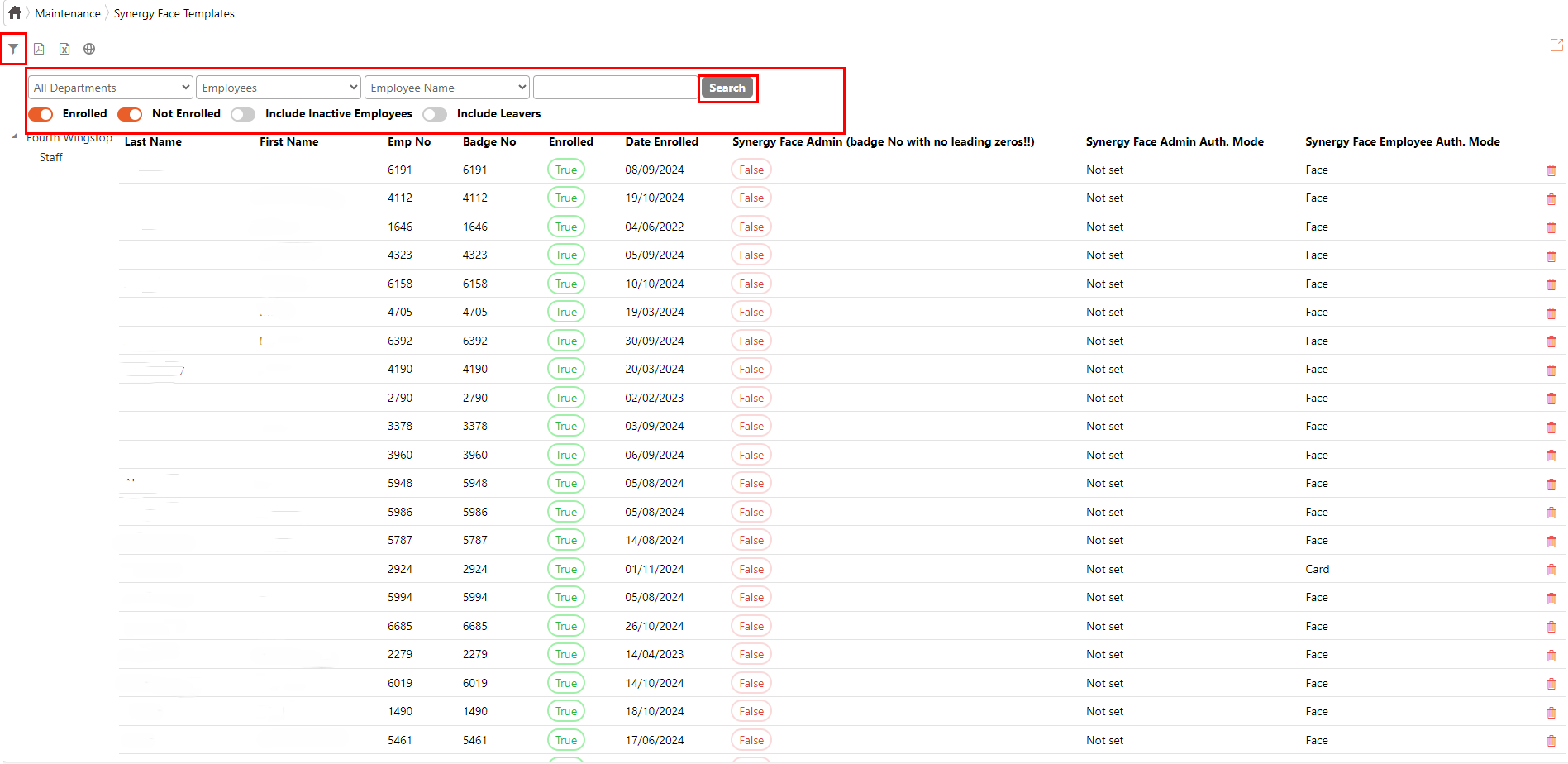
1. Navigate to 'Synergy Face Templates' and click on the button to search for the employee. Click on the search button after entering the employees details.
2. Delete the template for the employee by clicking the button next to the employees name and details when results show.
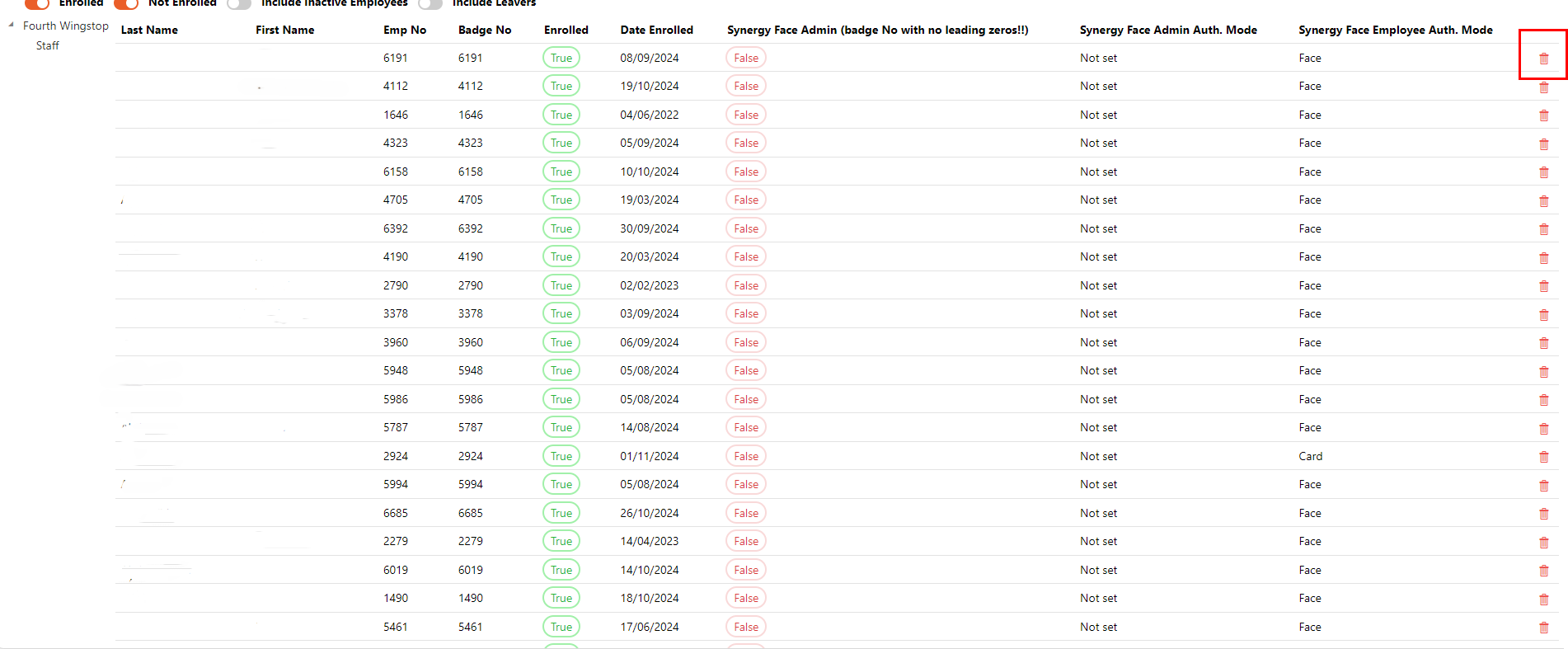
This will remove the users template off the Synel platform.
1. Navigate to 'Synergy Face Templates' and click on the
button to search for the employee. Click on the search button after entering the employees details.2. Delete the template for the employee by clicking the
button next to the employees name and details when results show.This will remove the users template off the Synel platform.