
Daily Details
Daily Detail screen, allows user(s) to add/delete/modify transactions on a daily basis.
Users can filter Daily details by departments, employee name, number or badge numbers.
User can even include leavers and Inactive employees in the list if required.

By clicking on Edit icon against the employee, user can see full visibility of all the calculation happening for the date and employee selected
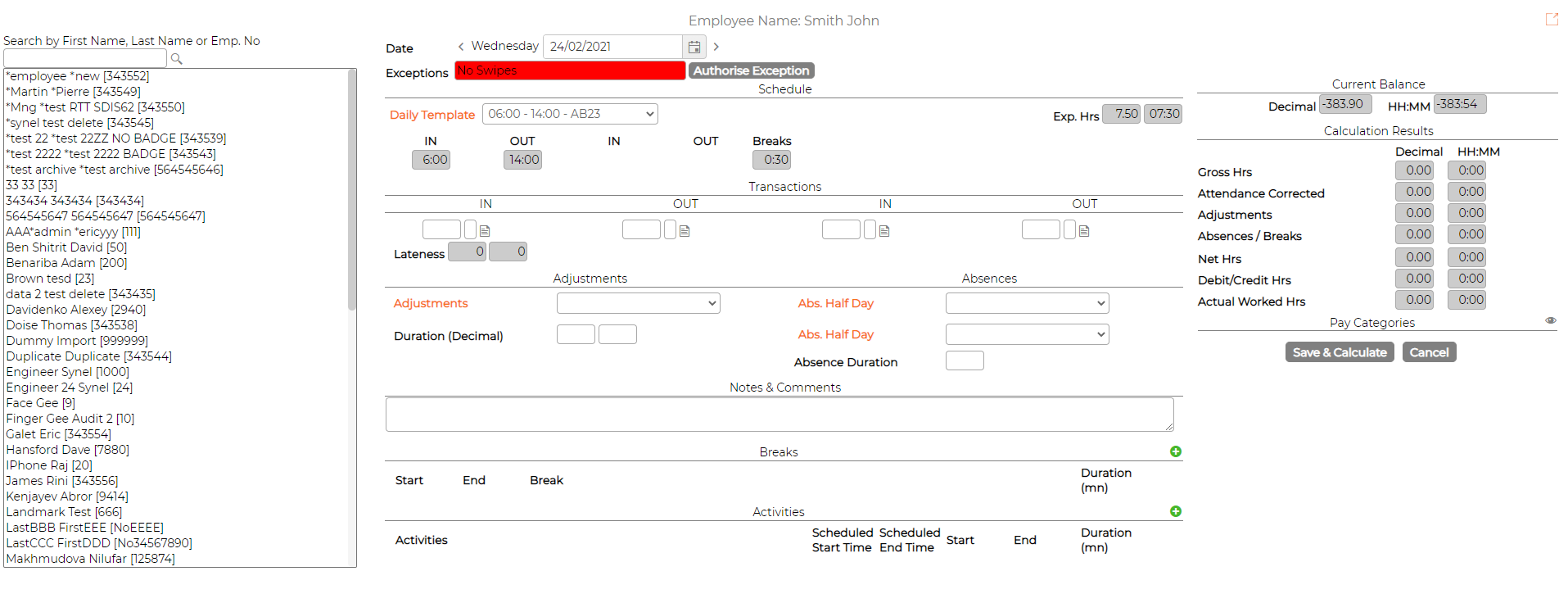
1. Search Option and employee selection
Allows users to filter employees and select the employee to view their detailed calculation on right hand side
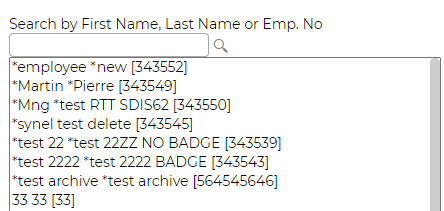
2. Date field
User can select/change the date by clicking the calendar icon.

3. Exception
Allows user to authorise exception 1 at a time

4. Schedule
Displays and allows user to change the shift per day.

5. Transactions
Displays the actual swipes performed by employee. It also calculates the lateness.
Allows user to add/edit swipes if required. (Manual transaction inserted will be indicated with* against it)

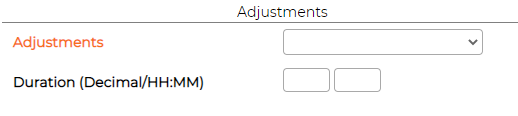
6. Adjustments
Allows user to make adjustment to the daily calculation in both decimal and hh:mm format
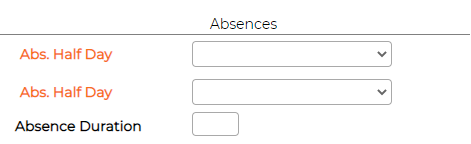
7. Absences
Allows user to book absence for the day
8. Notes and Comments
Allows user to add notes for the day.

9. Breaks
Displays break transactions.
Allows user to add/edit break transactions if required. (Manual transaction inserted will be indicated with* against it)
10. Activities
Additional Module "Time Costing" required!
Displays activity transactions
Allows user to add/edit activity transactions if required. (Manual transaction inserted will be indicated with* against it)
11. Balance and Calculation
Calculated and displayed automatically based on swipes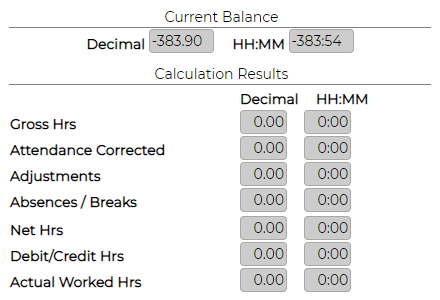
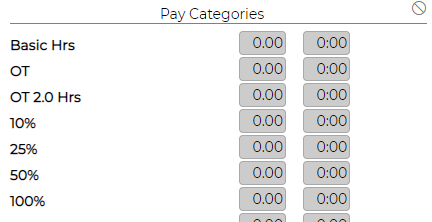
12. Pay Categories
Displays daily net hours into various pay categories based on the shift rule defined
Users can filter Daily details by departments, employee name, number or badge numbers.
User can even include leavers and Inactive employees in the list if required.
By clicking on Edit icon against the employee, user can see full visibility of all the calculation happening for the date and employee selected
1. Search Option and employee selection
Allows users to filter employees and select the employee to view their detailed calculation on right hand side
2. Date field
User can select/change the date by clicking the calendar icon.
3. Exception
Allows user to authorise exception 1 at a time
4. Schedule
Displays and allows user to change the shift per day.
5. Transactions
Displays the actual swipes performed by employee. It also calculates the lateness.
Allows user to add/edit swipes if required. (Manual transaction inserted will be indicated with* against it)
6. Adjustments
Allows user to make adjustment to the daily calculation in both decimal and hh:mm format
7. Absences
Allows user to book absence for the day
8. Notes and Comments
Allows user to add notes for the day.
9. Breaks
Displays break transactions.
Allows user to add/edit break transactions if required. (Manual transaction inserted will be indicated with* against it)
10. Activities
Additional Module "Time Costing" required!
Displays activity transactions
Allows user to add/edit activity transactions if required. (Manual transaction inserted will be indicated with* against it)
11. Balance and Calculation
Calculated and displayed automatically based on swipes
12. Pay Categories
Displays daily net hours into various pay categories based on the shift rule defined