
Remuneration
The Remunerations tab on an employee's record holds pay-related items such as bonuses or commission, each with an optional supporting document.

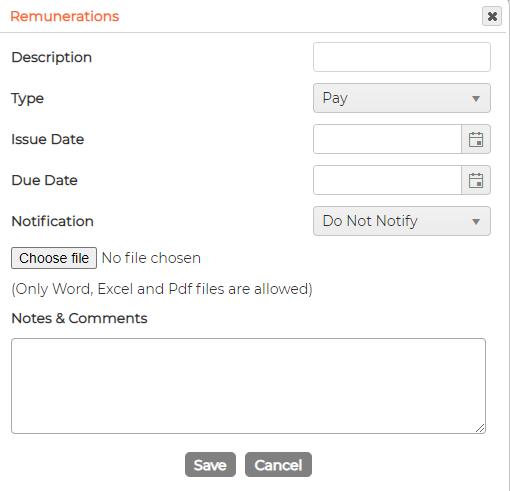
To add one, click the green plus, complete the form and click Save:
- Description
- Type, for example Pay or Bonus Commission
- Issue date (optional)
- Due date (optional)
- Notification (optional)
- A file to attach, Word, Excel or PDF only (optional)
- Notes and comments (optional)
For a notification to email anyone, the employee must have notification managers set against them.
To change an entry, click the pencil icon on its row. To remove one, click the bin. The view icon opens an entry without editing it.