
Daily Templates (Shifts) - Copy/Paste SQL Scripts
This screen copies the custom SQL statements attached to one daily template across to others, which saves redoing them by hand. Find it under Menu > Maintenance > General, on the Copy/Paste SQL Statements from Daily Template tab.
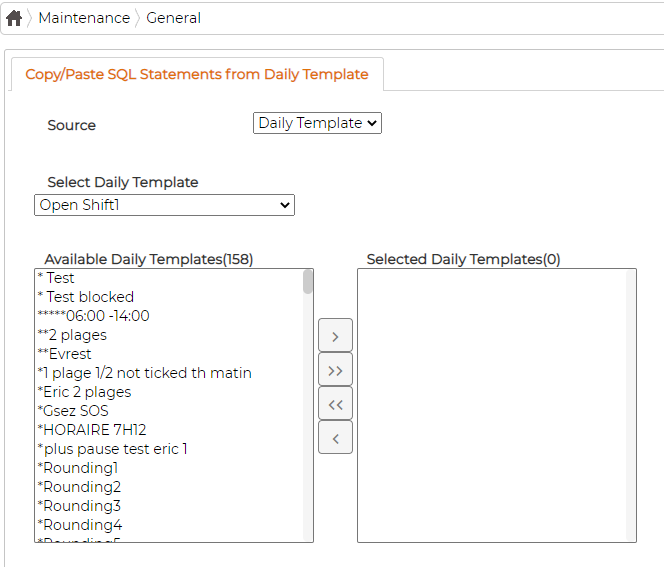
Choose the template to copy from in Select Daily Template, then move the templates you want to copy to from Available Daily Templates into Selected Daily Templates. The source template's SQL statements are then applied to the selected ones.