
Synergy 5 - Enabling Admin on profile
SynergyFollow the steps below to successfully enable Admin access to a personnel profile on Synergy 5:
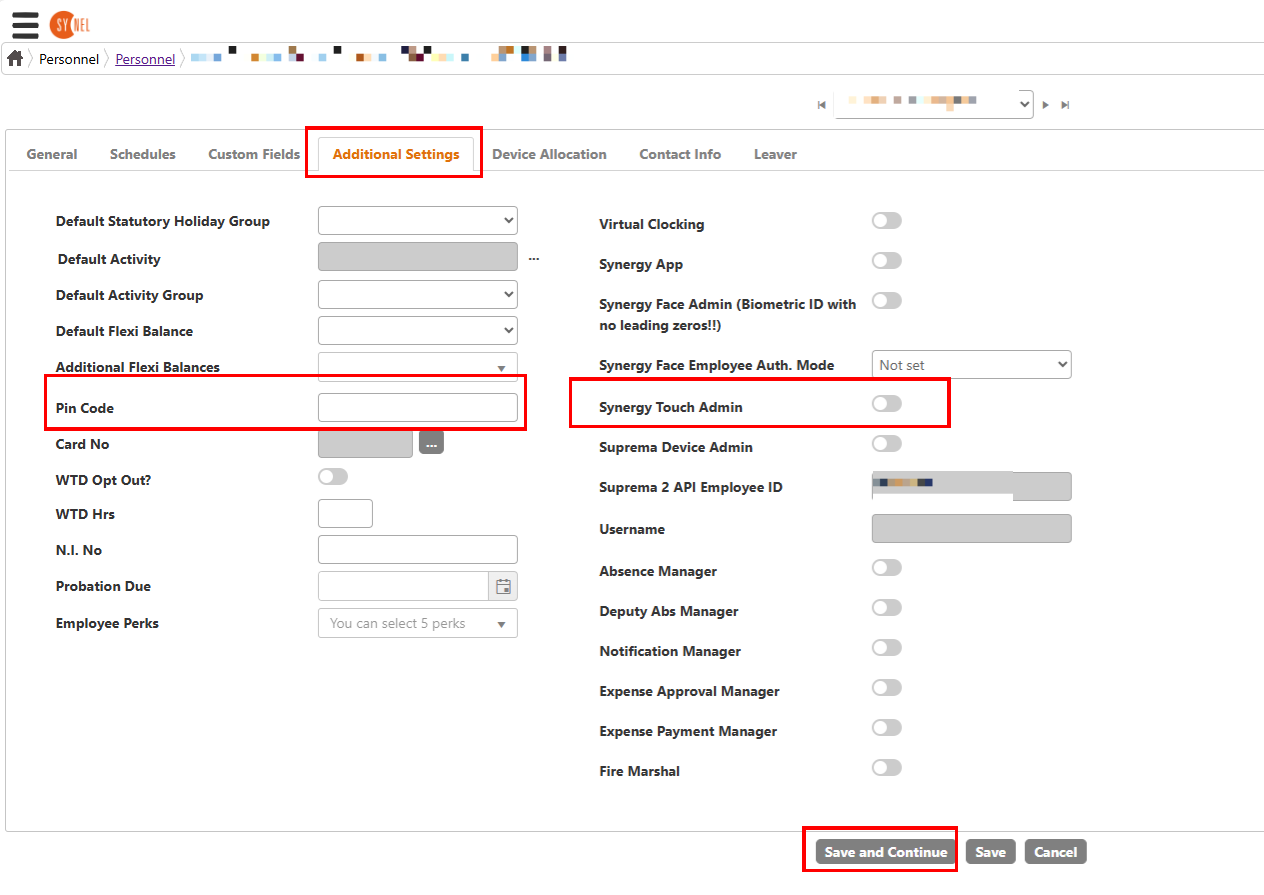
- Go to personnel and open the profile of the person you want to apply the change to, then click on the 'additional settings tab'
- Enter the Pin code and enable the 'Synergy Touch Admin' switch then press save.