
Synergy Face 910 - Admin Management Guide
SynergyYou can setup admin of the device in 2 ways:
1. Synergy Workforce GUI
2. On Device
1. Synergy Workforce GUI
Setup employee as an admin
Employee must have either Face template enrolled or Card no assigned or Pin no assigned before selecting the Admin Authentication mode
d. Go to Maintenance screen - Synergy Face Device WS - Employees Tab, select the employee and click on Sync.
2. On Device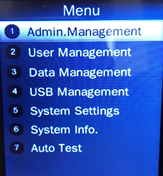
Set Admin.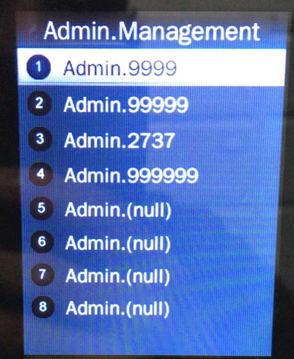
Admin. Types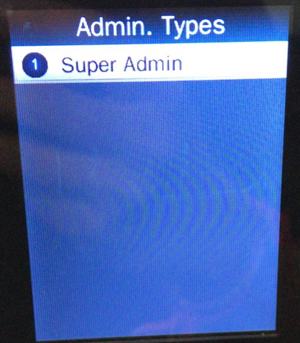
Verification modes: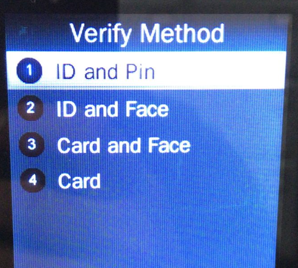
For Face enrolment, please follow the guide - https://desk.zoho.eu/portal/synelindustriesuk/en/kb/articles/employee-face-enrolment-guide
Admin Verification
Press MENU to activate admin verification process.
Select a registered admin. account to modify or delete this account.
1. Synergy Workforce GUI
2. On Device
1. Synergy Workforce GUI
Setup employee as an admin
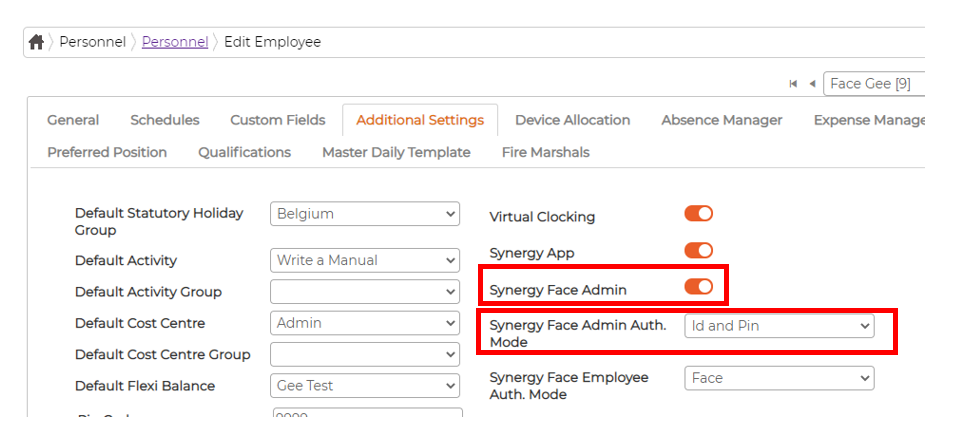
- Go to Personnel screen and edit respective employee
- Go to Additional Settings Tab
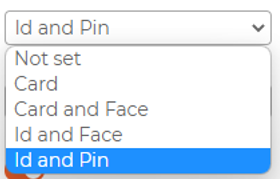
- Switch ON "Synergy Face Admin" and select the Admin Auth. mode from the drop down option
Employee must have either Face template enrolled or Card no assigned or Pin no assigned before selecting the Admin Authentication mode
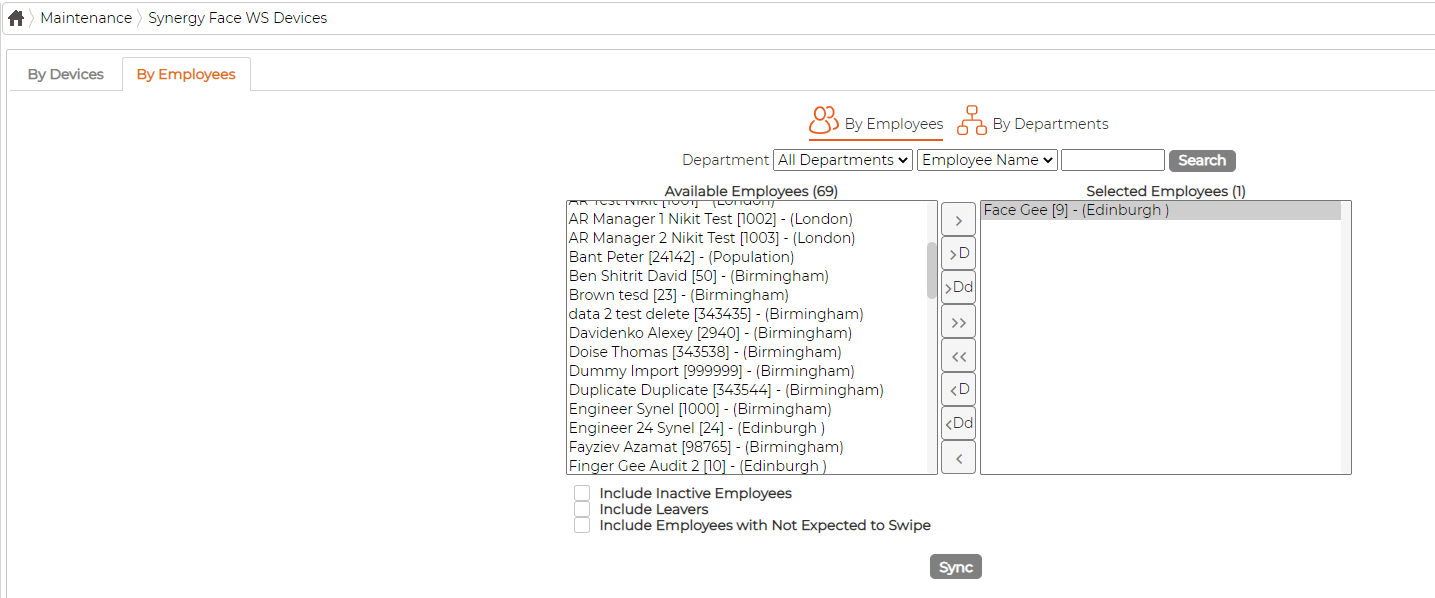
d. Go to Maintenance screen - Synergy Face Device WS - Employees Tab, select the employee and click on Sync.
2. On Device
- Press Menu
- If admin exists on device, it will ask to Verify.
- If no admin exists on device, it will show the menu options
Set Admin.
- Device allows up to 8 admins
- A <Null Admin.> sign will display for unset admin.
- Choose a <Null> account to register an admin.
- Input Admin. ID: Input an ID for admin. If the ID is in the device database, then the terminal displays admin.’s name.
Admin. Types
- Super Admin - can operate all functions and normal administrators.
Verification modes:
- ID and Pin: Use ID and password sequentially as a verification method.
- ID and Face: Use ID and face sequentially as a verification method.
- Card and Face: Use card and face sequentially as a verification method.
- Card: Use card as a verification method.
For Face enrolment, please follow the guide - https://desk.zoho.eu/portal/synelindustriesuk/en/kb/articles/employee-face-enrolment-guide
Admin Verification
Press MENU to activate admin verification process.
- Input admin. ID (or using registered RFID card)
- Input corresponding pin or using face verification, according to the mode during admin registration
- If verification is successful, it will show the Menu on screen
Select a registered admin. account to modify or delete this account.
- Modify admin. name
- Change verification mode
- Modify pin
- Re-enrol face template
- Re-register RFID card
- Delete the certain admin. account