
TLW - Adding SY400 Access Control
SY400, TLW11 July 2016
now
10:06
- Open the Gui and go to Setup -> Devices
- Click on SAL tab
- Send Programming.
- Send Offline Data
- Go to C:\horio-publishing_UK\CustomerName\Horio Web\SynelDataFiles\AccessControl
- Delete the dir001.rdy file
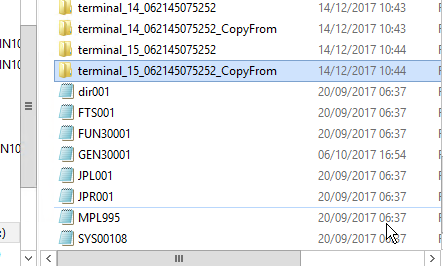
- Make sure these files are present in the folder
-
now
- Go to the sal folder and copy Dir002 fun gen & sys to the CopyFrom Folder for each device
- Copy all folders.
- Paste into C:\horio-newlook\Install\SYconrollerService\Files\UK_CustomerName\AccessControl\clockxxx_copyfrom