SWF - Applying Shift Templates in bulk with Global Scheduler
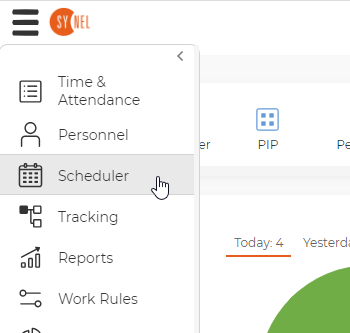
SWF- Go to Scheduler
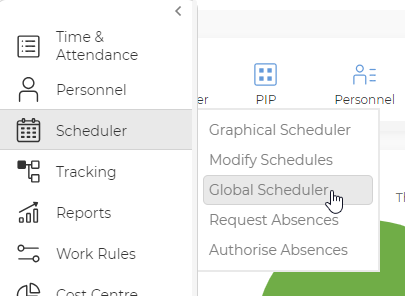
- Go to Global Scheduler
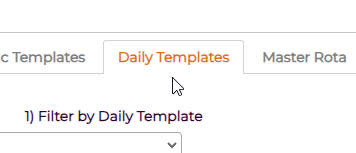
- Go to Daily Templates Tab
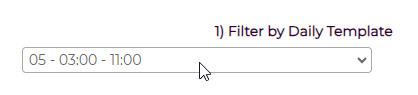
- Set the Filter by daily Template to the relevant shift.
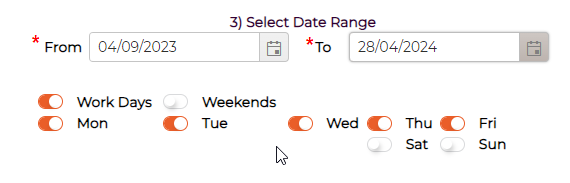
- Set the Date Range and days as appropriate.
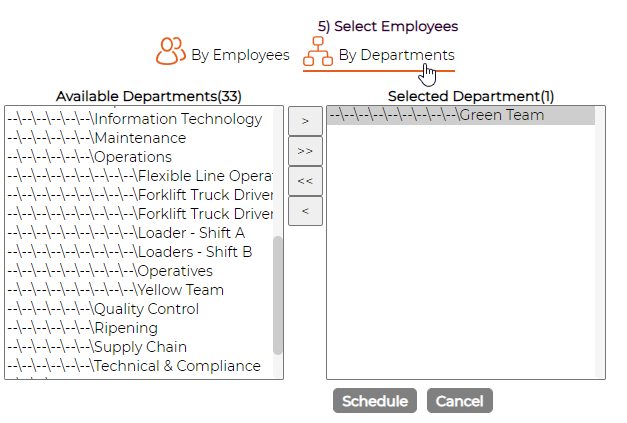
- Select the By Departments option and move the relevant department to the right pane.
- Finally, check that all is set correctly and click the Schedule button to apply