Authorise Absences
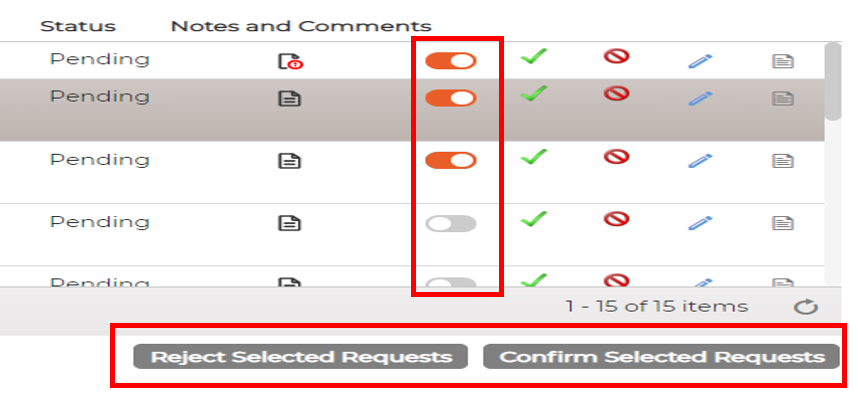
System allows Absence Managers to see and either approve or reject the requested absences

Click on the  icon against individual item to authorise absence
Click on the  icon against individual item to reject absence
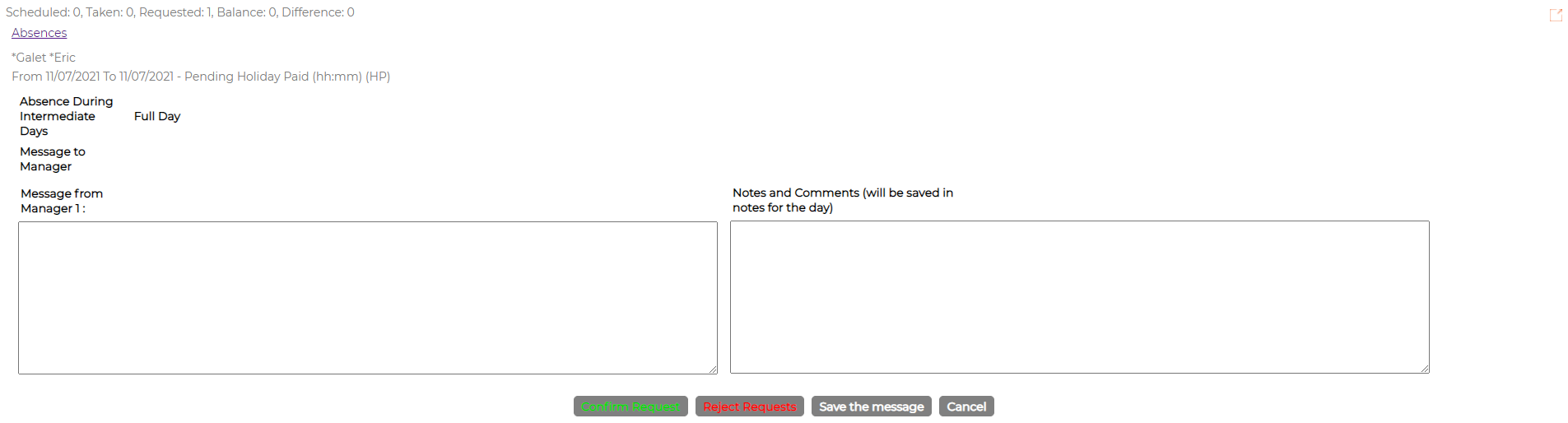
Click on  icon against the item will allow manager to add message and approve or reject absence as shown in the screen shot below
Click on the  icon against the items to display corresponding logs

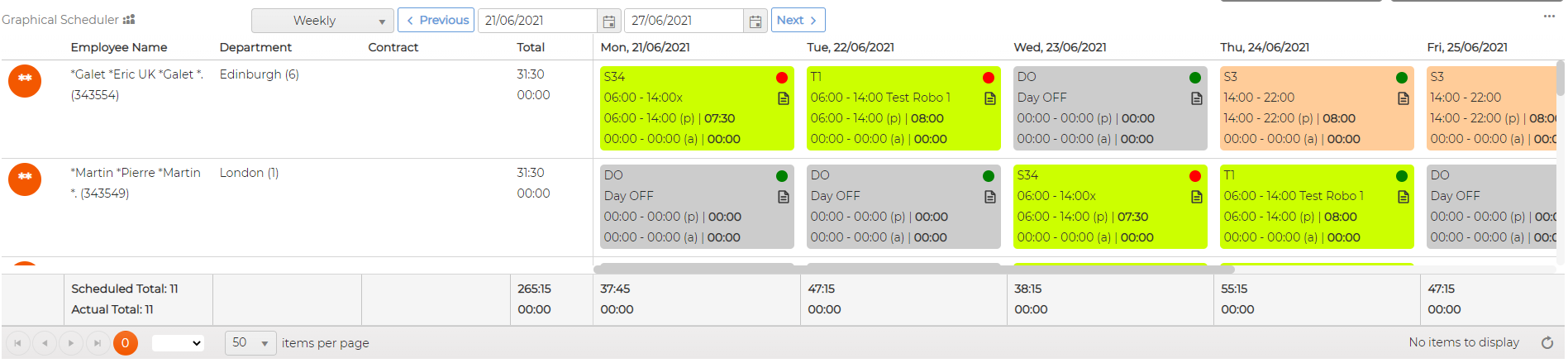
Same screen also allows manager to have a view schedules across all employees that they manage before approving/rejecting absence request