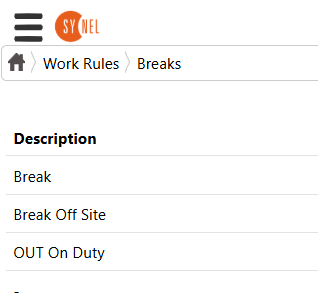
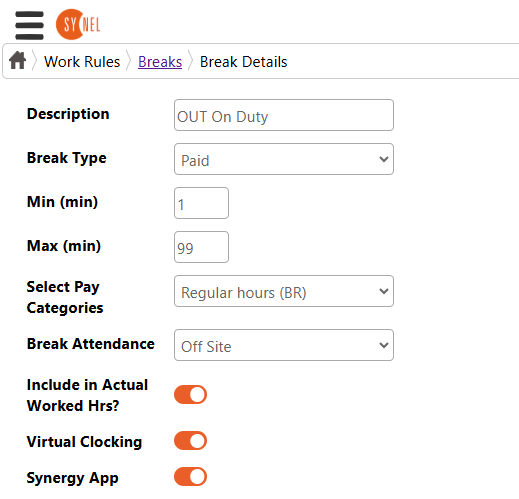
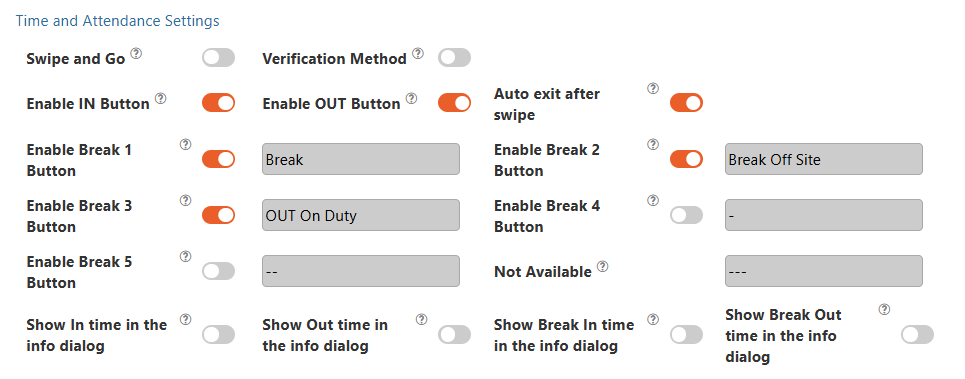
Synergy 10 Break Button Setup for Out on Duty
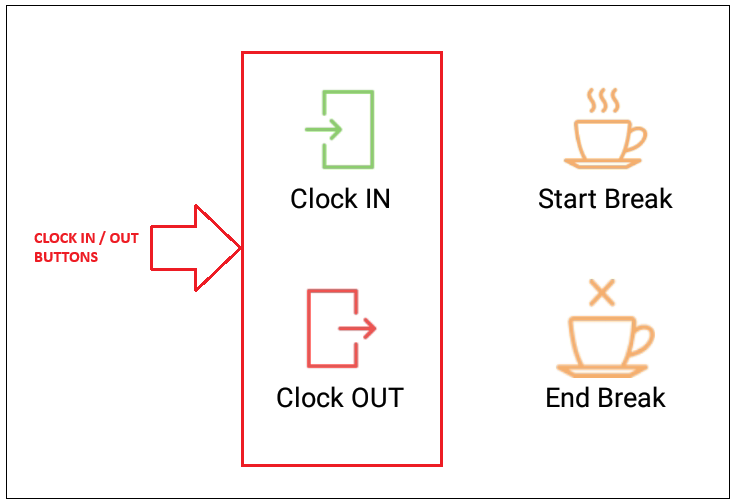
SynergyTo clock IN or OUT use the buttons as below.
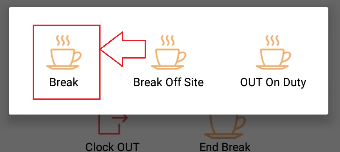
- To clock OUT for BREAK on site Unpaid The following screen will appear
- To clock OUT for BREAK off site Unpaid The following screen will appear
- To clock OUT for BREAK ON DUTY i.e. paid to move between sites The following screen will appear
To clock back IN after any of the breaks use the 'Clock IN' button
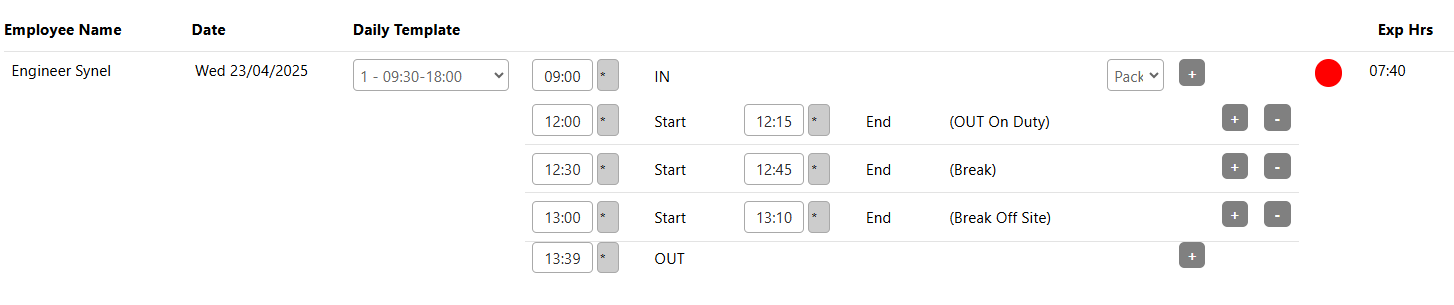
This will be shown on the Daily Browser screen as below showing the details of the types of breaks taken.