Activities Reports (Job/Task/Projects)
SynergySynergy Workforce includes a set of built-in activities reports. The Activities module is an add-on and must be set up and enabled before these reports are available. Each report has a description of what it produces, and a preview icon that shows a sample PDF. You can mark a report as a favourite, which then appears under Menu > Reports > Favourites.
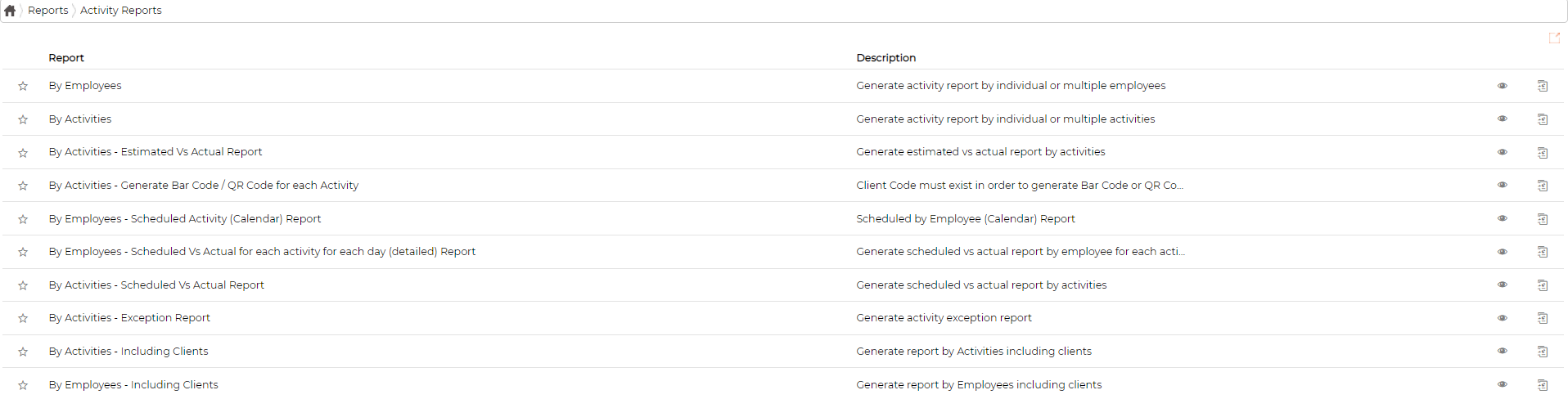
Click the generate icon on a report's row to run it.
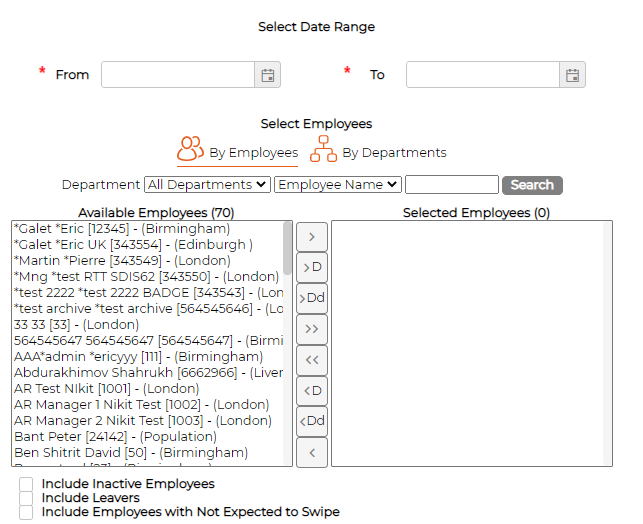
Most reports start with a date range and a choice of employees, either by employee or by department.
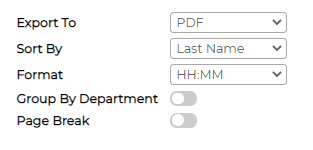
Most reports share the same output options, such as Export To, Sort By and Format.