
ANPR Time Zones
A time zone tells the doors and readers when a person is allowed access, setting the permitted hours for each day. Find them under Access Control > Time Zones.

Each row is one time zone, with the Calendar it follows and a Description such as 24/7 or 09:00 - 18:00.
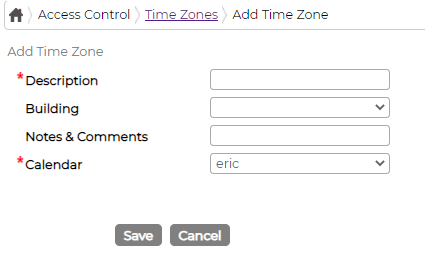
To add one, click the green plus and complete the form: a Description, an optional Building and Notes & Comments, and the Calendar it should use. Click Save.
A time zone on its own has no hours yet; you set those in its details. Open the details icon on the time zone's row, then add a row for each day type with a Start Time and End Time. The grid below the list shows the resulting coverage across the week, so you can see at a glance which hours are open on each day. For a 24/7 zone, for example, every day runs 00:00 to 23:59.
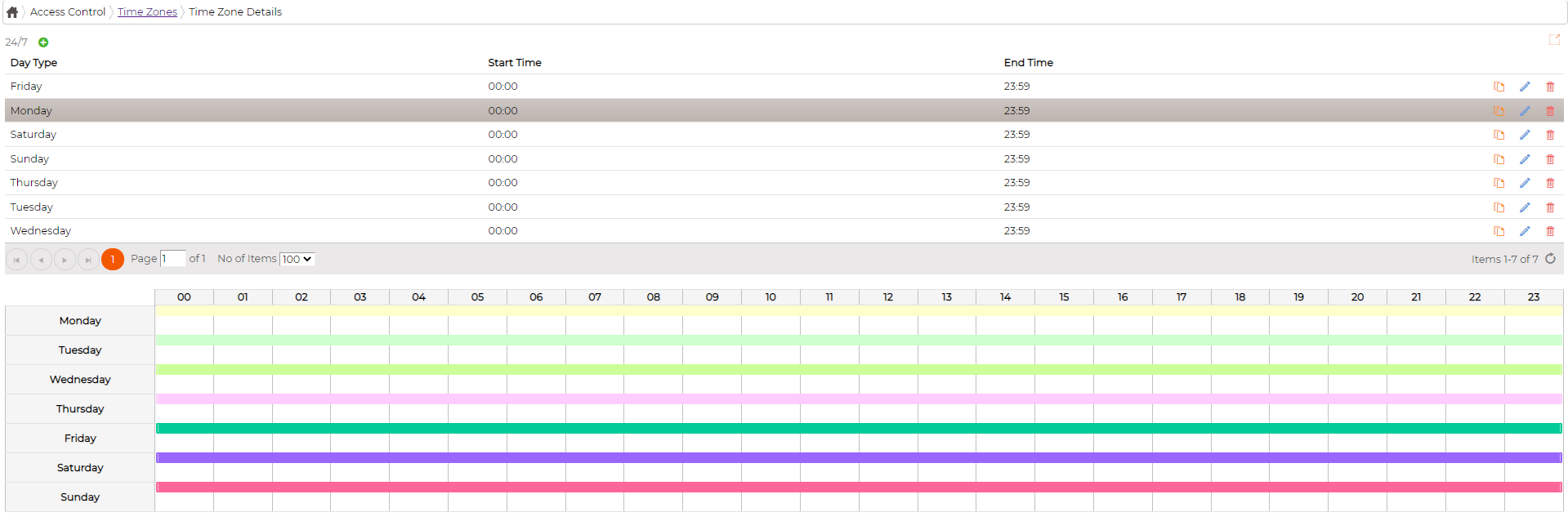
Use the edit icon on a row to change a time zone or one of its detail rows, and the duplicate icon to copy a set of details to amend and save as another. The delete icon removes a time zone or a detail row, though the system will not let you delete one that is in use now or has been used before.