
Synergy Face 910 - Firmware Upgrade From The Cloud
SynergySY-910/SY-FACE – FIRMWARE UPGRADE FROM THE CLOUD
1. The new firmware files are:
2. Zip them together to get F910.zip
3. On the server create the subfolder [SyFace910Firmware]:
….\Horio
Web\SyFace910Firmware
5. You should have:

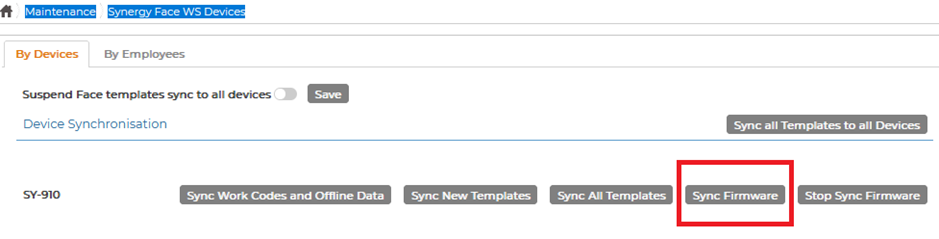
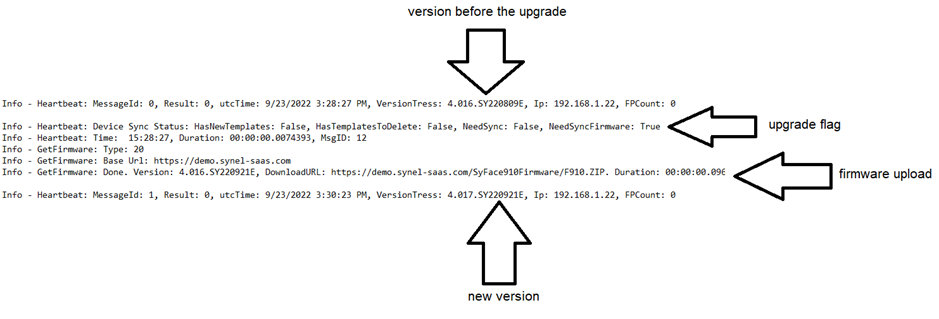
The whole process takes 3-4 minutes