
Software - TimeLOG Web / Synergy WF
Password Requirement not met
Issue: Password requirement not met
Whenever the Generate Password is set for a new Login under the Software Security screen, it comes up with the error ‘Password requirements not met’.
Browser: Google Chrome
Occurrence: Random
Resolution: Browser update
Update the Browser by going into the Google Browser and click on the 3 dots on the top right of the browser screen, as shown below:
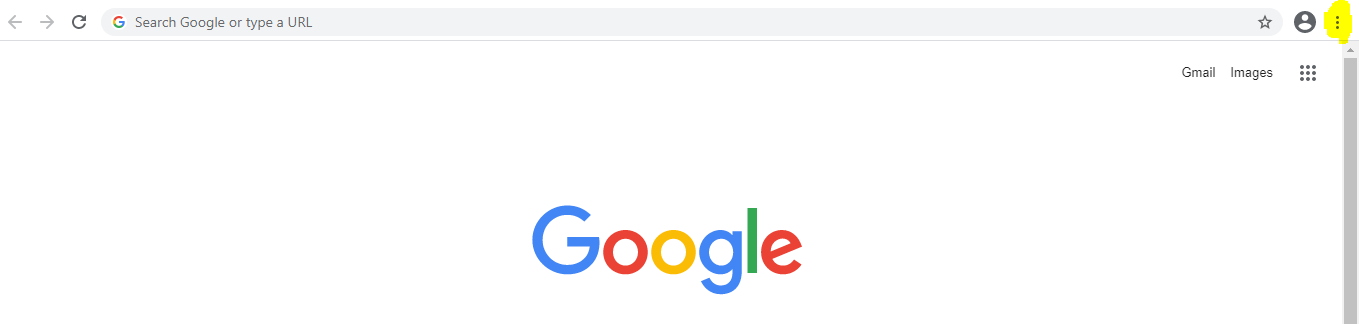
Select the option Help and About Google Chrome. It will automatically update to the latest version and then Relaunch the browser.
This will update the browser.
Once the browser is updated, clear the cache linked to the portal by going to Synergy Workforce portal and press CTRL+F5.
Notes: Other issues which cannot be replicated by us in the office, will be probably because of the Browser update not done by the customers. EG: Reprocess on Daily Browser not working.