Installing SYQR
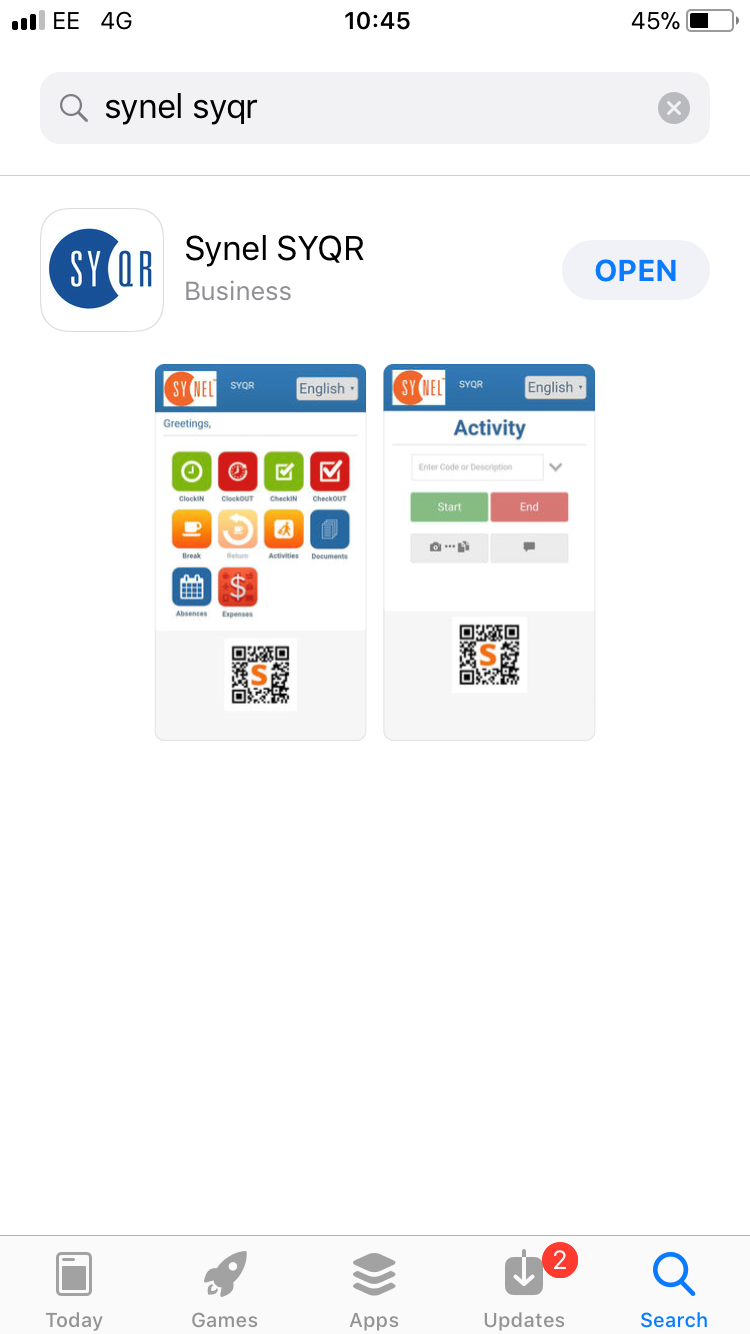
From your App Store (iOS) or Google Store (Android) search for Synel SYQR
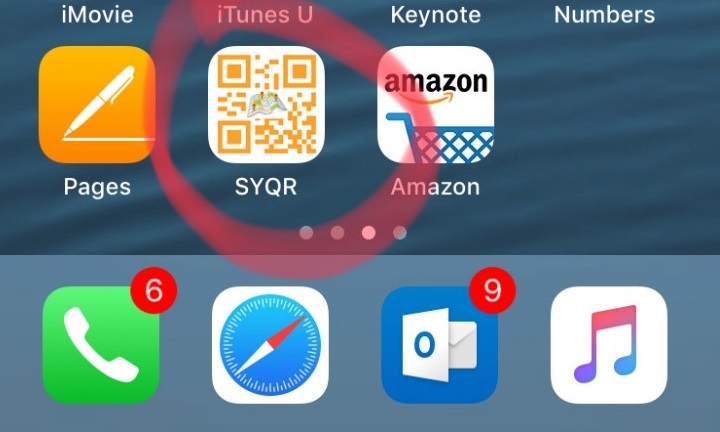
Once downloaded to your device look for this Icon.
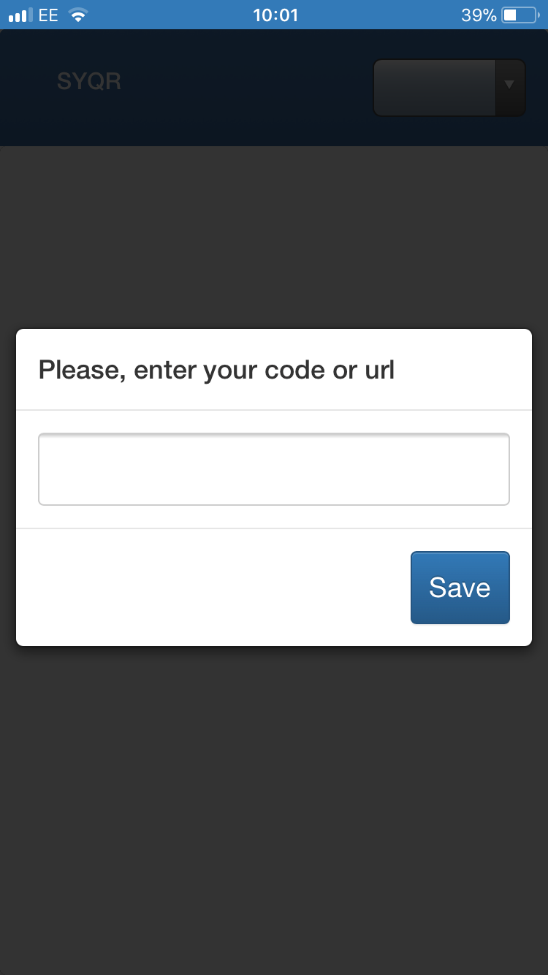
On your first time opening you will be asked for your Code - Enter the 4 digit number supplied to you by Synel.
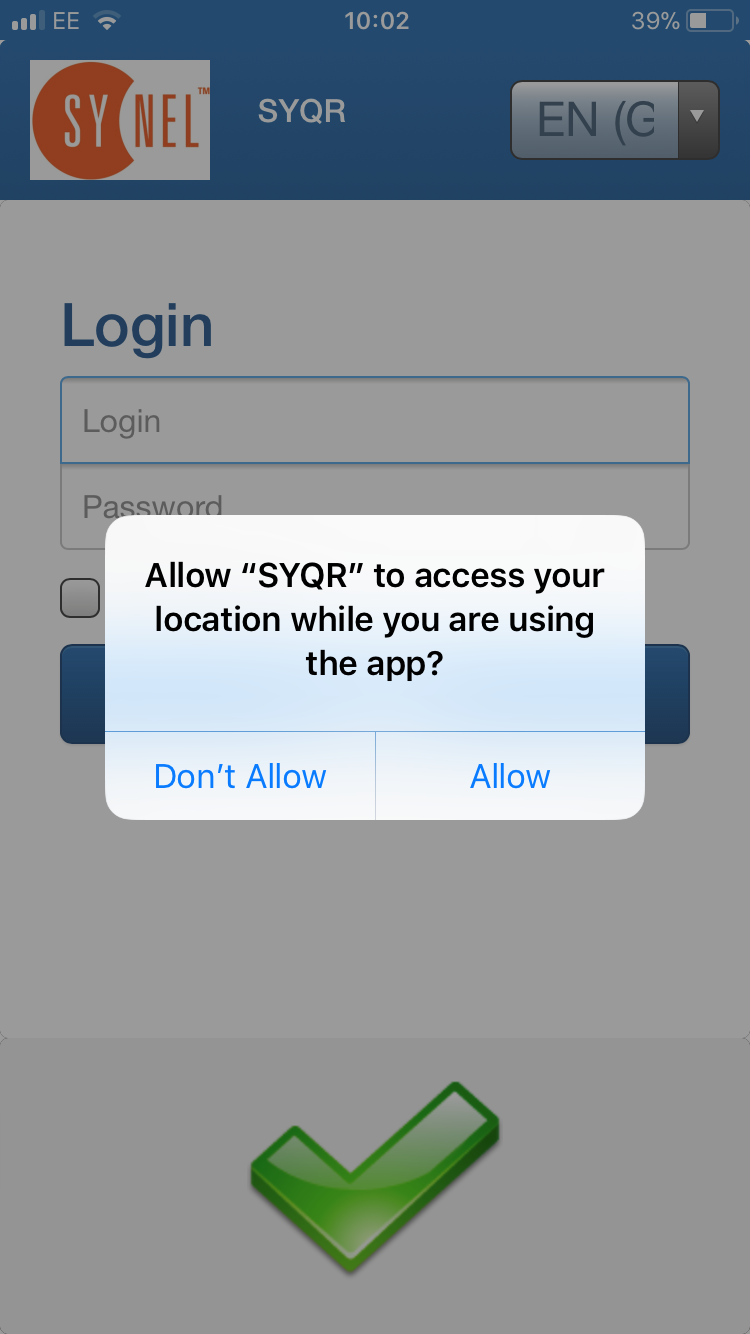
To use SYQR your phone must have Location Services enabled. When you open SYQR the first time you must allow the App access to your Location.
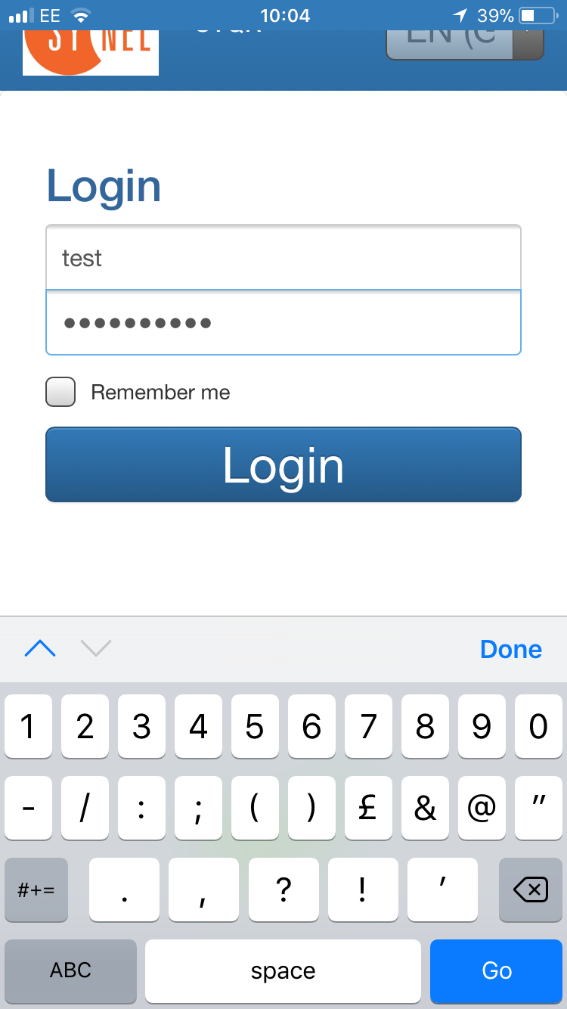
You should now proceed to enter your suppled Username & Password.
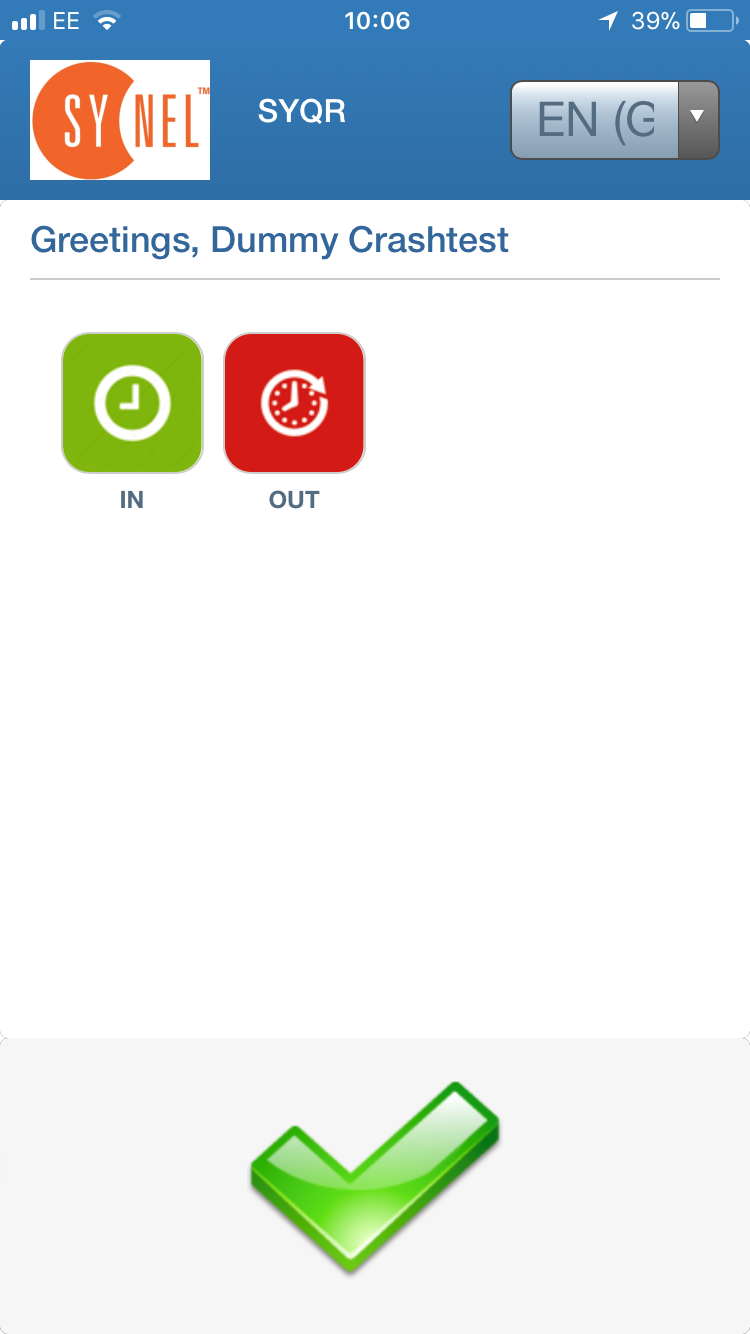
Once you Login the Icons for the available functions will load upon homescreen. Availability of function keys may vary between different sites & customers.
For this example, we will use clocking IN & OUT keys. Press Either IN or OUT and your time will be recorded on the server.