EduReg2 With SyncMaster - Flush and resync Templates to Synergy/A
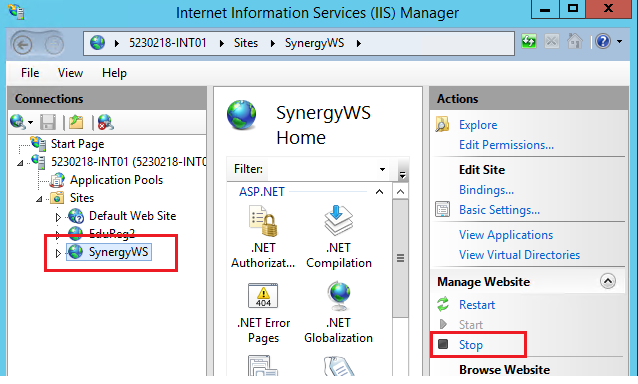
SynergyFirst go to the IIS console in Windows on the server and stop the Synergy WS Webservice
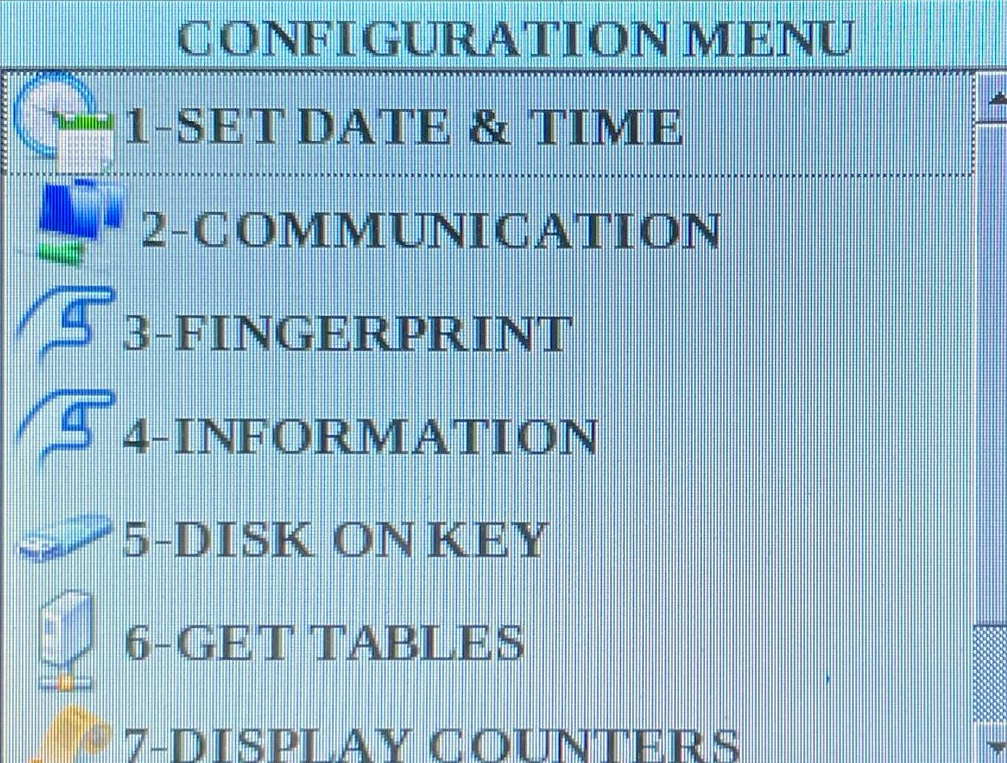
Then go to each terminal. MENU -> 8888 -> ENT 3 -> 5 -> 1 -> ENT You should see the screens as below...
Following this you need to go into SyncMaster on the server.
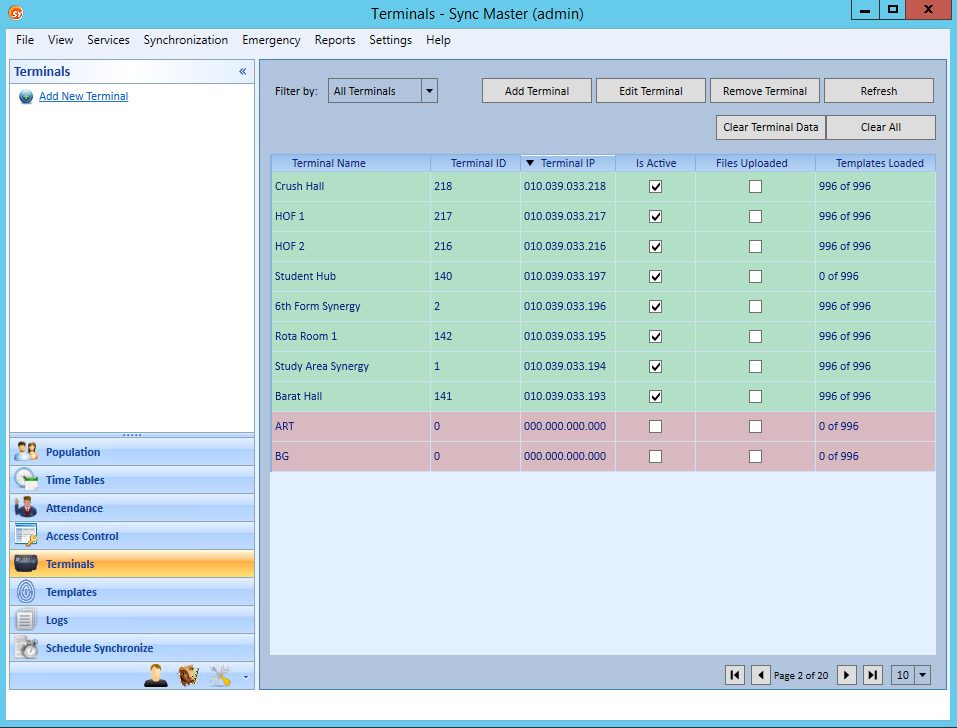
- Then Open Terminals screen
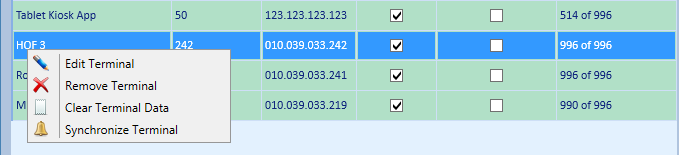
- Then right click on each of the Synergy terminals in turn and select Clear Terminal Data
- The count in the Templates Loaded column will go to 0 of xxx
- Then once all are done in that screen go back to the IIS and start the Synergy WS Webservice again.
- Then go to each of the Synergy Terminals and reboot them.
When they come back online they will start to sync templates and you will see the template count go up in SyncMaster