
Temperature Kiosk Templates Management
This screen lists the employees enrolled on the temperature kiosks and lets you remove their templates. Find it under Menu > Maintenance > Temperature Kiosk Templates.
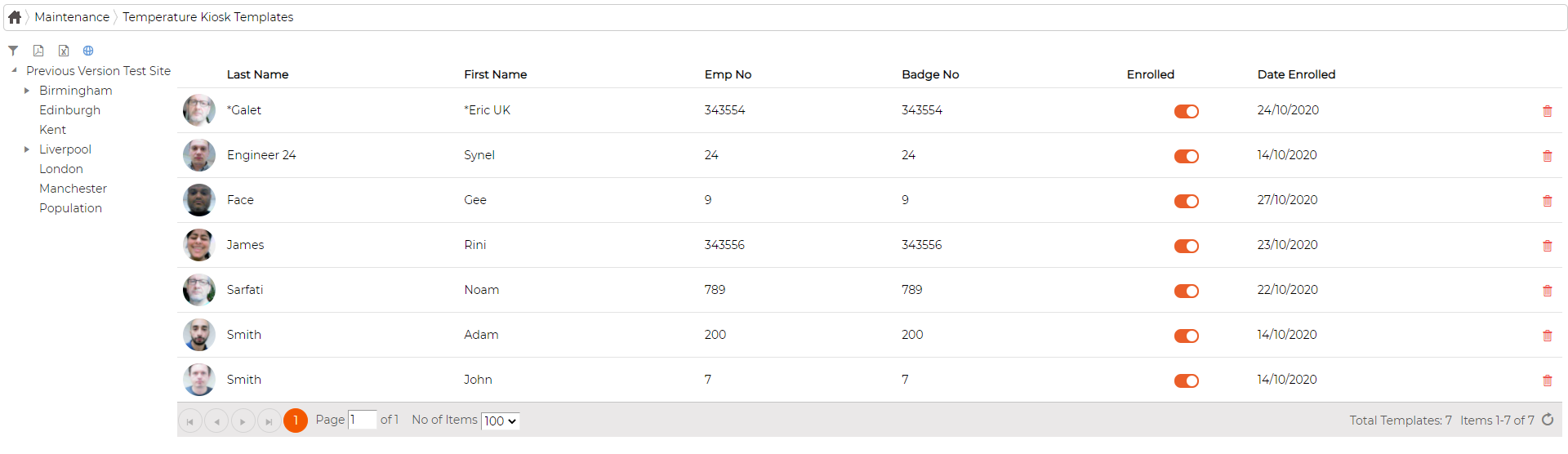
Each employee is listed with their name, employee and badge number, an Enrolled status and the date they were enrolled, and the department tree on the left filters the list by site. To remove an enrolment, click the delete icon on that row; it deletes the template from the database. The total number of templates is shown at the bottom of the list.