Sygma Application Auto Updater Service
SygmaAuto Updater is introduced from version 3.6.3.xxxxxx onwards
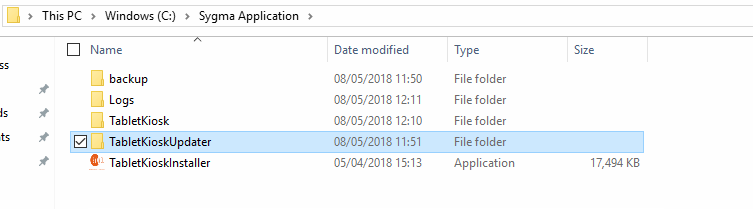
During the installation of application, installer will automatically create the folder called "TabletKioskUpdater"
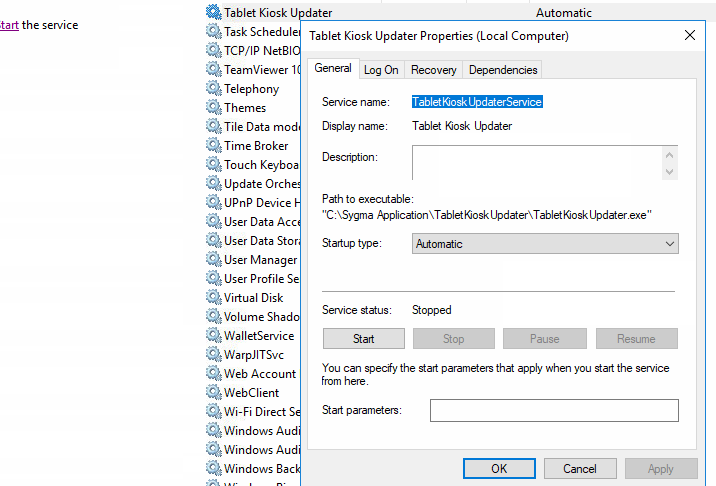
Installer will also install the Windows service called "TabletKioskUpdaterService" automatically.
If for any reason, the service is not installed within Windows Services, it can always be installed manually
Go to folder "TabletKioskUpdater" and right click on file name "Install.bat" and run it as Administrator to install the service
Once installed, Start the service.
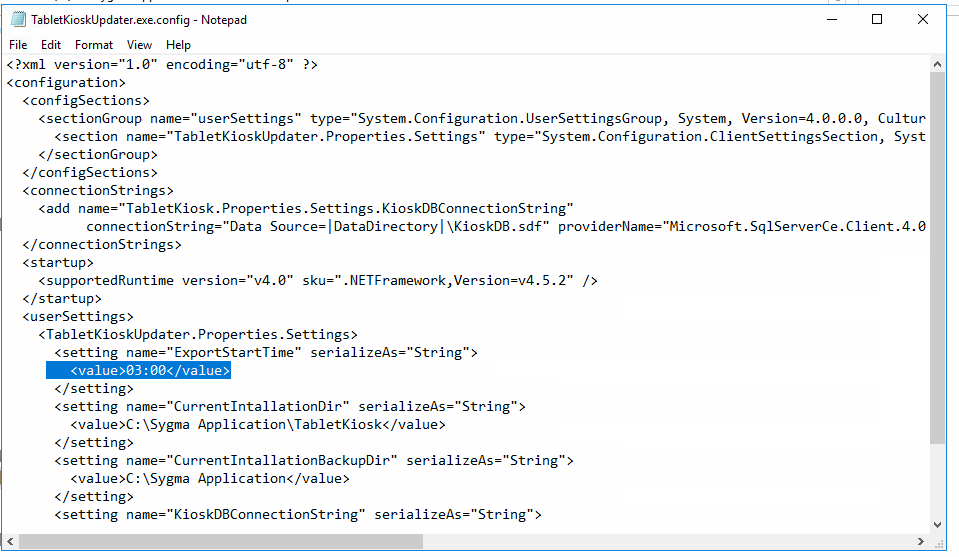
Windows Service "TabletKioskUpdaterService" will check Sygma application version at 03:00 am every night against the API linked with application.
Sync Time can be altered if required within "TabletKioskUpdater.exe.config".
For example, If Sygma is connecting on https://gee.synel-saas.com%2C/
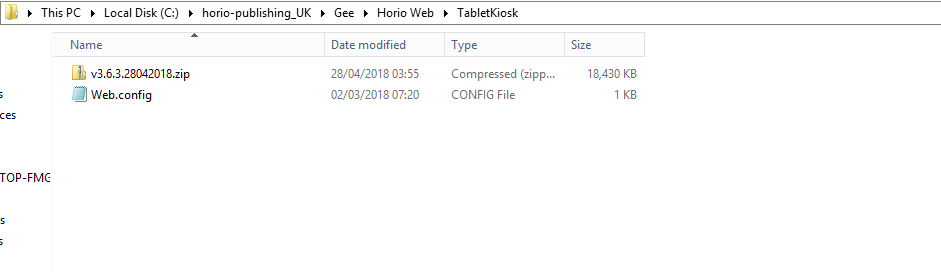
Sygma Application package must exist on the server within "TabletKiosk" folder Horio Web folder