EPOS Accounts Tariffs
EPOSTariffs set what a diner is entitled to spend, and are defined on the Tariffs tab of the EPOS Accounts screen.

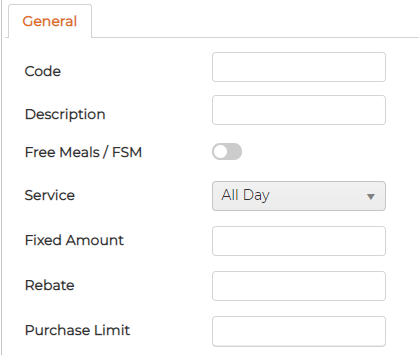
Click the green plus to add a tariff. Give it a Code and Description, then set how it works: turn on Free Meals / FSM for a free meal, or set a Fixed Amount the diner can spend, with an optional Rebate and Purchase Limit. The Service field controls which meal service the tariff applies to, such as All Day.