
Dashboard
Synel comprehensive dashboard provides you with a rapid in-depth analysis of your most important data.
Depending on the access level, you will see their respective widgets and corresponding data on dashboard.
User has option to enable/disable widgets and the items within each widget and can refresh each widget on demand to see the latest information
Synel Time and attendance system with the user-friendly dashboard allows precision & efficiency in attendance & absence management while transferring data to the payroll department.
The attendance software enables the collection of all attendance reporting according to fixed or incidental work rules, and calculation of hours worked in real-time for wage payments.
It makes all aspects of employee scheduling an easy task to deal with.
Site Shortcut Widget
Allows users to navigate directly to the respective screen with a single click

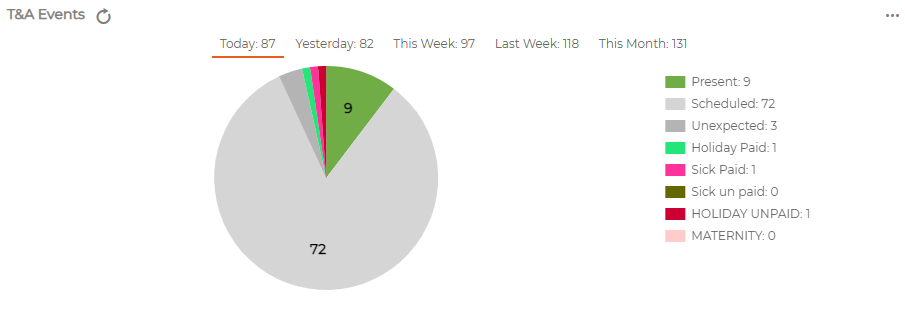
Time and Attendance Events Widget
Displays the TA events + Absences
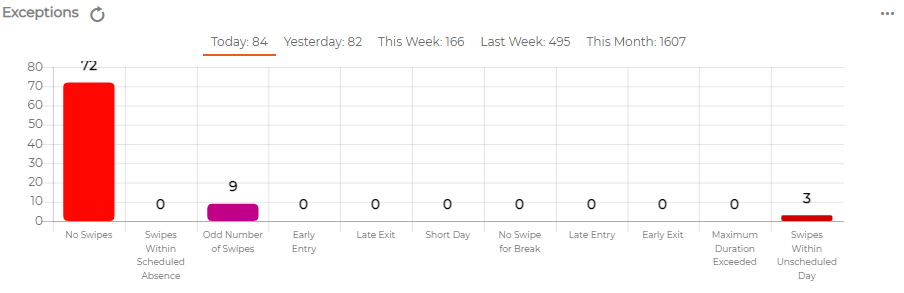
Exceptions Widget
Displays Exceptions in a bar chart format with corresponding data labels and Totals
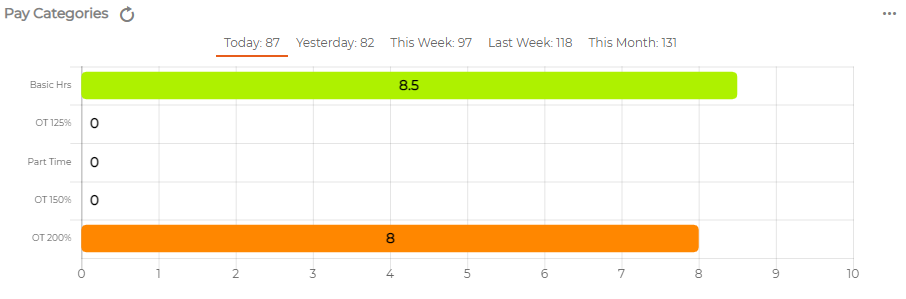
Pay Categories Widget
Allows user to see at a glance the employees' total net hours at various Pay Categories
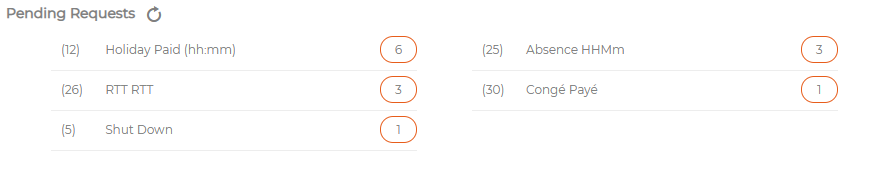
Pending Requests
Allows Manager to see and authorise the absence requests
Absence Balance Widget (Employee Self Service)
Allows employee to see their Absence Balance for the respective period

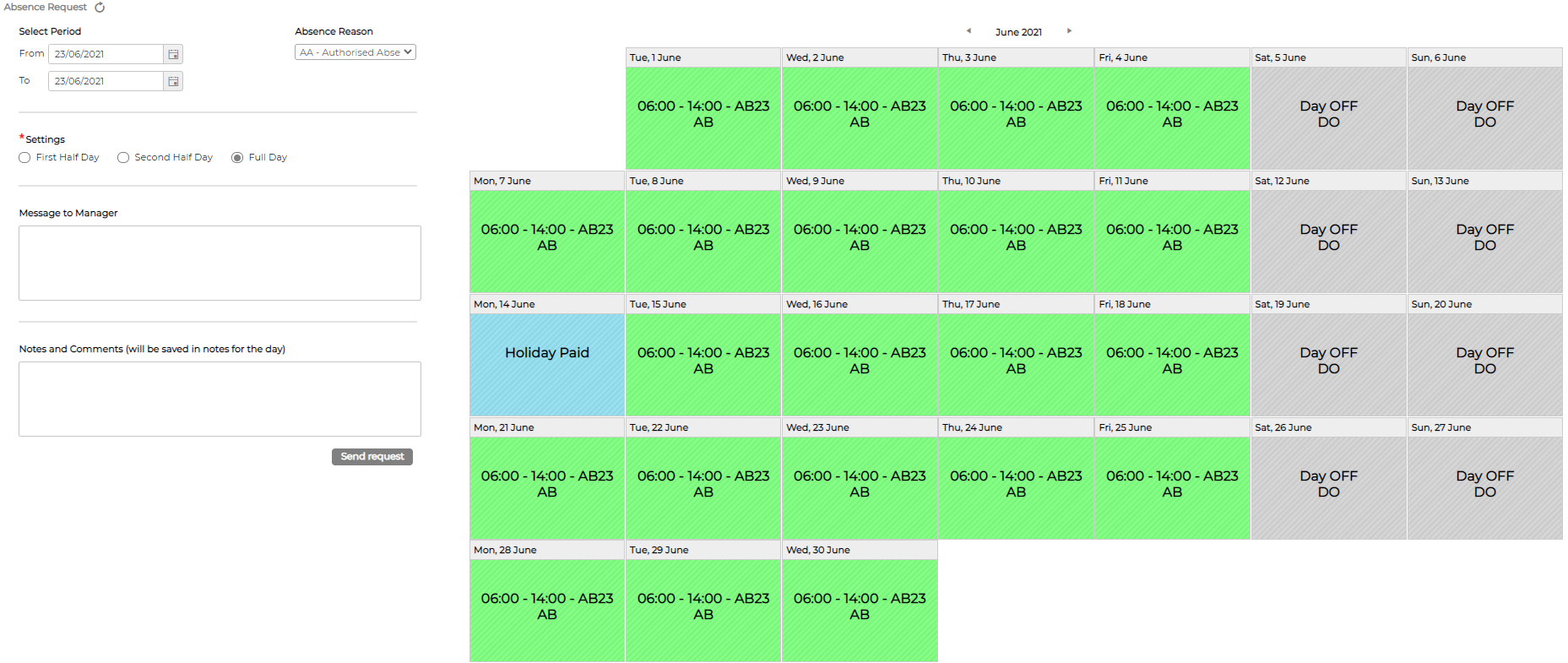
Absence Request (Employee Self Service)
Allows employee to request Absence
Virtual Clocking (Employee Self Service)
Allows employee to clock IN/OUT on the screen

Depending on the access level, you will see their respective widgets and corresponding data on dashboard.
User has option to enable/disable widgets and the items within each widget and can refresh each widget on demand to see the latest information
Synel Time and attendance system with the user-friendly dashboard allows precision & efficiency in attendance & absence management while transferring data to the payroll department.
The attendance software enables the collection of all attendance reporting according to fixed or incidental work rules, and calculation of hours worked in real-time for wage payments.
It makes all aspects of employee scheduling an easy task to deal with.
Site Shortcut Widget
Allows users to navigate directly to the respective screen with a single click
Time and Attendance Events Widget
Displays the TA events + Absences
Exceptions Widget
Displays Exceptions in a bar chart format with corresponding data labels and Totals
Pay Categories Widget
Allows user to see at a glance the employees' total net hours at various Pay Categories
Pending Requests
Allows Manager to see and authorise the absence requests
Absence Balance Widget (Employee Self Service)
Allows employee to see their Absence Balance for the respective period
Absence Request (Employee Self Service)
Allows employee to request Absence
Virtual Clocking (Employee Self Service)
Allows employee to clock IN/OUT on the screen