OneDrive to Copy large files to share with USERS
OneDrive to copy large files to share with USERS
Create a folder in OneDrive
Place the file you want to send in the folder you have created
Right mouse click the folder that you have the files in then click Share
It will open a Send Link
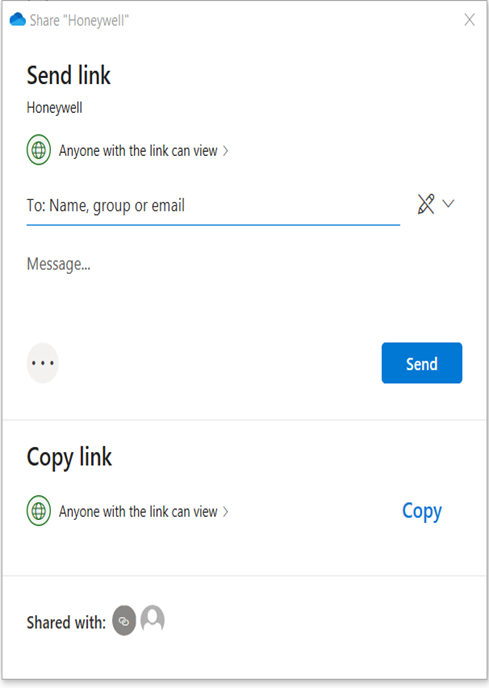
Put in the e-mail of the person you want to send the link to
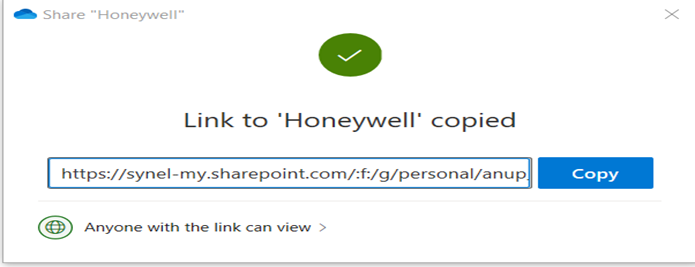
Or click on Copy and this will give you the link