
Persee Payroll (FR)
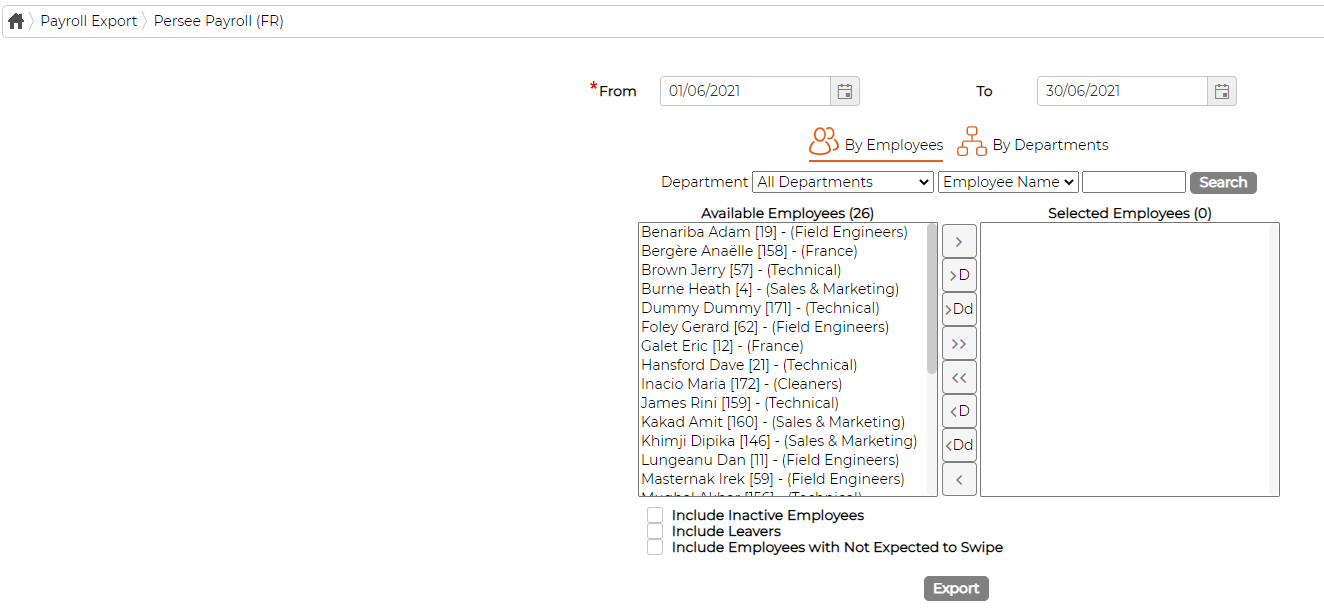
SynergyThis screen exports timesheet data in the file layout used by Persee Payroll (FR), ready to import into Persee. Find it under Payroll Export > Persee Payroll (FR).
Set the From and To dates for the period, then choose employees By Employees, moving them from Available Employees to Selected Employees, or By Departments. The three checkboxes below the lists add inactive employees, leavers and those not expected to swipe. Click Export to produce the file.
Contact your Synel representative if the Persee export needs setting up or the field mapping changed.