Synergy Face 910 - Work Codes and Function keys
SWF, SY910, SynergySY910 WS 2 - WORK CODES and FUNCTION KEYS
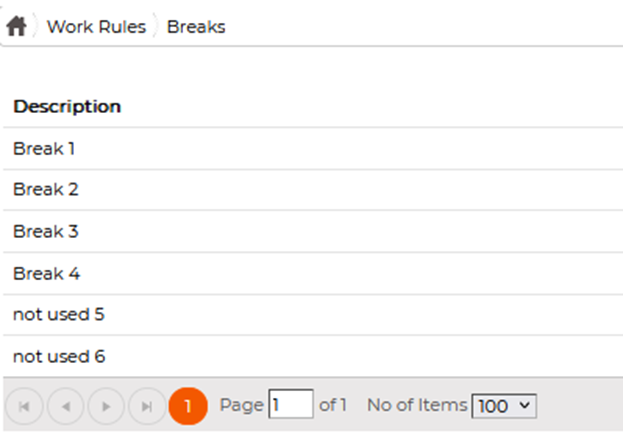
- Define the break keys you want to use here (up to 4 with the SY910) Those descriptions will be the names appearing in SWF
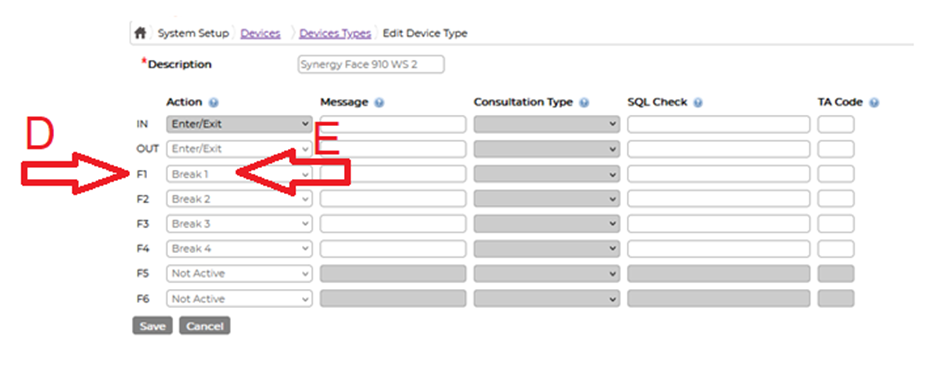
- If you use IN and OUT keys, define those below in [DEVICES / DEVICES TYPE / Synergy FACE 910 WS 2]: You can't use F5 and F6 for breaks
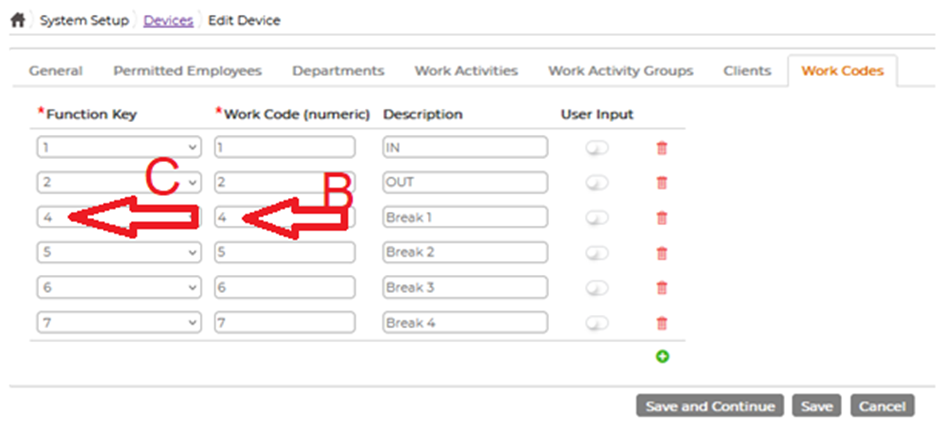
- Define those Work Codes for the DEVICE: Those descriptions will be the names appearing in the terminal
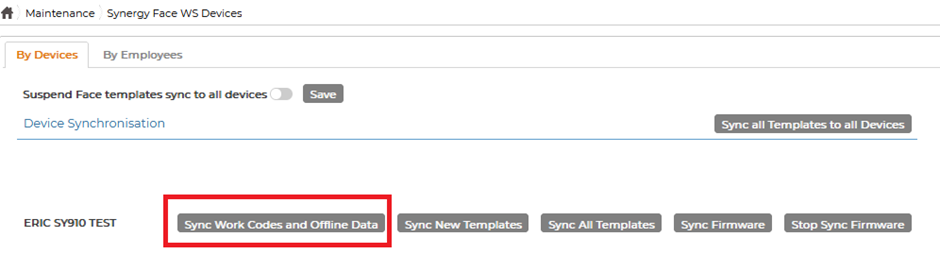
- Synch the work codes to the SY910:
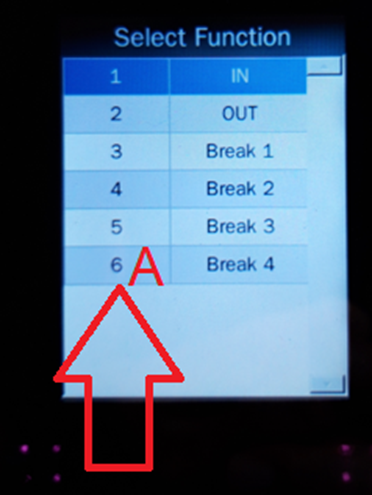
- How does it work with an example? Use 3-Break 1 on the terminal (A) Break 1 returns the Work Code 4 (see above B) The Work Code 4 is linked to the function key 4 (see above C) Function Key 4 is linked to Action F1 (see above D) Action F1 is linked to Break 1 (see above E)
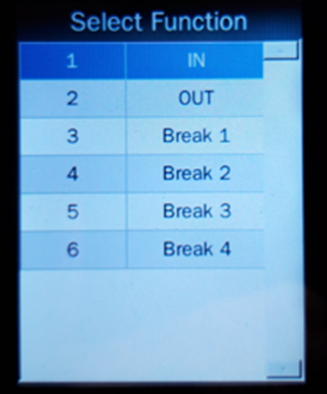
- Note that the numbers appearing on the terminal are not the work codes returned to SWF. They are just the numbers to key in at the terminal to select a specific action. In this example, you can use 6 on the terminal to do a Break 4 but the Work Code of Break 4 is 7
- Work codes synched to the terminal cannot be modified from the terminal's menu