
How to setup User with Pin Entry on Synergy Workforce for SY910
SY910, SynergyHow to setup User with Pin Entry on Synergy Work Force for SY910
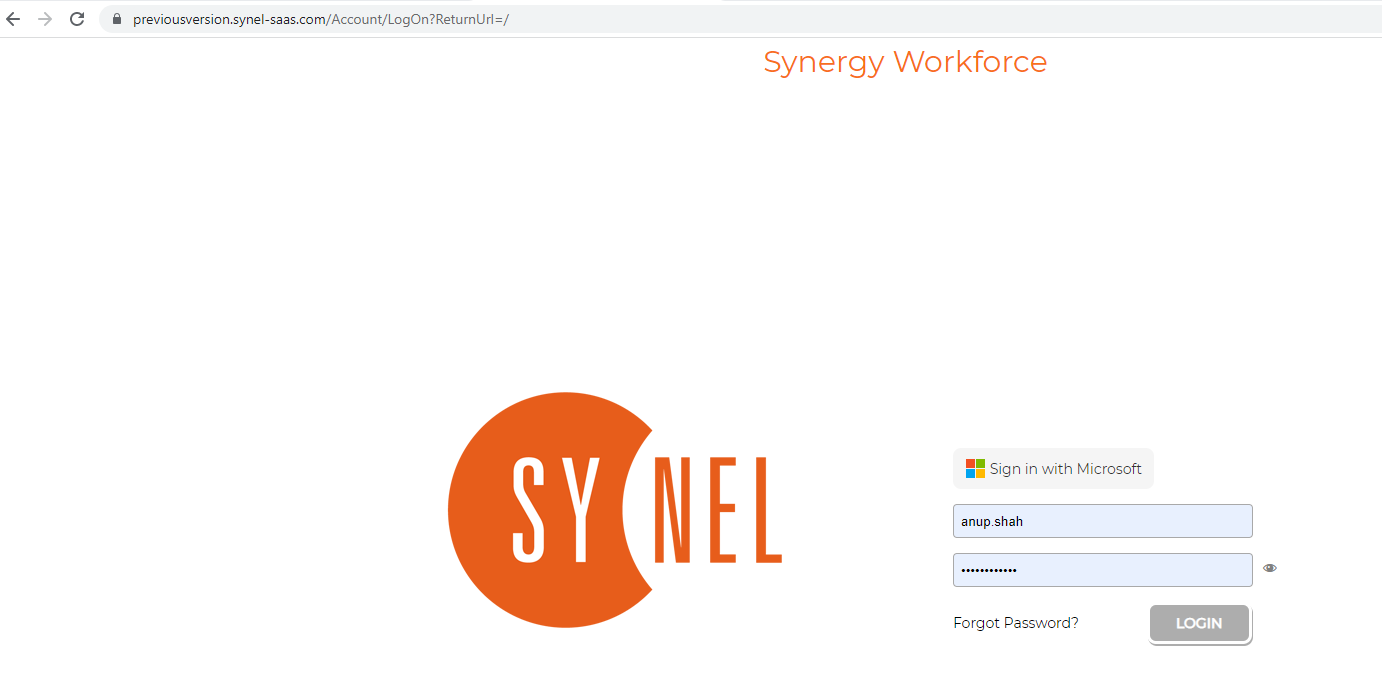
- Log into Synergy Workforce
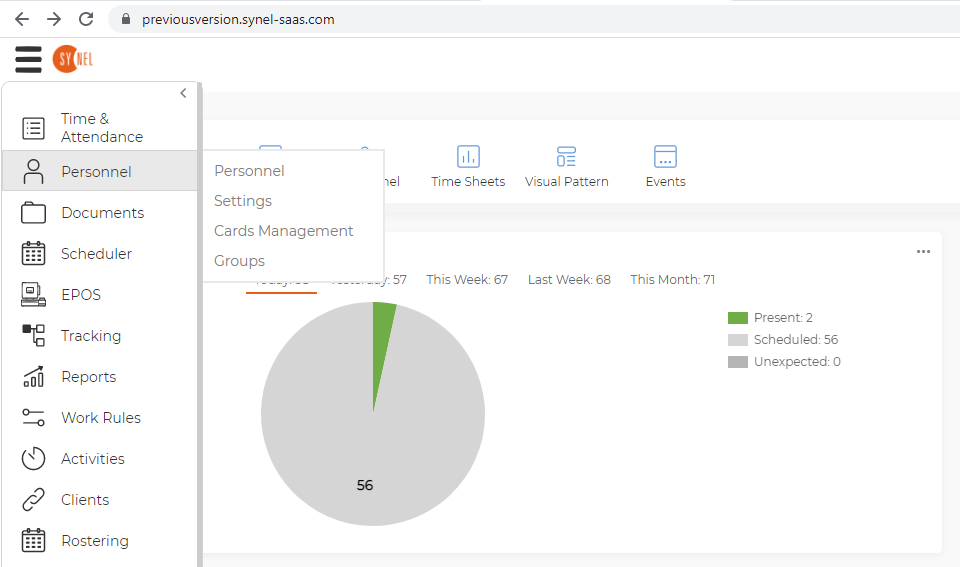
- Go to Personnel, Personnel
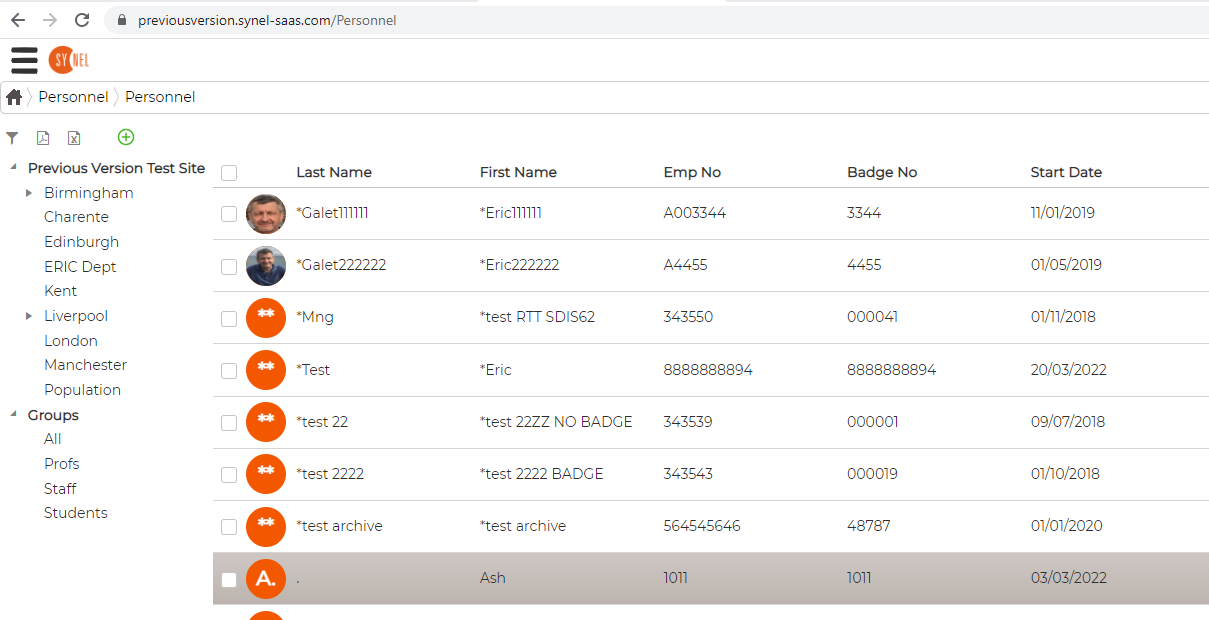
- Select the user you want the Pin setup i.e. AZS
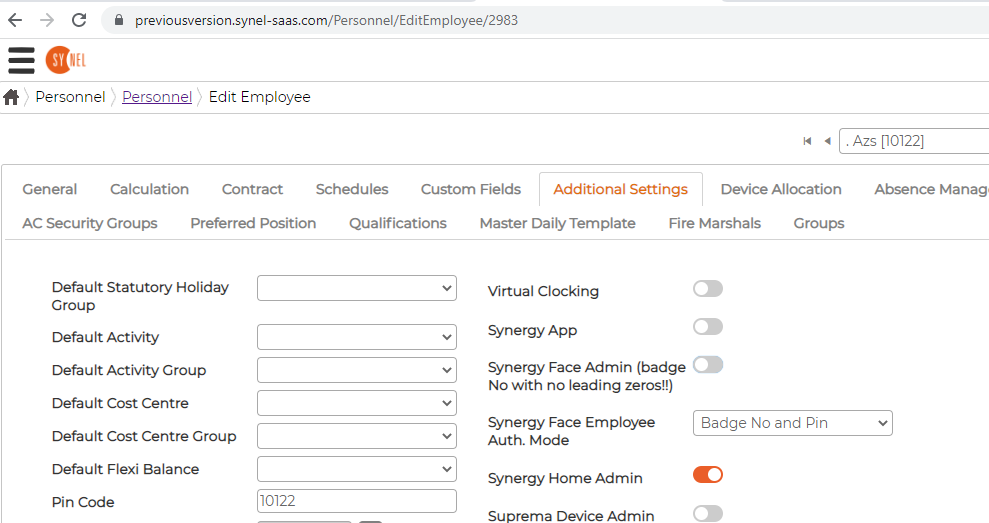
- Double click on the user and click on Additional Settings
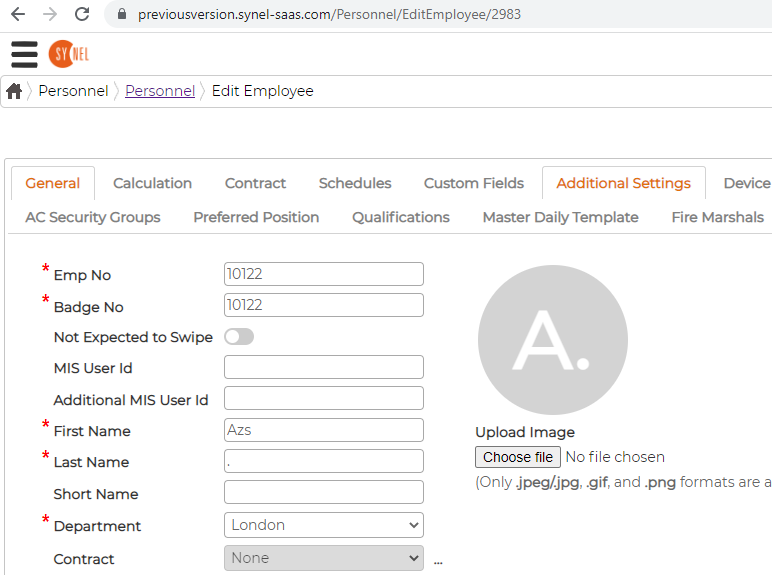
- Enter in the Pin Code i.e. 10122
Synergy Face Employee Auth. Mode select Badge No and Pin
Then click on Save and Continue
Leave this to Sync overnight
The following day the user can try this on the SY910 Device
Press FUNC and ESC key on the device
It will prompt to key in the ID for the user I.e. 10122 and then the passcode 10122 or what you set for the user.