Software - TimeLOG Web / Synergy WF
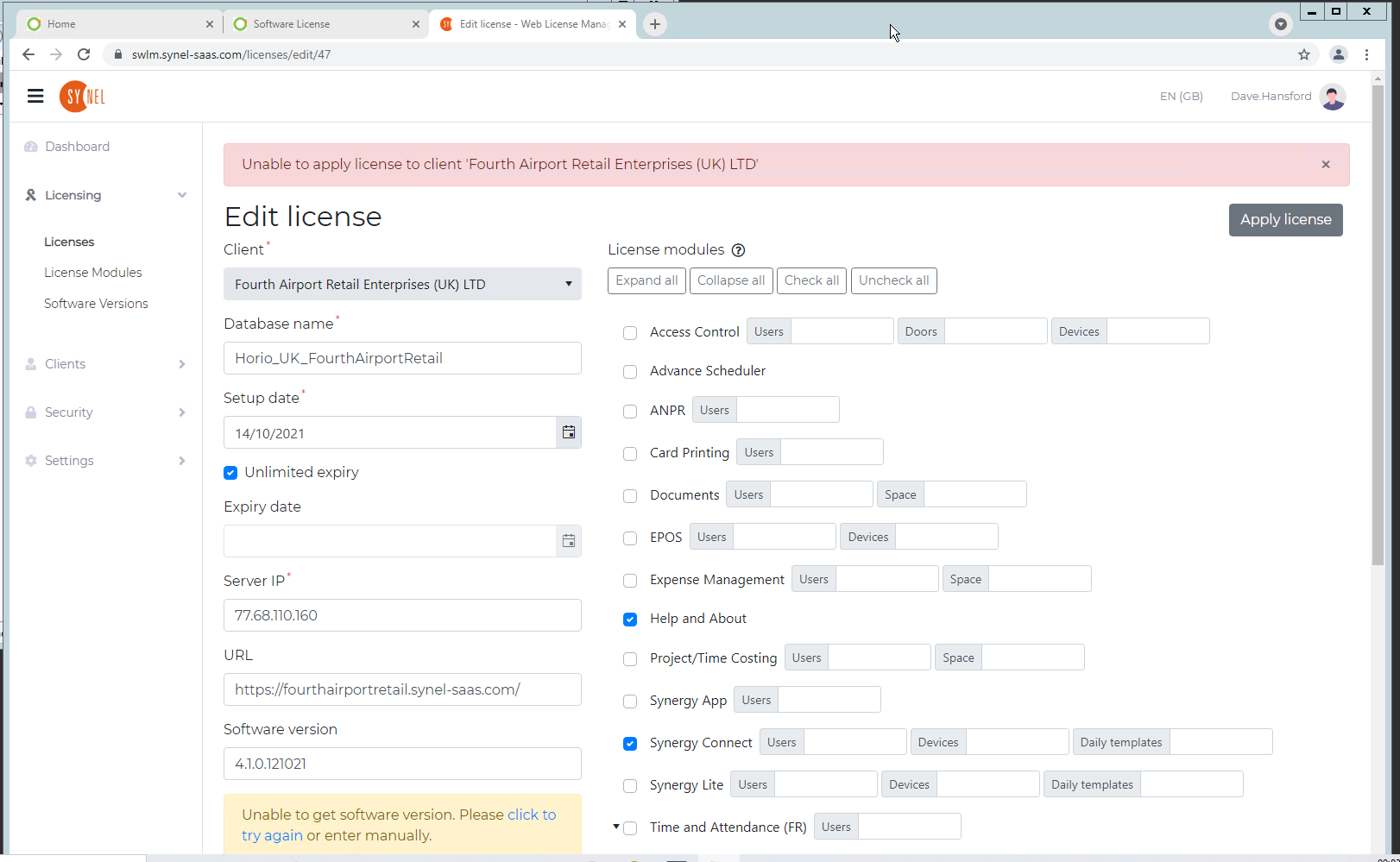
Can't Apply Software License Online to a HOSTED client for Synergy Workforce 4
SynergyCan't Apply Software License Online to a HOSTED client for Synergy Workforce 4.1+
Check the following key has been added to the bottom of the AppSettings.config file
<add key="LicenseManagerUrl" value="https://swlm.synel-saas.com/" />
If missing Stop the website, add the key and restart the website on IIS Now start the process of adding the license again from the beginning.