
Objectives
The Objectives tab on an employee's record sets objectives for the employee, each with a due date, and lets you mark them complete once done.

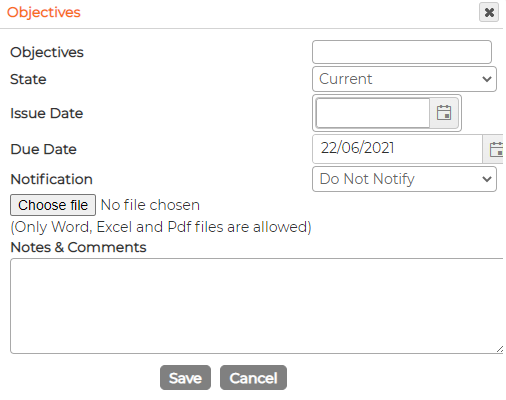
To add one, click the green plus, complete the form and click Save:
- Objectives (the description)
- State, for example Current
- Issue date (optional)
- Due date (optional)
- Notification (optional)
- A file to attach, Word, Excel or PDF only (optional)
- Notes and comments (optional)
A notification only emails someone if the employee has notification managers set against them.
When an objective is done, click Mark it as Complete on its row. The View list at the top switches between current and completed objectives. Edit with the pencil icon, or remove with the bin.