
Delete Personal Data - Maintenance Screen
This screen permanently deletes an employee's personnel data, logs and documents, and only works for leavers and inactive employees. As with the other deletion jobs, the data cannot be recovered afterwards. Find it under Menu > Maintenance > Delete Personnel Data.
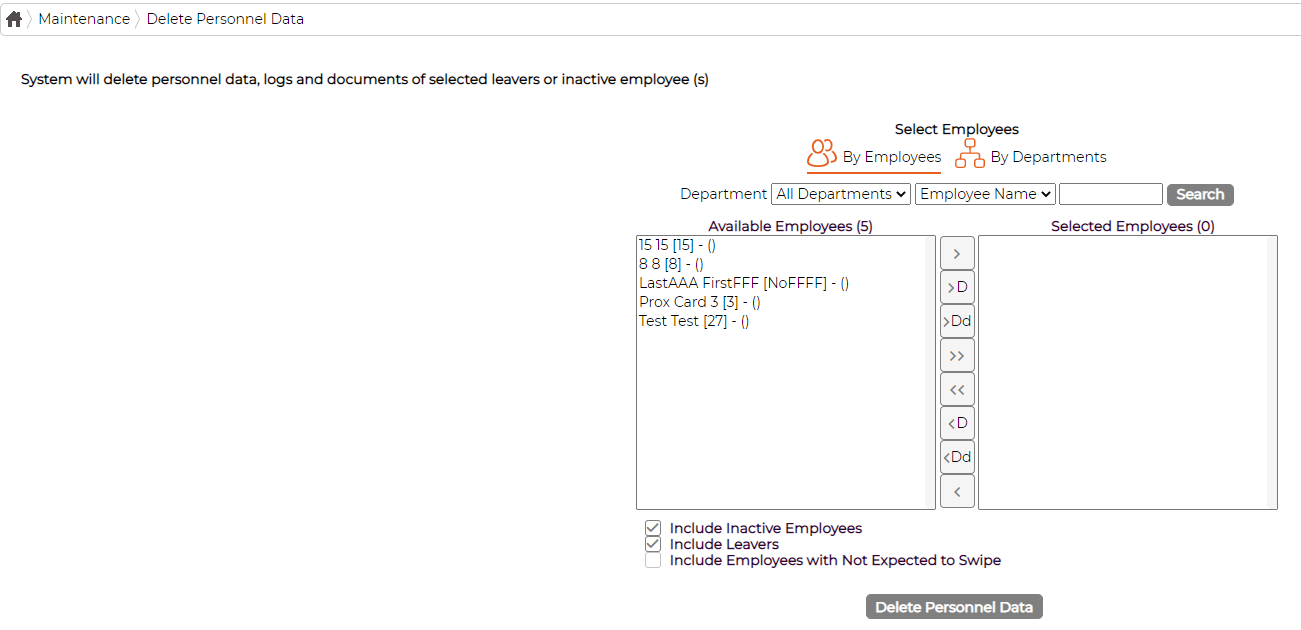
Because it is limited to leavers and inactive employees, the Include Inactive Employees and Include Leavers options are ticked so those people appear in the list. Select the employees and click Delete Personnel Data.