
BioStar 2 Devices - Maintenance Screen
BioStarThe maintenance area for BioStar 2 devices is reached from Menu, then Maintenance, then BioStar 2 Devices. From here you can push data out to the readers, pull the latest data back, or clear the data held on a device.
The screen offers three actions:
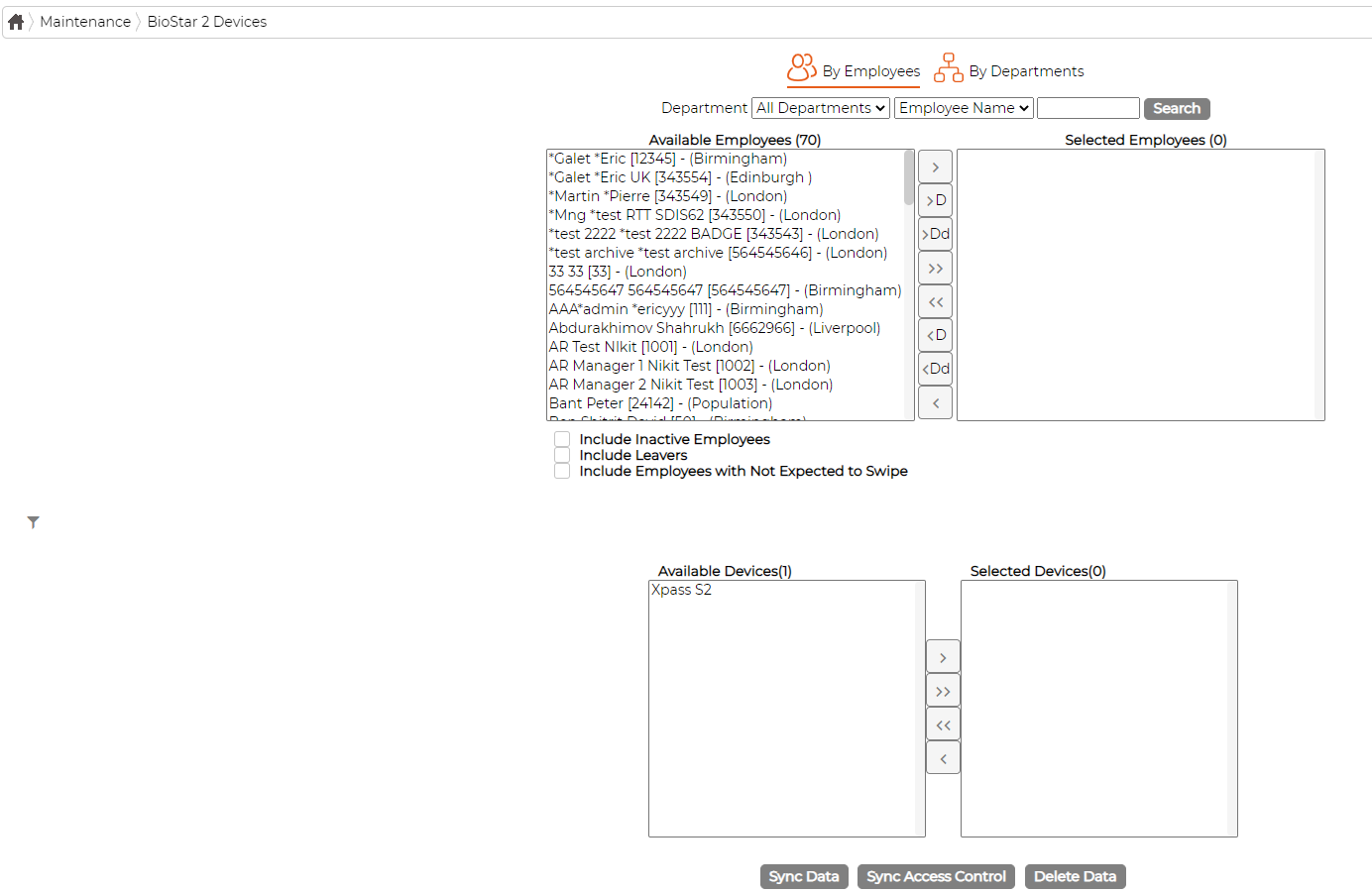
The screen offers three actions:
- Sync Employees Data sends the current employee records, including credentials, from the software to the selected devices, so the readers hold an up to date list of who is allowed access.
- Sync Access Control Data pushes the access control configuration, such as time zones and security groups, so the devices enforce the current rules.
- Delete Data from Devices removes the stored employee and access control data from the selected devices. This is useful before decommissioning a reader, or when a device has fallen out of step with the server and needs to be resynced from scratch.