
Manual Time Sheet
Manual timesheets let employees record and submit their hours electronically for approval, so there is no paper to fill in and pass on.
An employee enters the IN and OUT times for each day, along with any half-day absence or absence duration, and submits. Submitted days show a status of Pending.
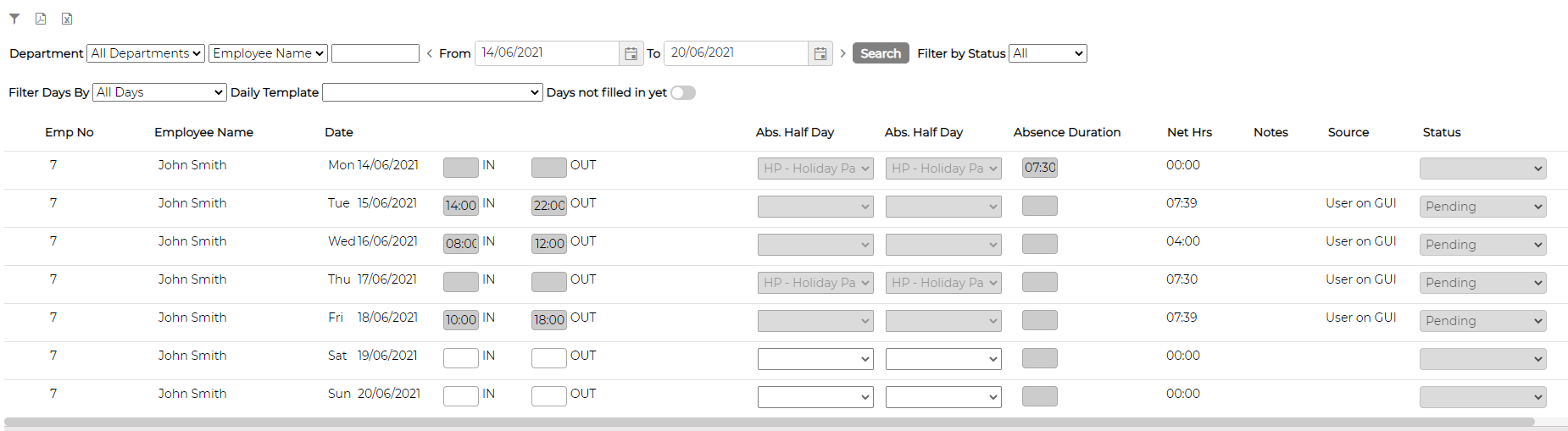
A manager turns on Manager View to see what has been submitted, with the expected hours and daily model alongside each day, and approves it with the green tick or rejects it with the red cross.

Once a day is approved it appears in the Daily Browser and feeds through to the reports used for payment.