
SAP (FR)
SynergyThis screen exports timesheet data in the file layout used by SAP (FR). Find it under Payroll Export > SAP (FR). It works differently from the other payroll exports: rather than picking employees from a list, you complete three required fields.
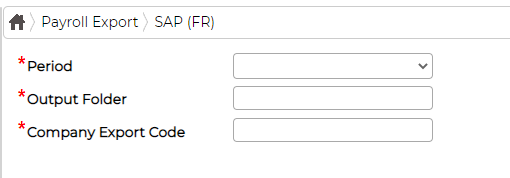
Choose the Period, set the Output Folder the file is written to, and enter the Company Export Code. The Company Export Code and folder are specific to your installation, so contact your Synel representative if the SAP export needs setting up.