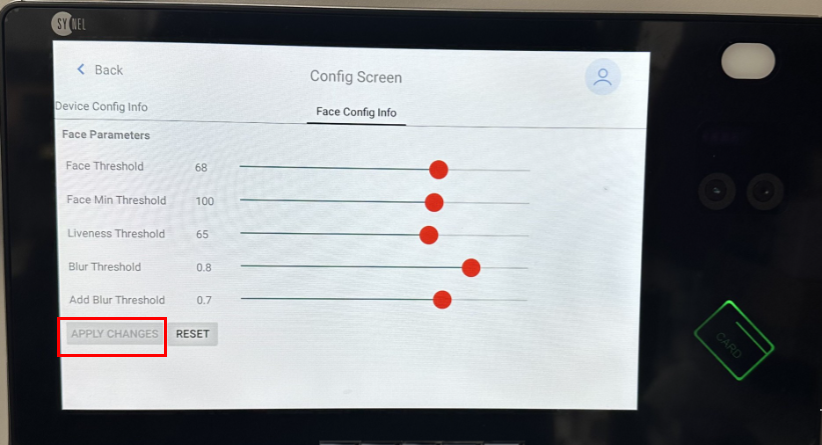
Threshold settings for Synergy 10 facial recognition
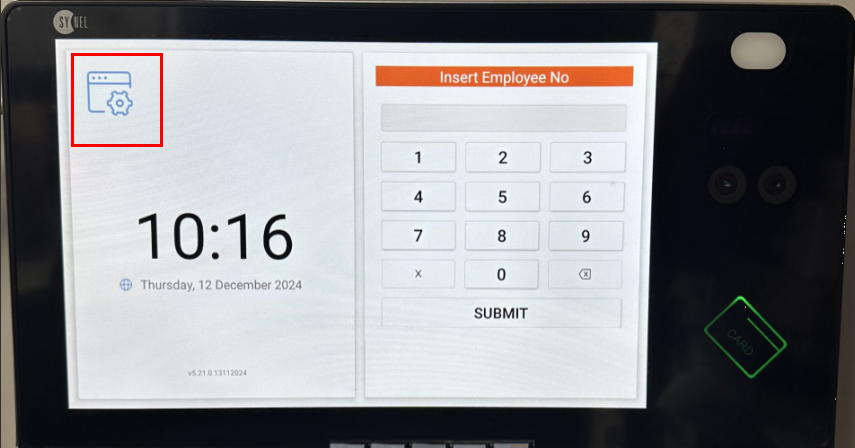
SynergyIf you are having issues with face recognition on your device or you are finding the facial recognition too constricting, these are the steps to successfully navigate to the threshold settings on your Synergy 10 device.
1. On the device select the Admin icon in the top left of the screen.
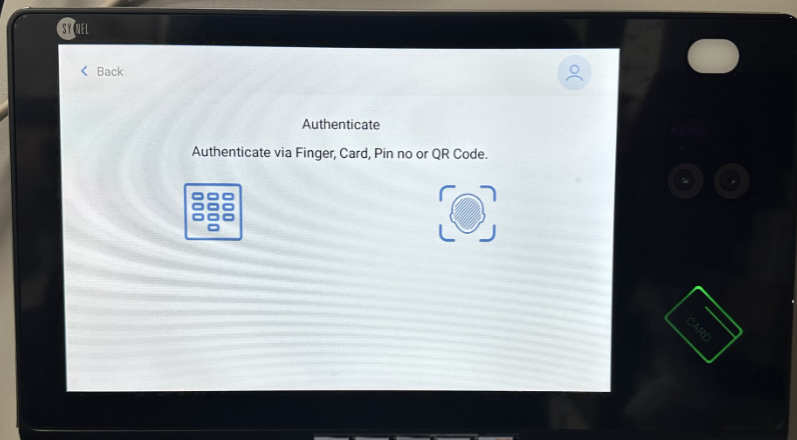
2. Then identify yourself as Admin (face, card or pin).
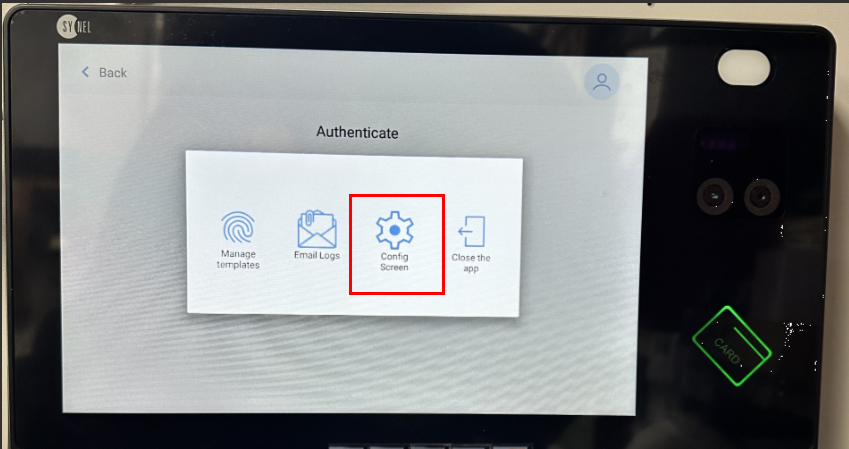
3. Press the third icon "Config Screen".
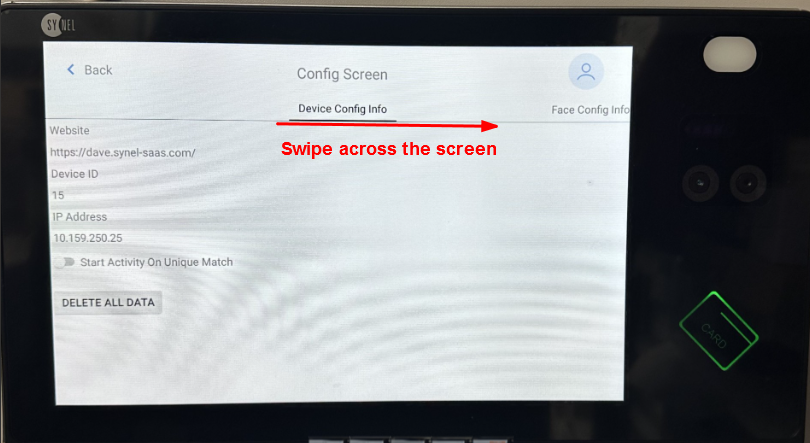
4. Swipe Left ONCE to 'Face config info'.
5. Press Reset at the bottom of the screen.
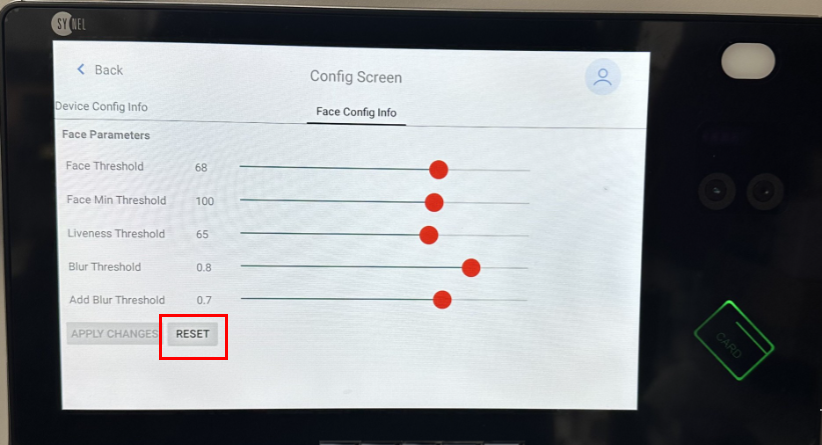
6. Confirm Threshold number.
7. Apply changes (if change made).