Geolocation Tracking
SynergyGeolocation Tracking shows where each swipe was made, for swipes taken through the Synergy App, the smartphone app for Android and iOS. It only covers Synergy App swipes; swipes from a fixed terminal are not tracked.
Find it under Time & Attendance > Geolocation Tracking.
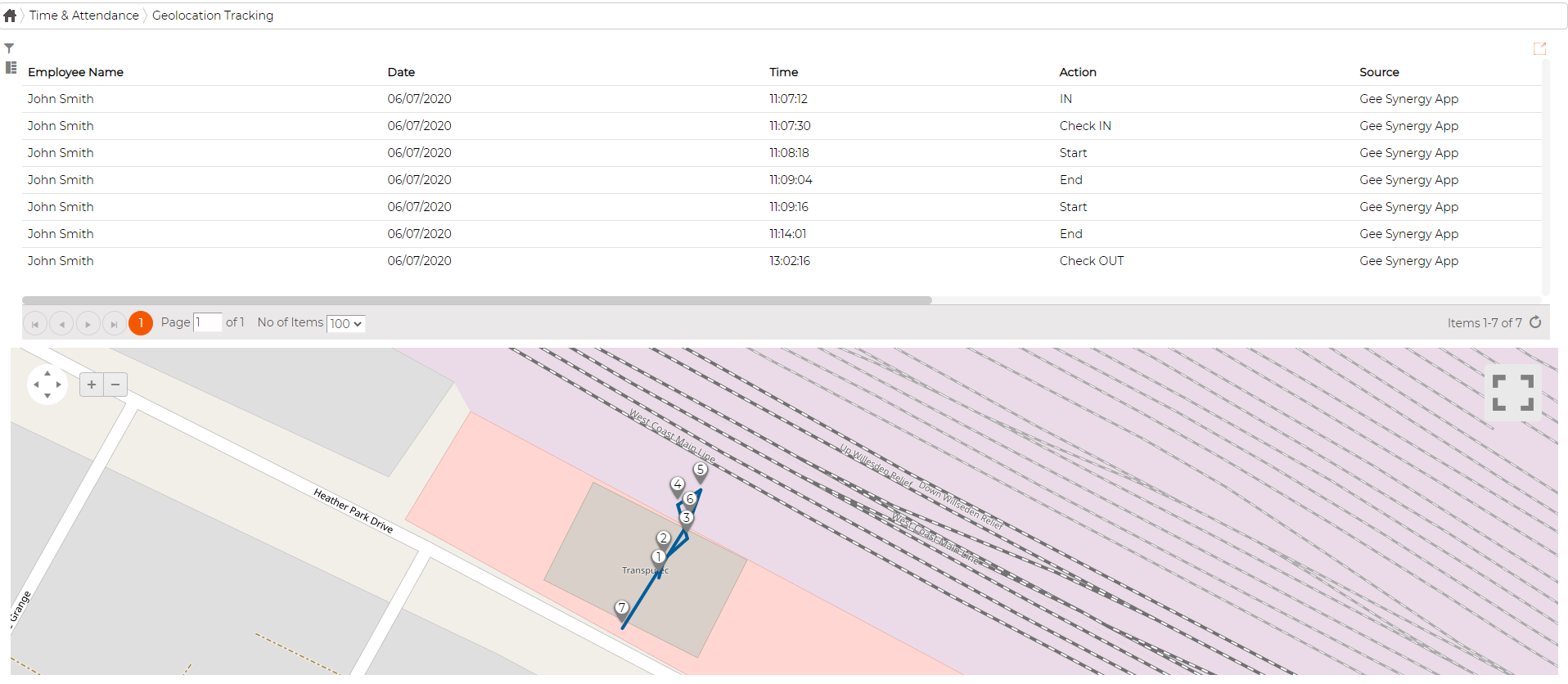
The screen lists each swipe for the selected employee with its date, time, action (IN, Check IN, Start, End, Check OUT) and the source it came from. Below the list, a map plots those same swipes as numbered points, so you can follow where each one was made and in what order.