
Leavers and Inactive
You can mark employees as leavers or as inactive from the employee list. Select one or more employees using the checkboxes.
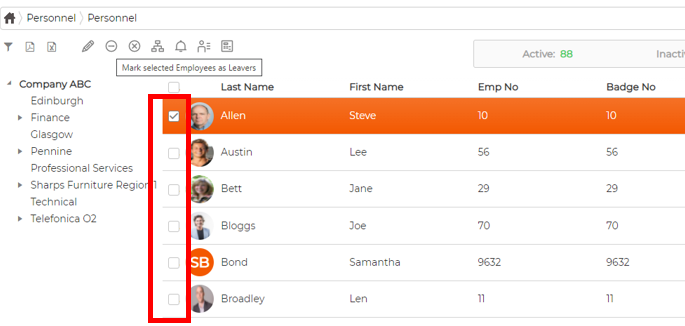
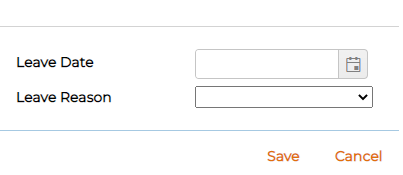
To mark them as leavers, click the leavers icon in the toolbar, enter a Leave Date and Leave Reason, then click Save.
To mark them as inactive instead, click the inactive icon in the toolbar.