Identifying Fourth server IP
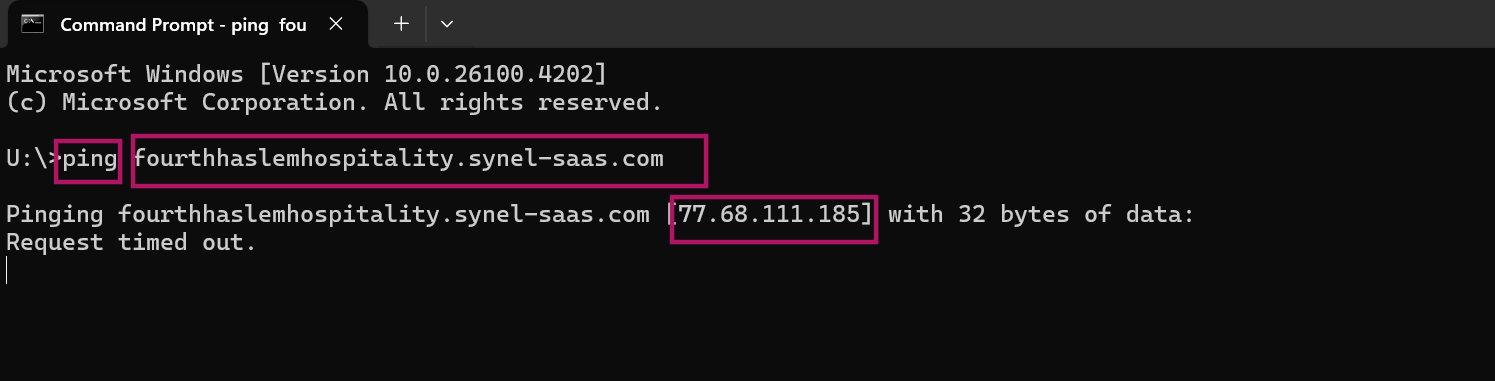
FourthTo find the IP address a Fourth server resolves to, use a ping from the command line.
Open Command Prompt from the Windows Start menu, type ping followed by the correct Fourth URL, and press Enter. The response shows the resolved IP address in square brackets next to the host name. The IP appears even if the ping itself times out, so a Request timed out reply is fine; you are after the address in the brackets.