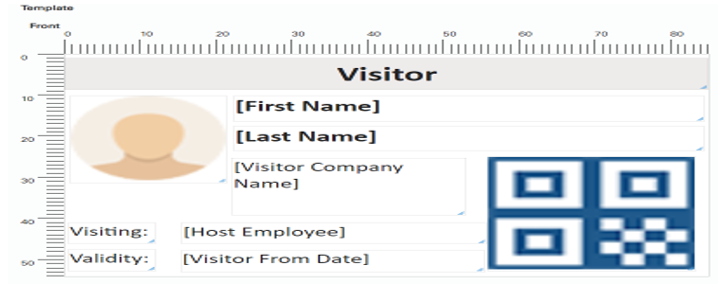
Card/Label Designer
Allows
designing card/label for the printing
Go to Menu – System Setup – Card Designer

Add New Card Design
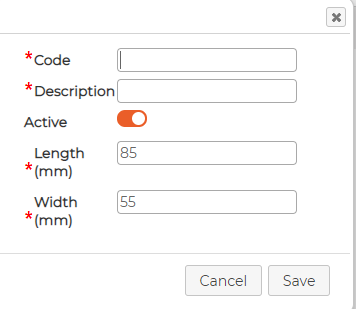
Click on to add new design and fill in the details
Double click the item to add design
Go to Menu – System Setup – Card Designer
Add New Card Design
Click on
to add new design and fill in the details- Insert code and description
- Make sure its active
- Insert the length and width of the
label size and click on Save button
Double click the item to add design
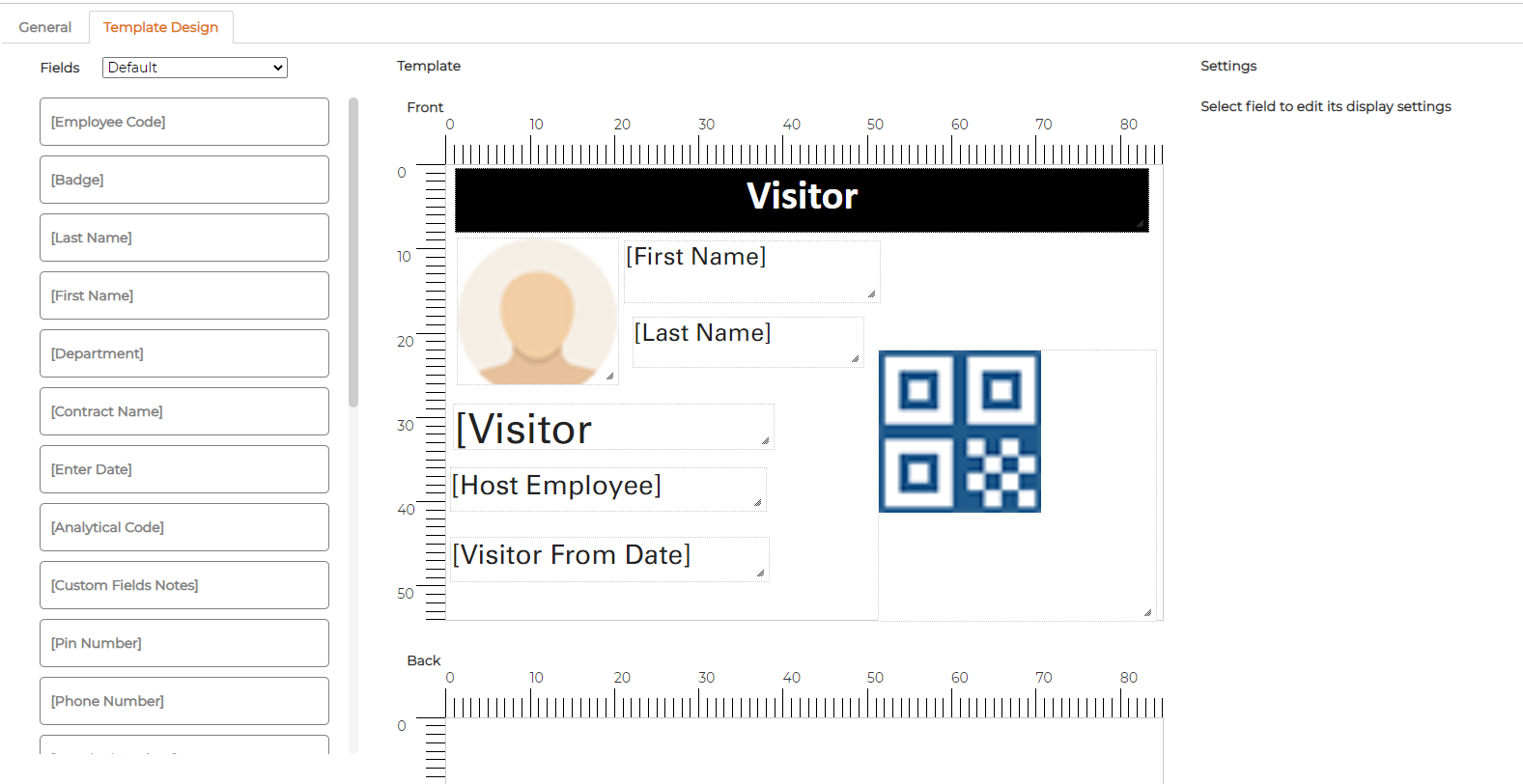
- Drag
and drop available items from left to the window of label
- Item can be resized by dragging the box edges.
- Item
can be moved around and placed at a desired location
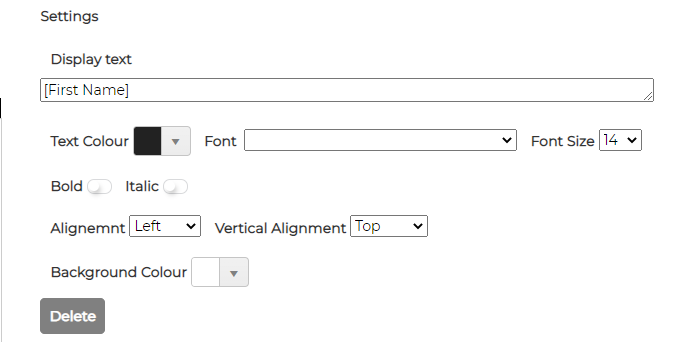
- Depending
on item, system allows defining additional settings on the right-hand side
Example of Label design with QR code