
How to setup User with Card Entry on Synergy Workforce for SY910
SY910, SynergyHow to setup User with Card Entry on Synergy Work Force for SY910
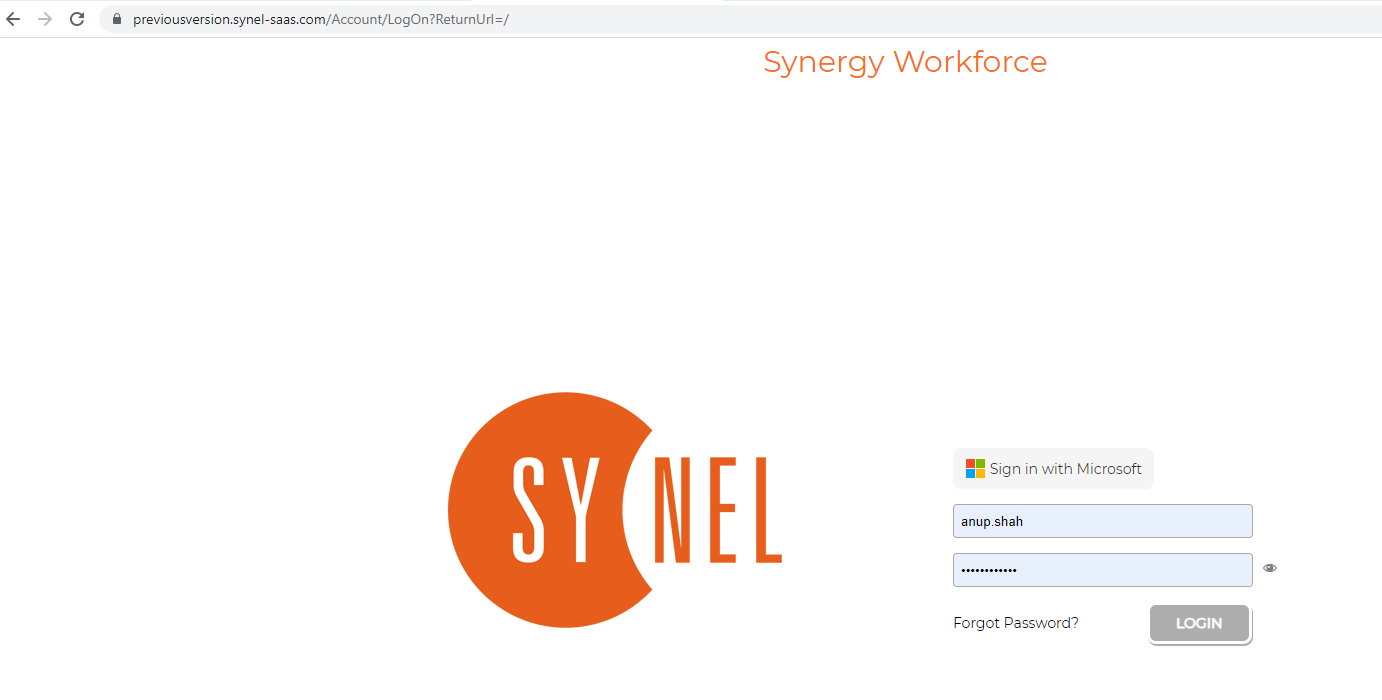
- Log into Synergy Workforce
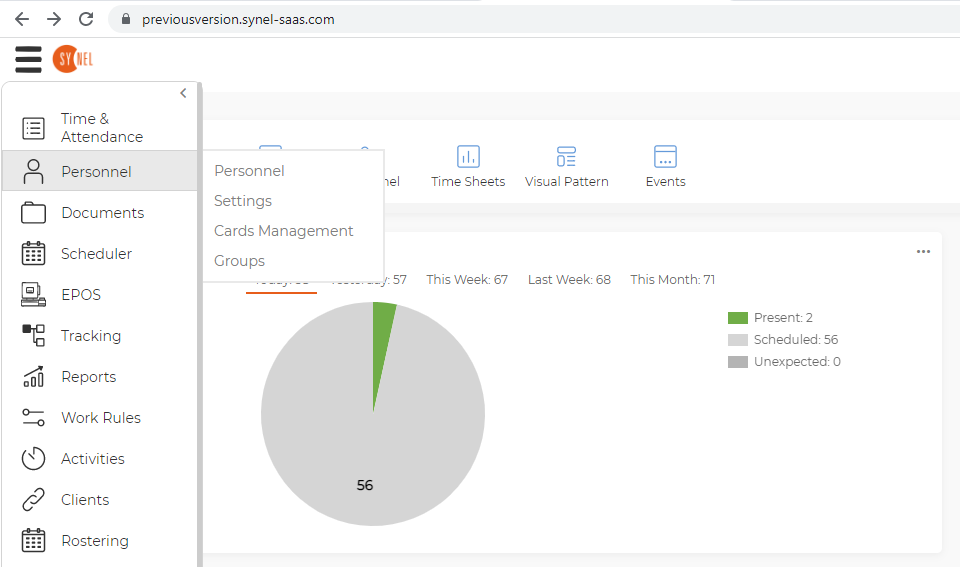
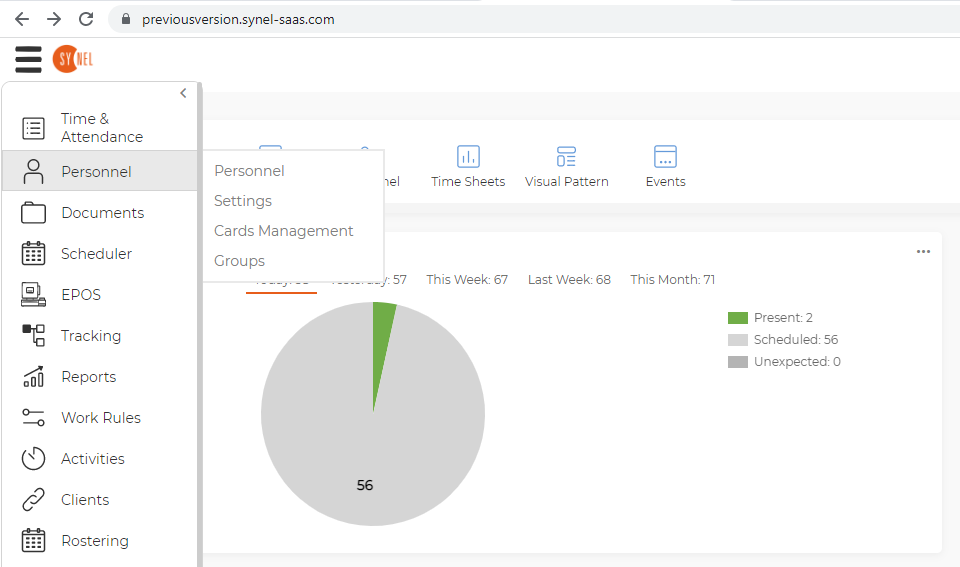
- Go to Personnel, Cards Management
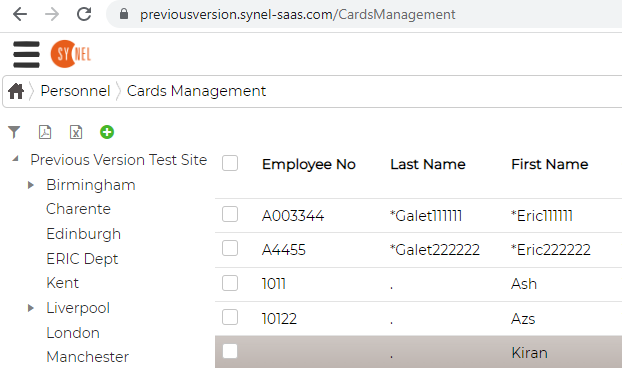
- Select the user you want the Card setup i.e. Kiran
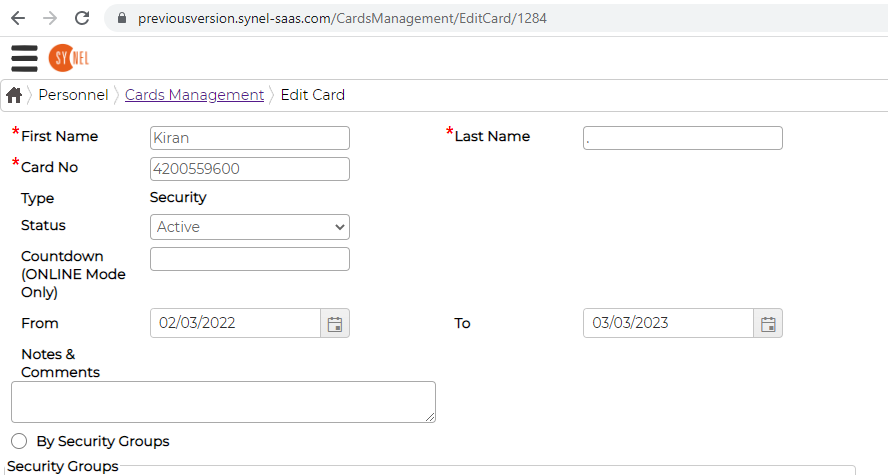
- Enter the details of the Card i.e. 4200559600
Status select - Active
From dd/mm/yyyy TO dd/mm/yyyy (put in the date that you want the card to be active from)
The click on SAVE
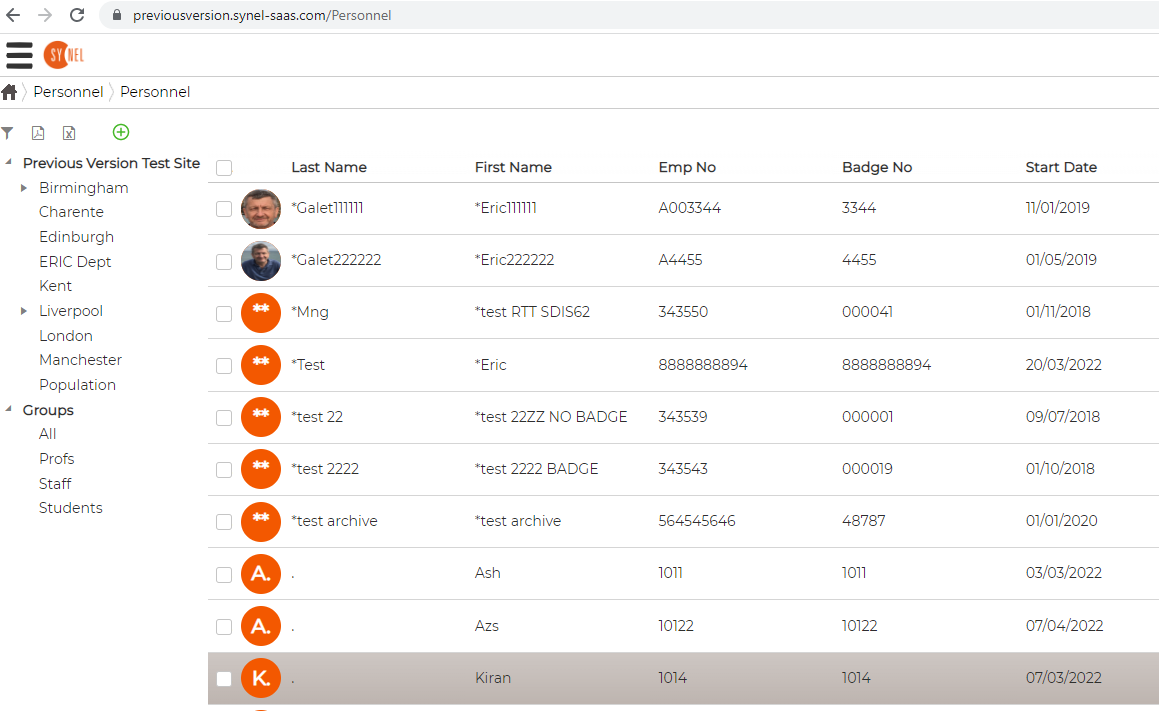
- Then go to Personnel, Personnel
- Double click on the user and click on Additional Settings
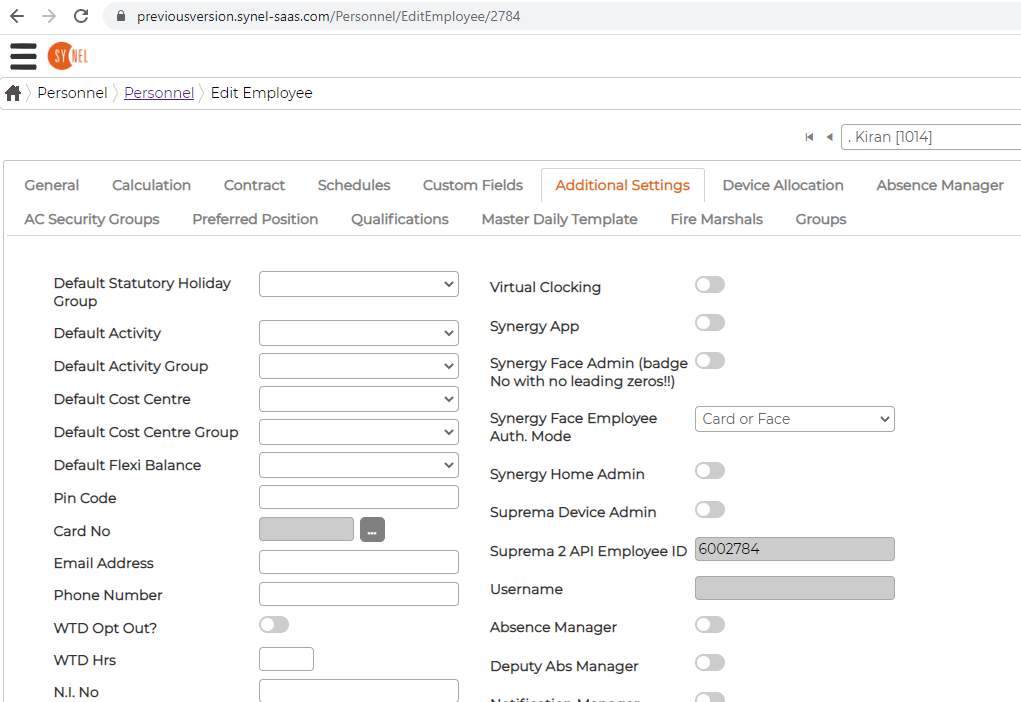
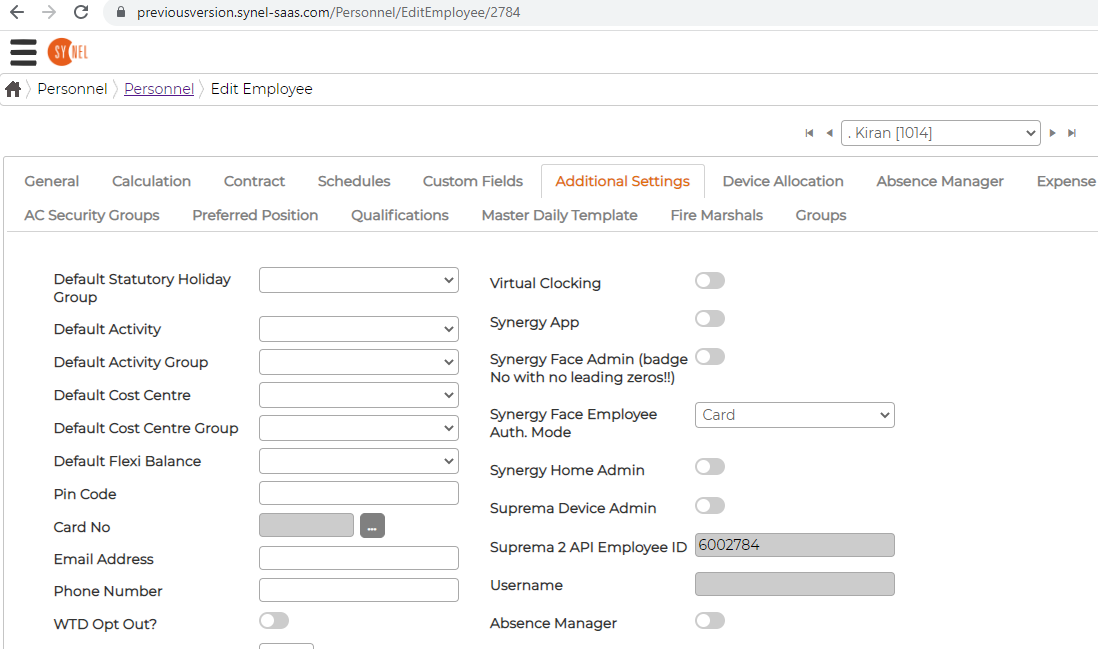
- Synergy Face Employee Auth. Mode select Card
Then click on Save and Continue
Leave this to Sync overnight
The following day the user can try this on the SY910 Device by swiping
there card on the device