
Software - TimeLOG Web / Synergy WF
Navigation Icons
Depending on the user access profile, user will see respective navigation icons and their sub items on top right hand corner of the system

1. Announcement Icon
Clicking on announcement icon will take user to the company website and display What's new in the system.
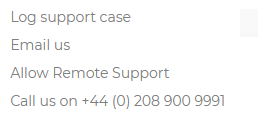
2. Support Icon
Gives additional options to the user to get support if required.
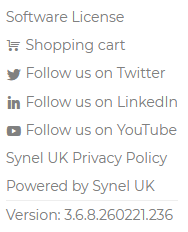
3. Information Icon
Provide additional information and options to the user like Software license, Privacy Policy, version no etc...
4. Help Manual Icon
Navigates to help manual website.
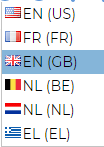
5. Language icon
Allows user to select different language from the list available.
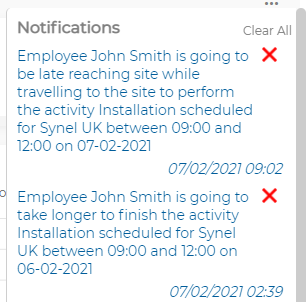
6. Notification Icon
User can click on the icon to view and clear notifications
7. User Icon

Will display either user profile picture or their initials
It also allows user to change their existing password and logout
1. Announcement Icon
Clicking on announcement icon will take user to the company website and display What's new in the system.
2. Support Icon
Gives additional options to the user to get support if required.
3. Information Icon
Provide additional information and options to the user like Software license, Privacy Policy, version no etc...
4. Help Manual Icon
Navigates to help manual website.
5. Language icon
Allows user to select different language from the list available.
6. Notification Icon
User can click on the icon to view and clear notifications
7. User Icon
Will display either user profile picture or their initials
It also allows user to change their existing password and logout