
Setting up a custom language (i.e.French) for the Face Station 2
BioStarCopy the file FACE2_RES_CUSTOM.bin in C:\Program Files\BioStar 2(x64)\resource
Connect to the Face Station 2 with Biostar 2
In the ADVANCED/DISPLAY/SOUND section, click on Update Resource
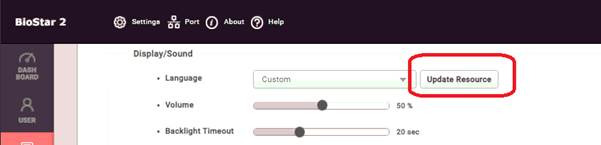
Click on the bin file
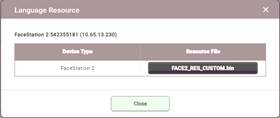
Once this is done you can select the CUSTOM language from Biostar 2 or from the Face Station 2 menu
Note that after a firmware update, the Update Resource must be performed again