Presence Information Panel (PIP)
Presence Information Panel allows user(s) to monitor employees Absence/Presence of employee(s) in the real time.
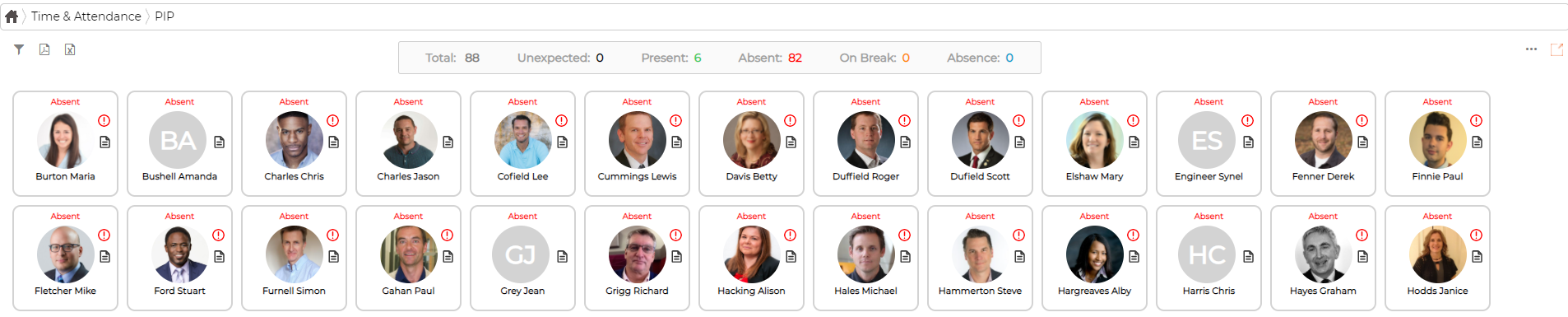
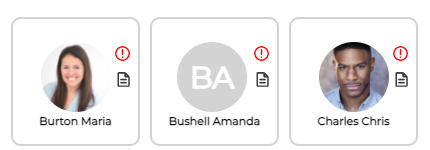
Square boxes are represented by employee picture (if uploaded), name and following information:
Green – Present

Red – Absent
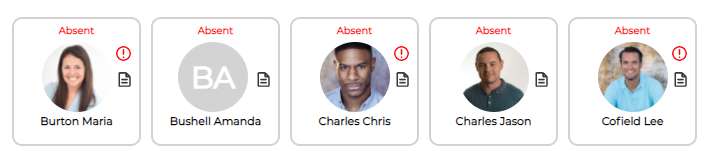
Grey and Flashing - Unexpected
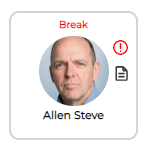
On Break
On Absence Leave
Colour of the absence type is definable by user under Menu - Work Rules - Absences

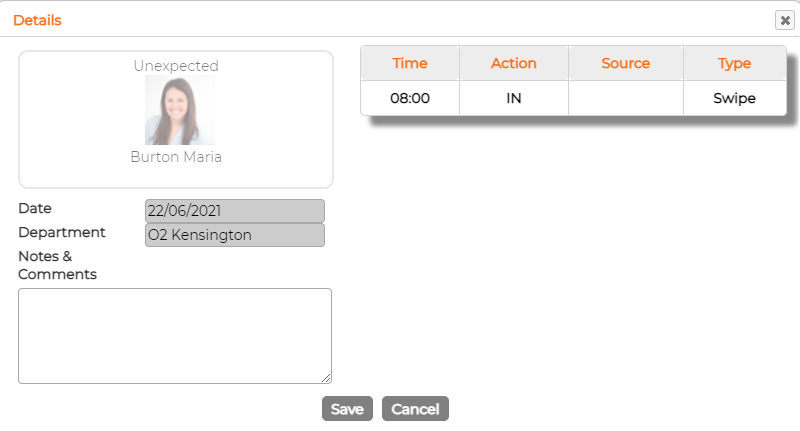
Notes and Comments
Click on the note icon to add notes for the day. It also displays other details like swipe time, action, source where the swipe comes from and the type.
Filter options

Counter Display on top of the screen

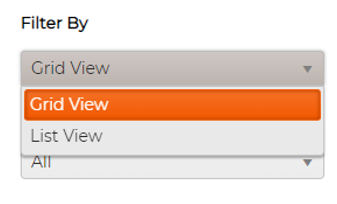
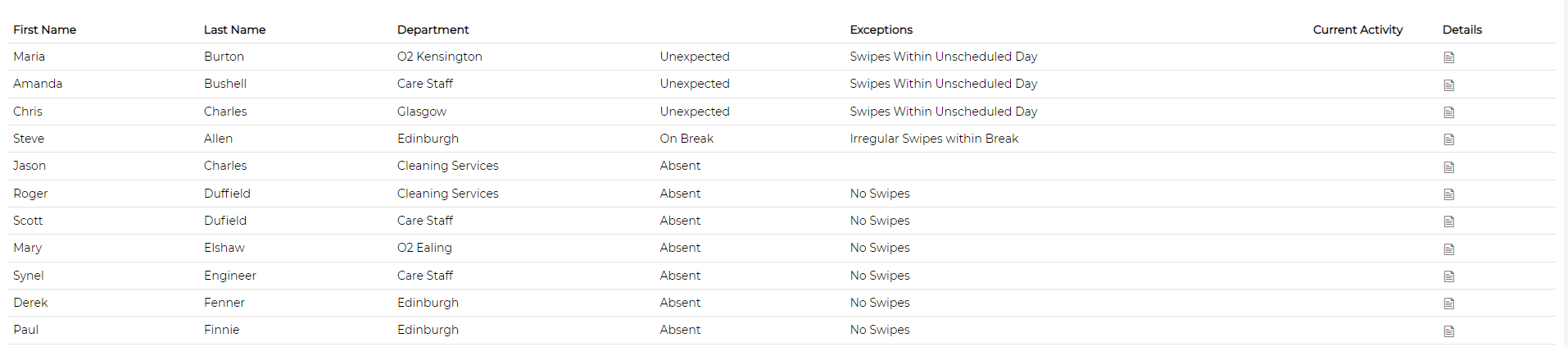
Screen Views